- Introduction
- Build project
- First Application
- Repository upgrade
- Second Application
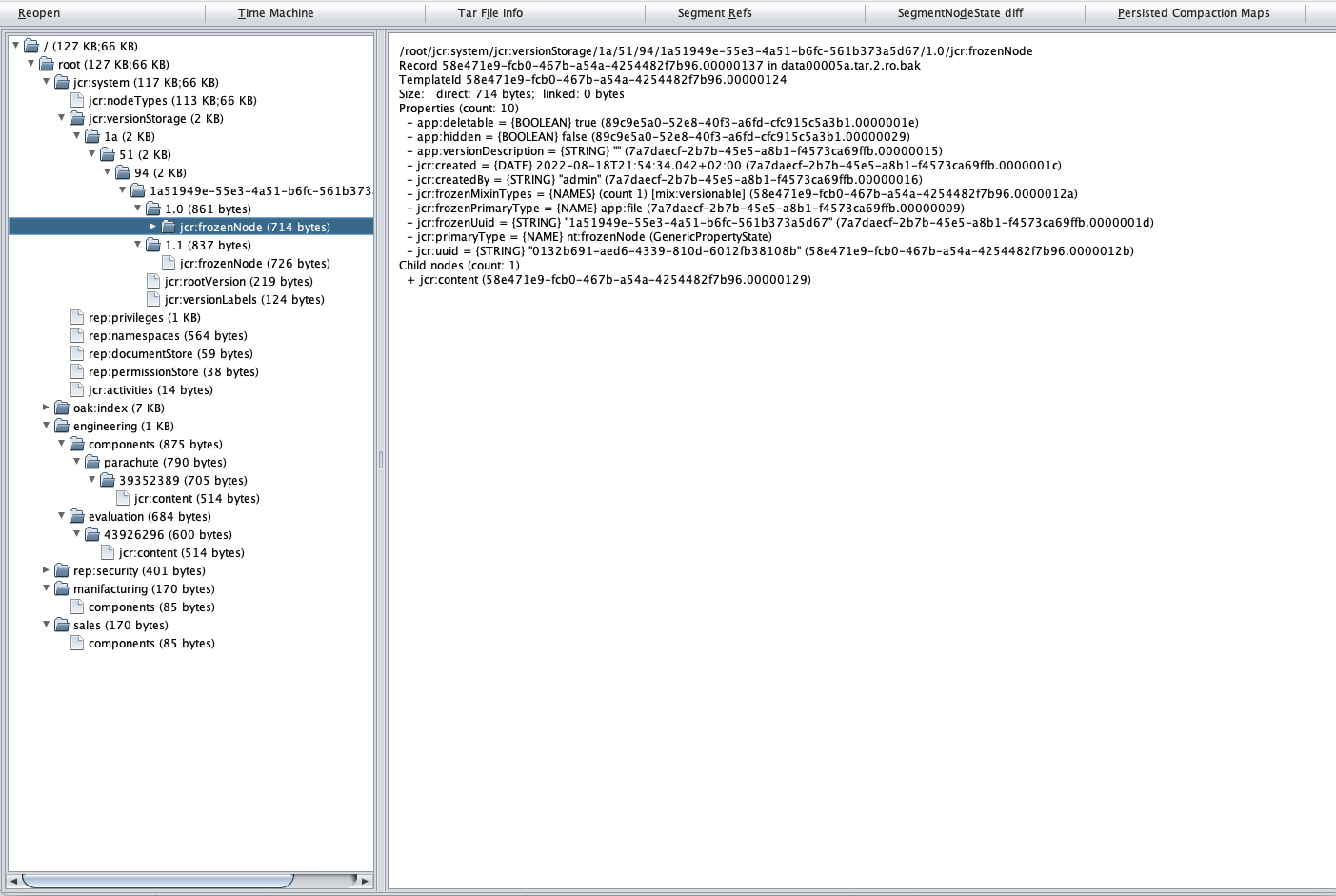
- Check repository content
- Custom node type registration
Apache Jackrabbit Oak is an implementation of JCR 2.0 specification. https://jackrabbit.apache.org/oak/
This project provides a tool for upgrading a Jackrabbit Oak repository with custom node types defined in a Compact Namespace and Node Type Definition (CND) file.
Read the full documentation of the project.
The project also provides a complete example with two applications used to interact with the repository in both the initial and final CND files.
The repository configuration file of the first application is "repository-first-version/src/main.resources/cnd.config".
The repository configuration file of the second application is "repository-second-version/src/main.resources/cnd.config".
The following are the main assumptions:
- The repository is an Oak Segment Tar (Tar file based Segment NodeStore)
- The repository contains custom node types
- The applications use the same Jackrabbit Oak version
The upgrade from the first repository to the second repository consists of the following steps:
- Remove the mixin "app:attributes" that contains the property "app:hidden"
- Add a new property "app:system" into an existent mixin "app:properties"
- Remove the property "app:deletable" from the mixin "app:properties"
- Add a new mixin "app:describable" with a property "app:description"
The repositories contain a versionable node "app:file" with a version-related mixin "app:versionInfo".
The upgrade procedure updates the node and node history properties definition.
mvn clean installConfigure the absolute path where to store the Jackrabbit Oak repository. Use the configuration file located in "Jackrabbit-Oak-repository-upgrade/app-run-first-version/src/main/resources/settings.properties"
cd app-run-first-version
mvn clean installcd app-run-first-version/target
java -jar app-run-first-version-1.0-SNAPSHOT.jarConfigure the absolute path where to store the Jackrabbit Oak repository. Use the configuration file located in "Jackrabbit-Oak-repository-upgrade/repository-upgrade-second-version/src/main/resources/settings.properties"
The path must match the one defined in the first application.
cd repository-upgrade-second-version/target
java -jar repository-upgrade-second-version-1.0-SNAPSHOT.jarConfigure the absolute path where to store the Jackrabbit Oak repository. Use the configuration file located in "Jackrabbit-Oak-repository-upgrade/app-run-second-version/src/main/resources/settings.properties"
The path must match the one defined in the first application.
cd app-run-second-version
mvn clean installcd app-run-second-version/target
java -jar app-run-second-version-1.0-SNAPSHOT.jarDownload oak-run-1.6.22.jar from https://search.maven.org/artifact/org.apache.jackrabbit/oak-run/1.6.22/jar
java -jar oak-run-1.6.22.jar explore /path/to/oak-repository/repositoryRemember to refer to the path of the "repository" directory inside the Jackrabbit Oak repository.
The custom node types can be registered into the content repository with a "Compact Namespace and Node Type Definition" file. Refer to: http://jackrabbit.apache.org/jcr/node-types.html