




Complete vendor app replacement with Home Assistant for Dreame robot vacuums running (a custom build of) Valetudo.
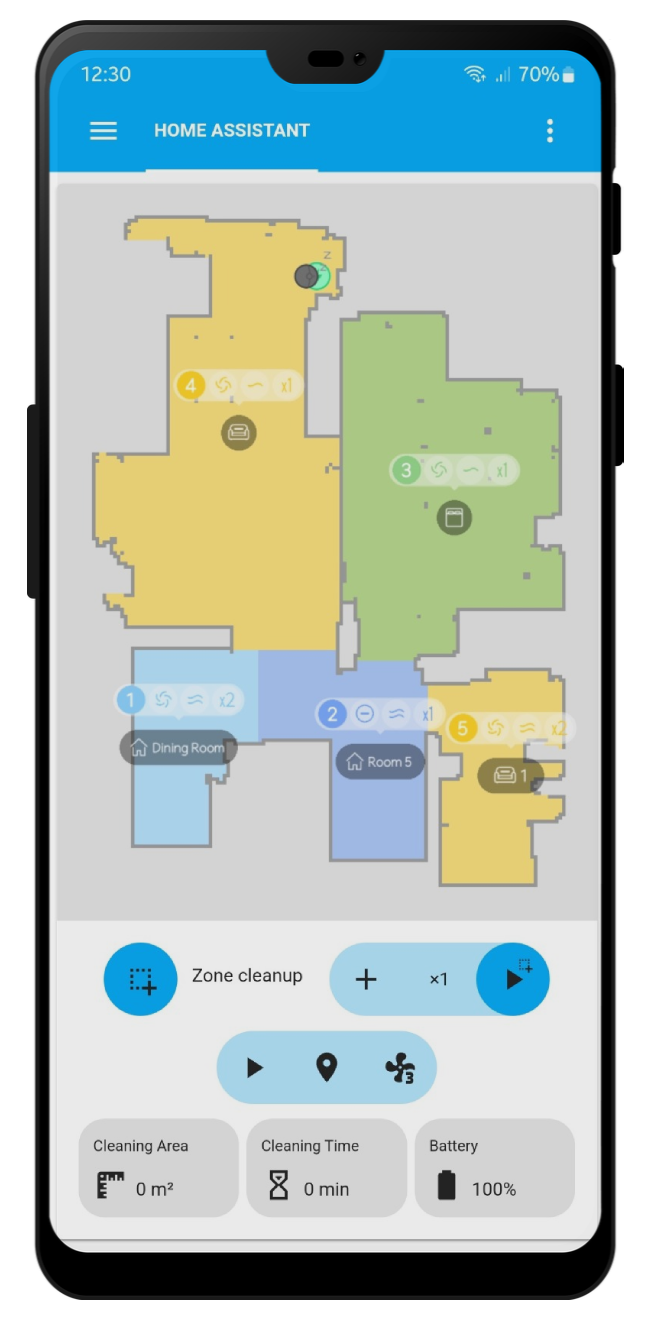
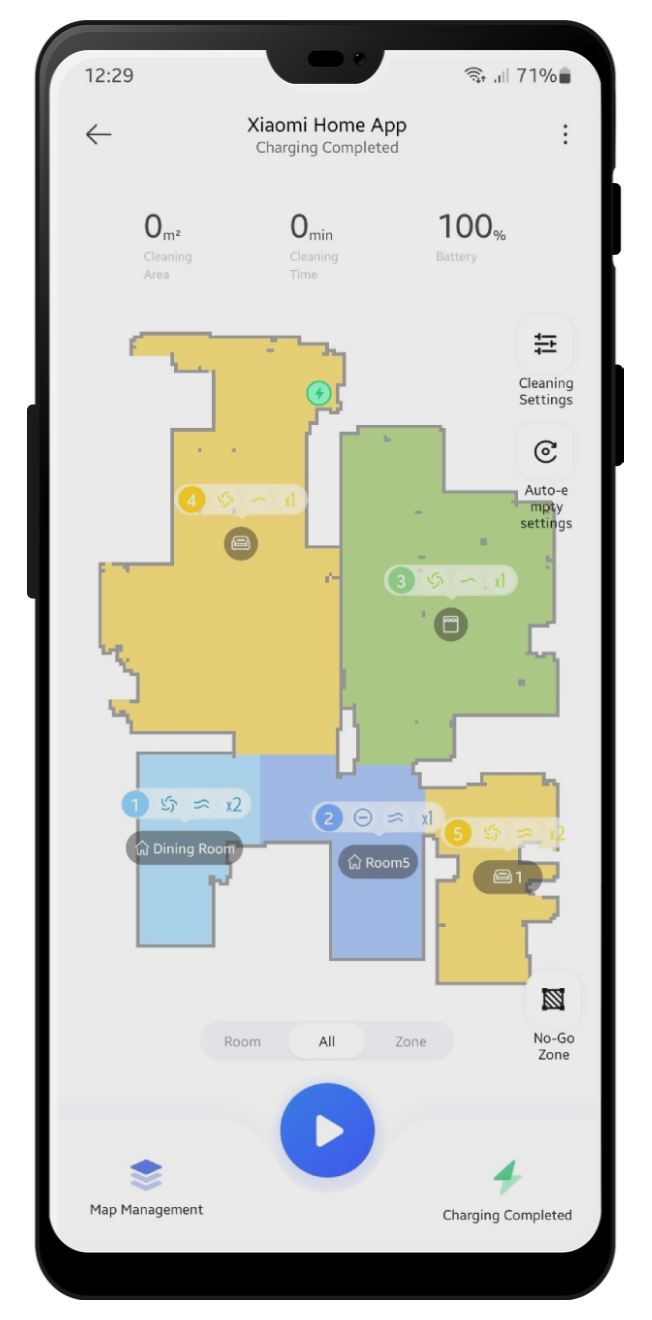
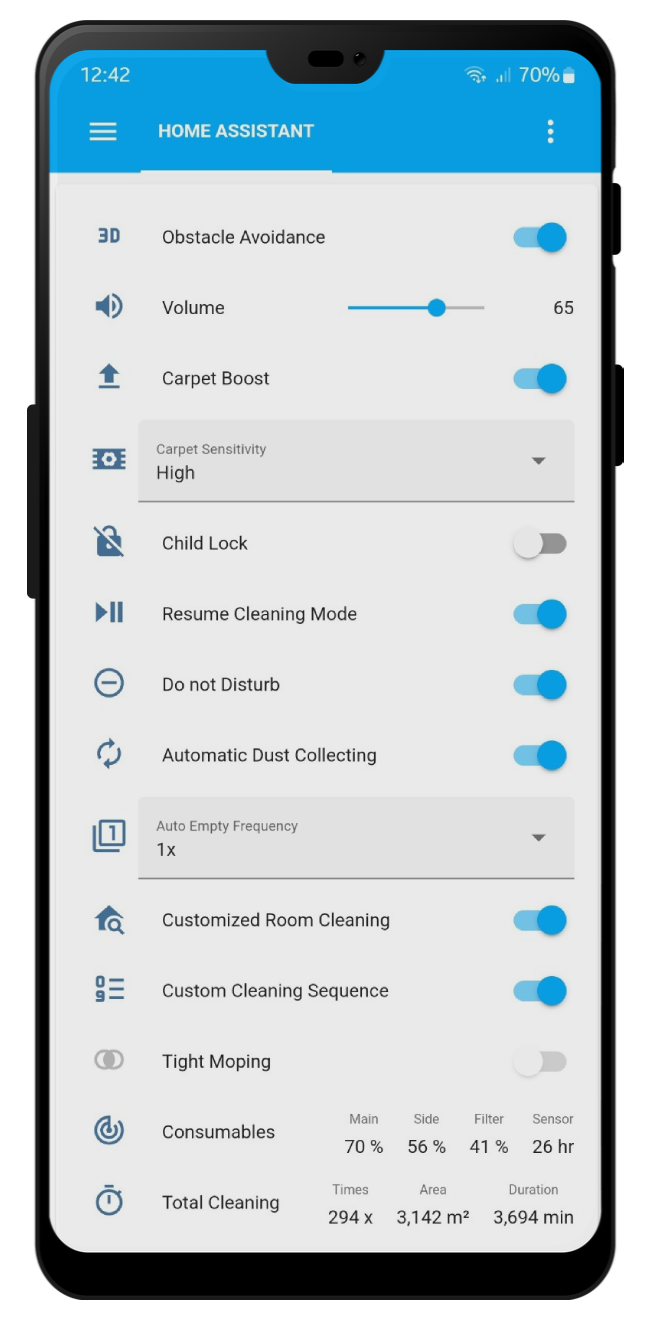
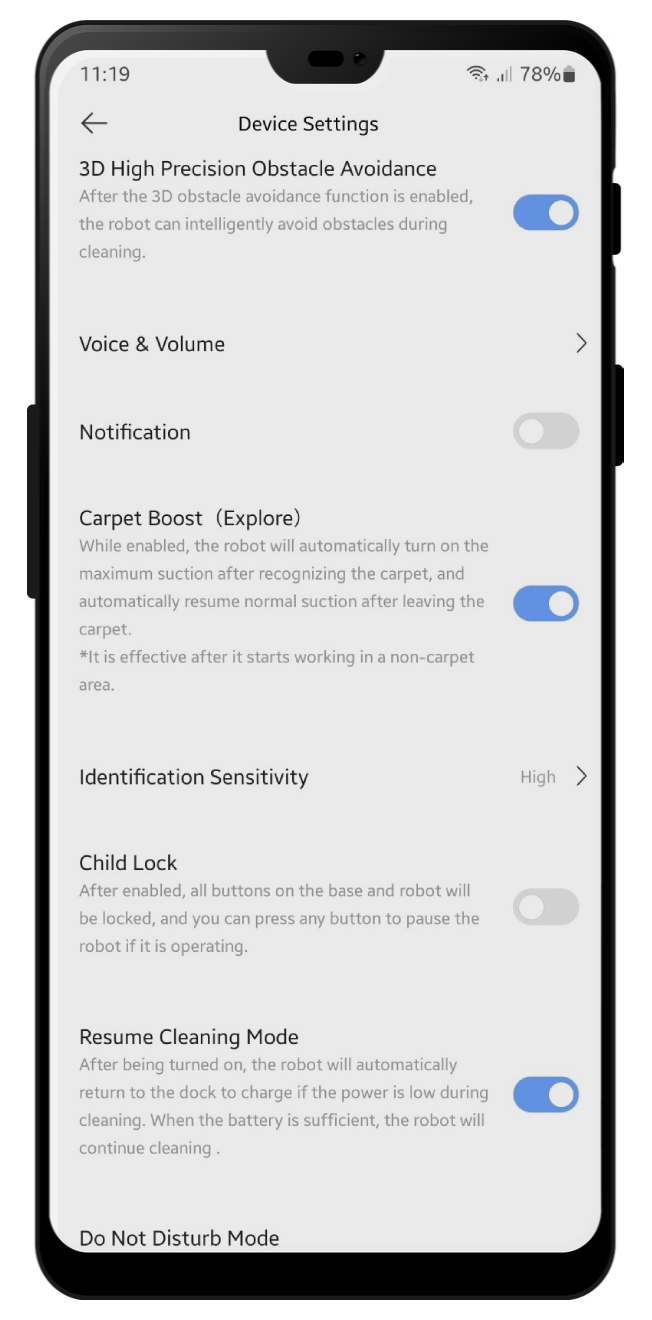
- Supported devices
- Auto generated device entities
- Live and multi floor map support
- Map obstacle photos
- Cleaning and cruising history maps
- Cloud and local map backup/recovery
- Saved WiFi coverage maps
- Customized room cleaning entities
- Services for device and map with examples
- Persistent notifications and error reporting
- Events for automations
- Dreamehome account support
- Movahome account support
Replace the valetudo binary on your robot with my Valetudo fork.
Next, add this repo as a custom repository in HACS, and install Dreame Vacuum Valetudo.
You can find the required token in /data/config/miio/device.token on your robot. Note that you do need to encode it to hex before entering it in the integration setup.
-
Select configuration type:
- Local: TODO
-
Enter required credentials according to the selected configuration type.
Please make sure that the devices are at same subnet. python-miio article about this issue.
-
Set your device name and integration settings:
TODO
-
Navigate to device page for disabling or enabling entities that you want to use.
Integration is compatible with all available Lovelace vacuum cards but if you want to use zone cleaning feature you can prefer the Xiaomi Vacuum Card.
Work in progress... #466
Template for room and zone cleaning.

{# ----------------- PROVIDE YOUR OWN ENTITY IDS HERE ----------------- #}
{% set camera_entity = "camera." %}
{% set vacuum_entity = "vacuum." %}
{# ------------------- DO NOT CHANGE ANYTHING BELOW ------------------- #}
{% set attributes = states[camera_entity].attributes %}

type: custom:xiaomi-vacuum-map-card
vacuum_platform: default
entity: {{ vacuum_entity }}
map_source:
  camera: {{ camera_entity }}
calibration_source:
  camera: true
map_modes:
  - template: vacuum_clean_zone
    max_selections: 10
    repeats_type: EXTERNAL
    max_repeats: 3
    service_call_schema:
      service: dreame_vacuum.vacuum_clean_zone
      service_data:
        entity_id: '[[entity_id]]'
        zone: '[[selection]]'
        repeats: '[[repeats]]'
  - template: vacuum_clean_segment
    repeats_type: EXTERNAL
    max_repeats: 3
    service_call_schema:
      service: dreame_vacuum.vacuum_clean_segment
      service_data:
        entity_id: '[[entity_id]]'
        segments: '[[selection]]'
        repeats: '[[repeats]]'
    predefined_selections:
{%- for room_id in attributes.rooms | default([]) %}
{%- set room = attributes.rooms[room_id] %}
      - id: {{room_id}}
        outline:
          - - {{room["x0"]}}
            - {{room["y0"]}}
          - - {{room["x0"]}}
            - {{room["y1"]}}
          - - {{room["x1"]}}
            - {{room["y1"]}}
          - - {{room["x1"]}}
            - {{room["y0"]}}
{%- endfor %}
  - name: Clean Spot
    icon: mdi:map-marker-plus
    max_repeats: 3
    selection_type: MANUAL_POINT
    repeats_type: EXTERNAL
    service_call_schema:
      service: dreame_vacuum.vacuum_clean_spot
      service_data:
        entity_id: '[[entity_id]]'
        points: '[[selection]]'
        repeats: '[[repeats]]'
With Vacuum Card
type: custom:vacuum-card
entity: # Your vacuum entity
map: # Map Entity
map_refresh: 1
stats:
  default:
    - attribute: filter_left
      unit: '%'
      subtitle: Filter
    - attribute: side_brush_left
      unit: '%'
      subtitle: Side brush
    - attribute: main_brush_left
      unit: '%'
      subtitle: Main brush
    - attribute: sensor_dirty_left
      unit: '%'
      subtitle: Sensors
  cleaning:
    - attribute: cleaned_area
      unit: m2
      subtitle: Cleaned area
    - attribute: cleaning_time
      unit: min
      subtitle: Cleaning time
shortcuts:
  - name: Clean Room 1
    service: dreame_vacuum.vacuum_clean_segment
    service_data:
      entity_id: # Your vacuum entity
      segments: 1
    icon: mdi:sofa
  - name: Clean Room 2
    service: dreame_vacuum.vacuum_clean_segment
    service_data:
      entity_id: # Your vacuum entity
      segments: 2
    icon: mdi:bed-empty
  - name: Clean Room 3
    service: dreame_vacuum.vacuum_clean_segment
    service_data:
      entity_id: # Your vacuum entity
      segments: 3
    icon: mdi:silverware-fork-knife
With Valetudo Map Card
Enable Map Data camera entity.

type: custom:valetudo-map-card
vacuum: # Your vacuum name not the entity id
rotate: 0 # Map rotation entity does not work on valetudo map card
dock_icon: mdi:lightning-bolt-circle
dock_color: rgb(105 178 141)
vacuum_color: rgb(110, 110, 110)
wall_color: rgb(159, 159, 159)
floor_color: rgb(221, 221, 221)
no_go_area_color: rgb(177, 0, 0)
no_mop_area_color: rgb(170, 47, 255)
virtual_wall_color: rgb(199, 0, 0)
virtual_wall_width: 1.5
currently_cleaned_zone_color: rgb(221, 221, 221)
path_color: rgb(255, 255, 255)
path_width: 1.5
segment_opacity: 1
segment_colors:
  - rgb(171, 199, 248)
  - rgb(249, 224, 125)
  - rgb(184, 227, 255)
  - rgb(184, 217, 141)
With Xiaomi Vacuum Card and Picture Entity Card
type: picture-entity
entity: # Your vacuum entity
camera_image: # Your camera entity
show_state: false
show_name: false
camera_view: live
tap_action:
  action: none
hold_action:
action: nonetype: custom:xiaomi-vacuum-card
entity: # Your vacuum entity
vendor: xiaomi
attributes:
main_brush_life:
label: 'Main Brush: '
key: main_brush_left
unit: '%'
icon: mdi:car-turbocharger
side_brush_life:
label: 'Side Brush: '
key: side_brush_left
unit: '%'
icon: mdi:pinwheel-outline
filter_life:
label: 'Filter: '
key: filter_left
unit: '%'
icon: mdi:air-filter
sensor_life:
label: 'Sensor: '
key: sensor_dirty_left
unit: '%'
icon: mdi:radar
main_brush: false
side_brush: false
filter: false
sensor: false
- Integrated custom lovelace map card
- Shortcut editing
- Schedule editing
- Furniture editing
- DnD editing
- Live camera streaming
- Backend translations
To submit your changes please fork dev branch of this repository and open a pull request.
- xiaomi_vacuum by @pooyashahidi
- Xiaomi MIoT for Home Assistant by @ha0y
- Xiaomi Cloud Map Extractor by @PiotrMachowski
- Dreame cloud authentication by @kuudori
- Mova cloud help by @r1si
- Valetudo support @riboyama