


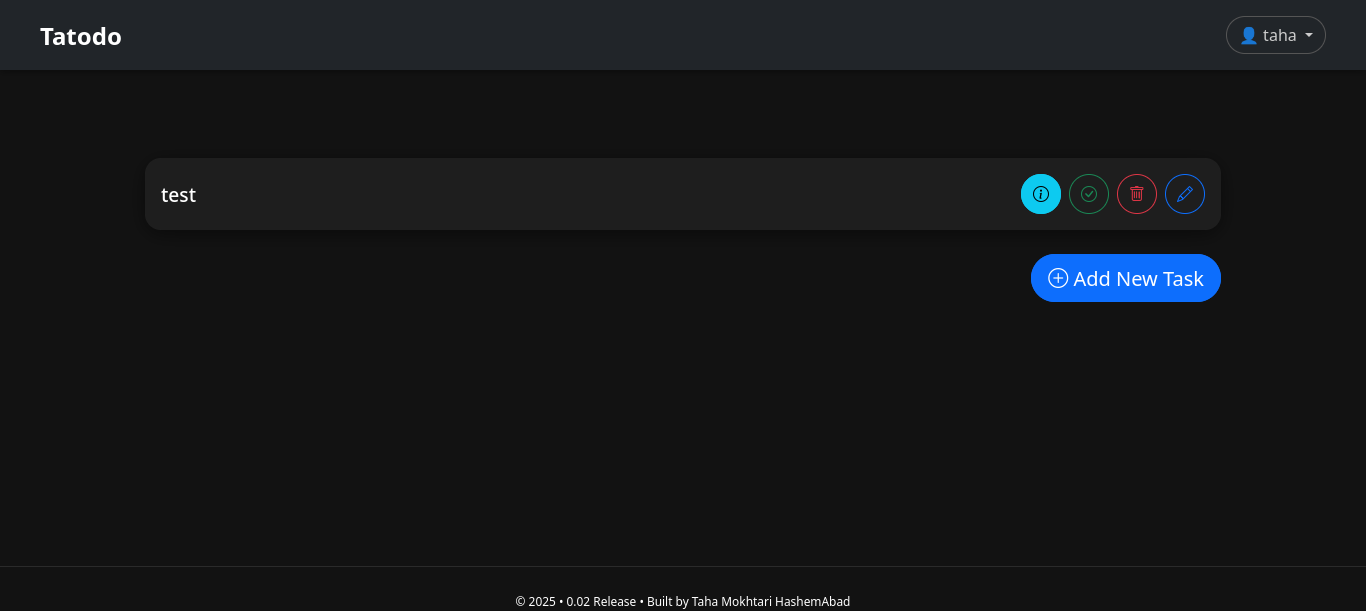
The Simple TodoList app written in django.
(c) by Taha Mokhtari HashemAbad, see License in LICENSE file.
!!!Warning!!! Now This app in development level. You can contribute to this app in Github platform.
See dev branch
First you have to clone it(or fork for yourself and next clone it):
git clone [email protected]:thmkhtry490/Tatodo # If you fork it swap thmkhtry490 to your username
cd Tatodo
For next, you can create venv(you can see more in here ):
python -m venv venv
source venv/bin/activate # It's for Unix Like's Operating Systems. For Windows see https://docs.python.org/3/library/venv.html
Next, Install requirments:
pip install -r requirments.txt
For next, You Must Create your secret key:
python -c "from secrets import token_urlsafe; print(token_urlsafe(50))"
To configure environment variables for this project:
-
Copy the sample environment file:
cp sampleenv .env
-
Open
.envin a text editor and fill in the required values. Here's what each variable means:Variable Description SECRET_KEYYour Django secret key. You can generate one using: python -c "from django.core.management.utils import get_random_secret_key; print(get_random_secret_key())"DEBUGSet to Truefor development orFalsefor production.ALLOWED_HOSTSA comma-separated list of allowed hostnames, e.g., 127.0.0.1,localhostSIGNUP_ENABLEEnable Signup for another user, TrueorFalse -
Save the file, and make sure it's not committed to version control (already ignored in
.gitignore).
For run, run here commands for make database migrations and run it:
python manage.py migrate
python manage.py createsuperuser # for use admin panel
python manage.py runserver
and see in localhost:8000
Do your works funny!
First you must config .env file and set parameters for your work.
Install docker and docker-compose-v2 and run this command :
# docker compose up -d --build
for next run createsuperuser command:
# docker compose run mytodolist-web-1 python manage.py createsuperuser
See it in localhost:8000 and use it !