1. How to use
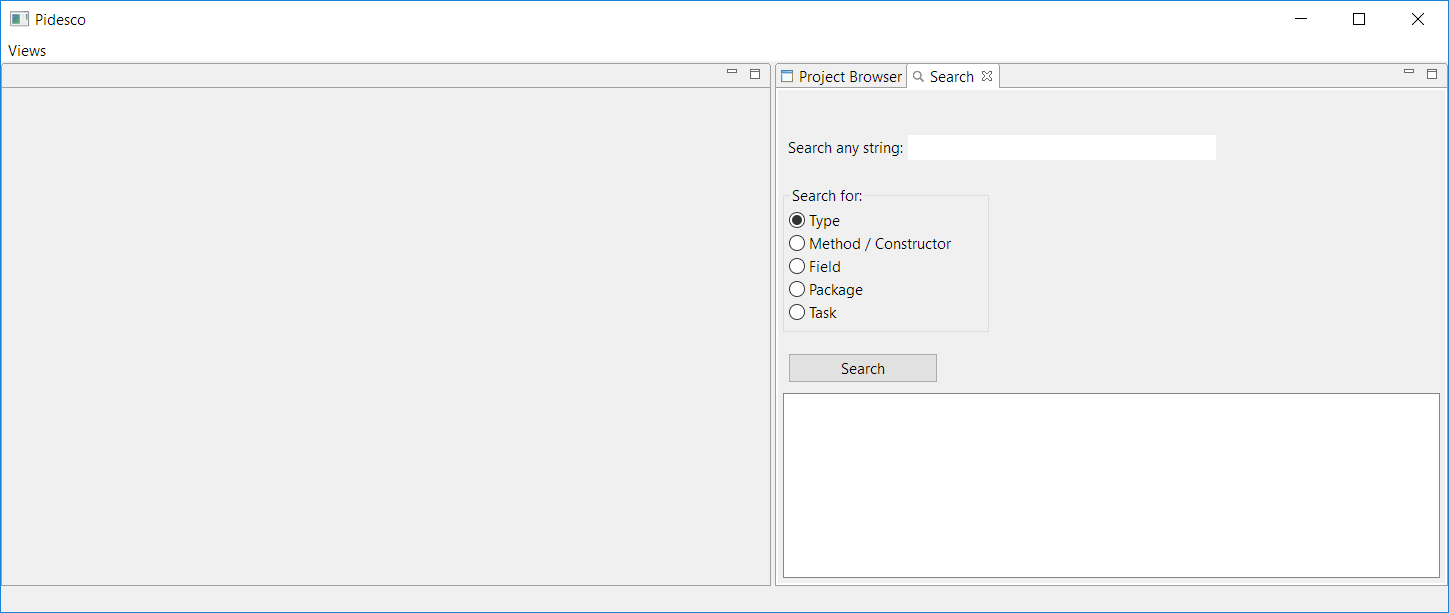
After running the plug-in with PIDESCO we arrive at the following screen:
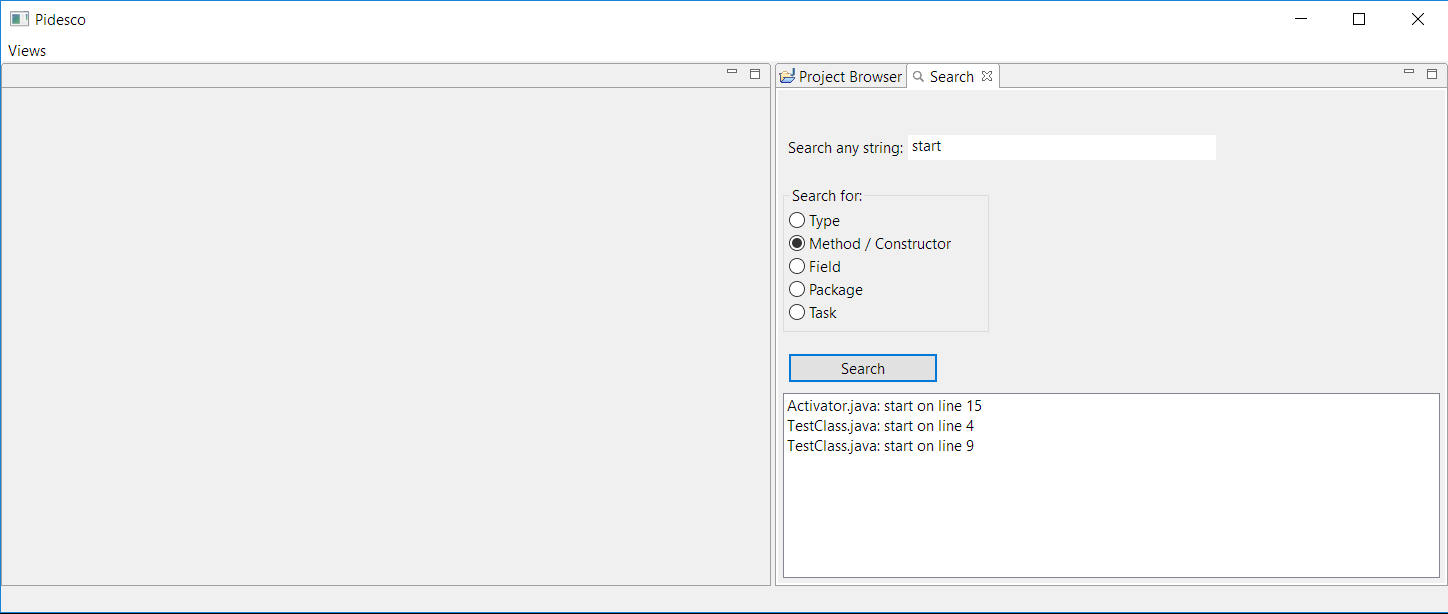
We enter what we want to search in the Search box, select a type of search (type, method / constructor, etc) and hit the search button. The results are displayed in the ListViewer below:
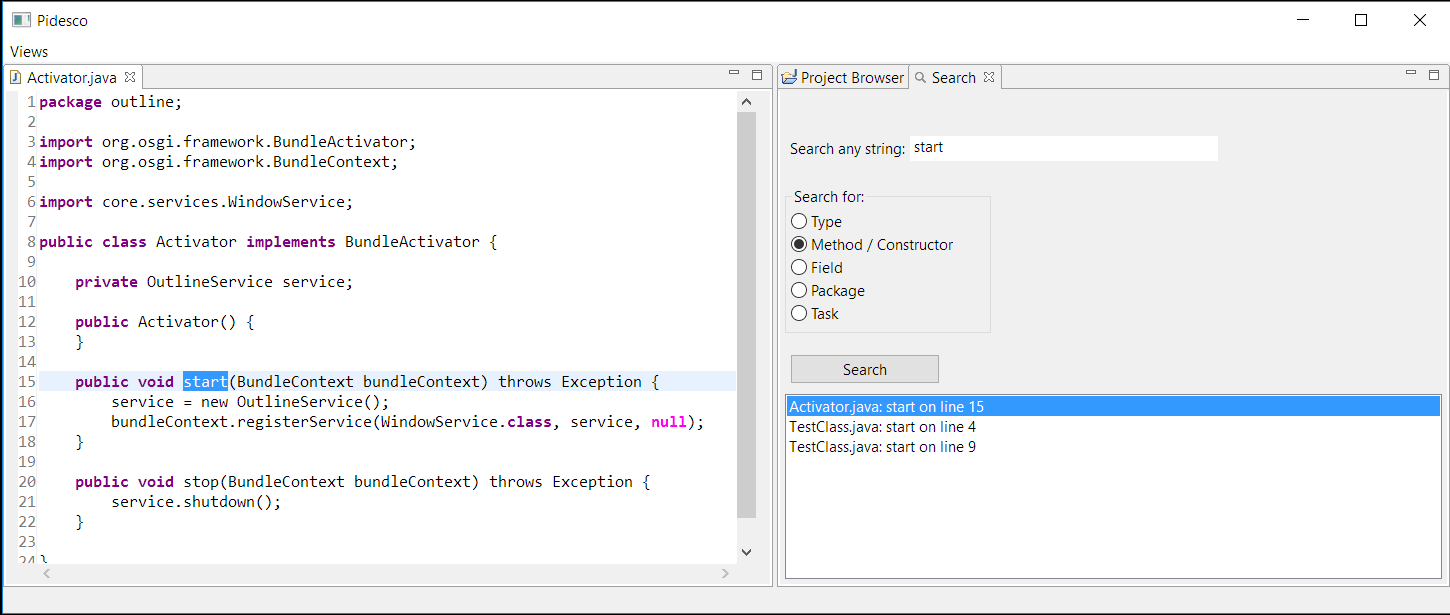
We can double-click any of the results and the selection will be displayed in the PIDESCO editor: