This CloudFormation Snippets extension equips Visual Studio Code with JSON and YAML snippets for all AWS CloudFormation and SAM resources - over 1250+ in total. It's your complete toolset for efficient CloudFormation template development.
Tip
Stop AWS bill surprises before they ship.
Most infrastructure changes look harmless until next month's AWS bill lands. CloudBurn analyzes the cost impact of your AWS CDK changes right in the GitHub pull request, so expensive mistakes get caught during code review, while a fix is still a one-line change.

💰 Set it up once, then never be surprised by AWS costs again
- Install the free CDK Diff PR Commenter GitHub Action in the repository where you build your AWS CDK infrastructure
- Then install the CloudBurn GitHub App on the same repository
From then on, every PR with infrastructure changes gets a comment with your CDK diff analysis, and CloudBurn adds a cost report next to it:
- Monthly cost impact: whether this change raises or lowers your AWS bill, and by how much
- Per-resource breakdown: which resources drive the change, old versus new monthly cost
- Region-aware pricing: rates match the region your infrastructure actually deploys to
Cost review happens inside code review, so you optimize as you code, while the context is still fresh.
CloudBurn is free during beta. After launch, a free Community plan (1 repository, unlimited users) stays available.
- Comprehensive Coverage: Offers snippets for all AWS CloudFormation and AWS SAM resources available - that's over 1250+ resources snippets at your fingertips!
- Complete Property Support: Includes all nested properties for each resource, ensuring you have access to every configurable aspect of your AWS resources.
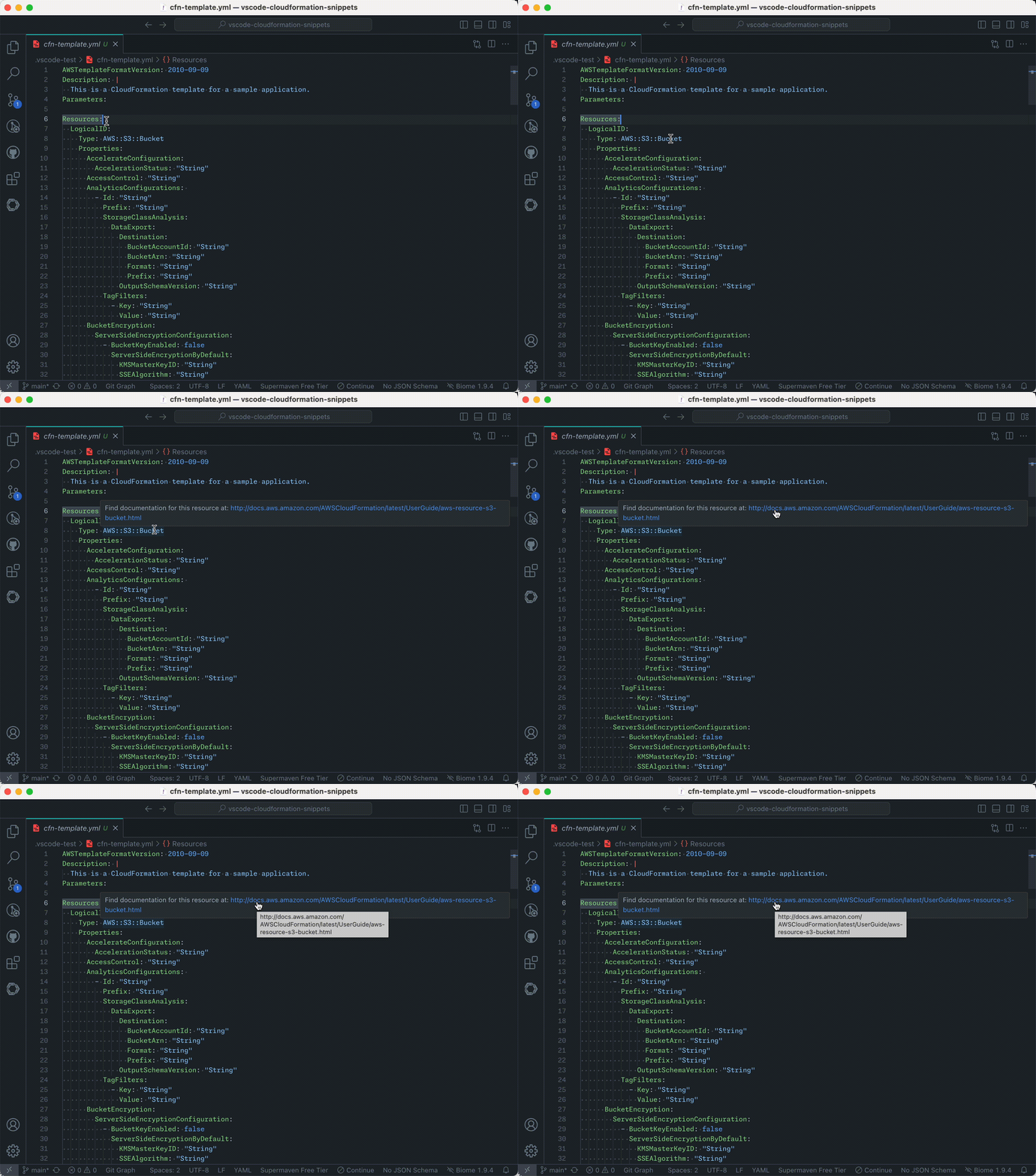
- Documentation Hover Links: Quickly access AWS CloudFormation resource and property documentation by hovering over resource types and property names in your templates.
- Flexible Template Support: Seamlessly works with both YAML and JSON CloudFormation templates.
- Efficient Autocomplete: Simply type the resource name (e.g.,
ec2-instance) to instantly load the corresponding snippet forAWS::EC2::Instance. - Rich Feature Set: Incorporates intrinsic functions, conditions, and diverse parameter types for robust template creation.
- Enhanced Navigation: Features placeholders that enable swift movement through resource properties.
- Resource Documentation: Each snippet is linked to its official AWS documentation, providing quick access to detailed information.
- Up-to-Date: Regularly refreshed on a weekly basis to reflect the latest CloudFormation Resource Specification.
- Gitpod Ready: Made available on the Open VSX Registry to ensure compatibility with Gitpod.
- Install the CloudFormation Snippets extension in VS Code.
- Create a new
.ymlor.jsonfile. - Ensure the file type is set to "YAML" or "JSON" in the bottom right corner of VS Code.
- Type cfn to insert the basic CloudFormation template structure.
- Add resources using their short prefix (e.g.
s3-bucketforAWS::S3::Bucket).
Example of auto-completion in action:
and an example of the hover information:
Note: Once you start typing a prefix (explained in step 5), the corresponding snippet will show up in the dropdown menu. If this doesn't happen automatically, press
ctrl + spaceto invoke IntelliSense and search for the prefix of the resource type that you want to add (as listed in step 5).
We've developed the AWS CloudFormation Starterkit to streamline your infrastructure setup using CloudFormation.
It comes with pre-configured templates, automated validation scripts, and seamless integration with CI/CD pipelines, you'll be able to deploy robust, scalable, and secure AWS environments with ease.
The starterkit empowers you to adopt best practices effortlessly. By leveraging tools like Checkov for security compliance and cfn-lint for template validation, you ensure that your infrastructure is both reliable and secure.
If you have a feature request or an issue, please let me know on Github


