You signed in with another tab or window. Reload to refresh your session.You signed out in another tab or window. Reload to refresh your session.You switched accounts on another tab or window. Reload to refresh your session.Dismiss alert
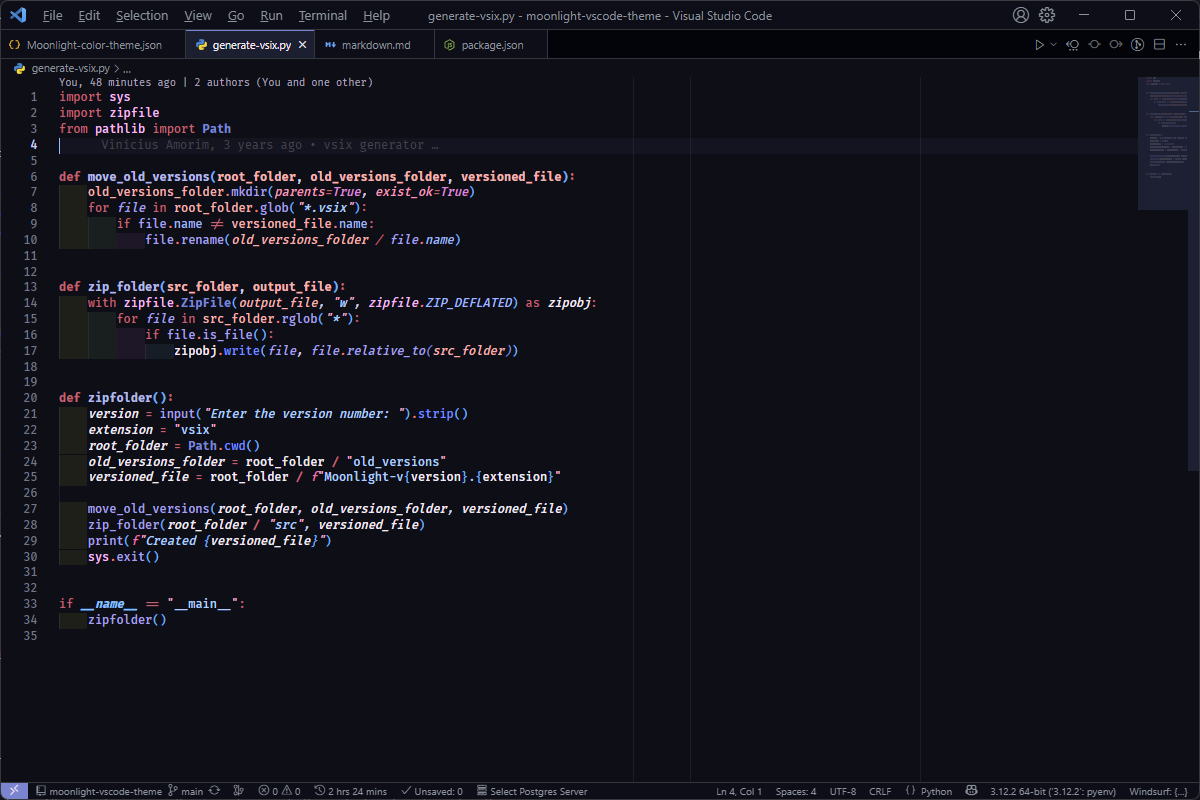
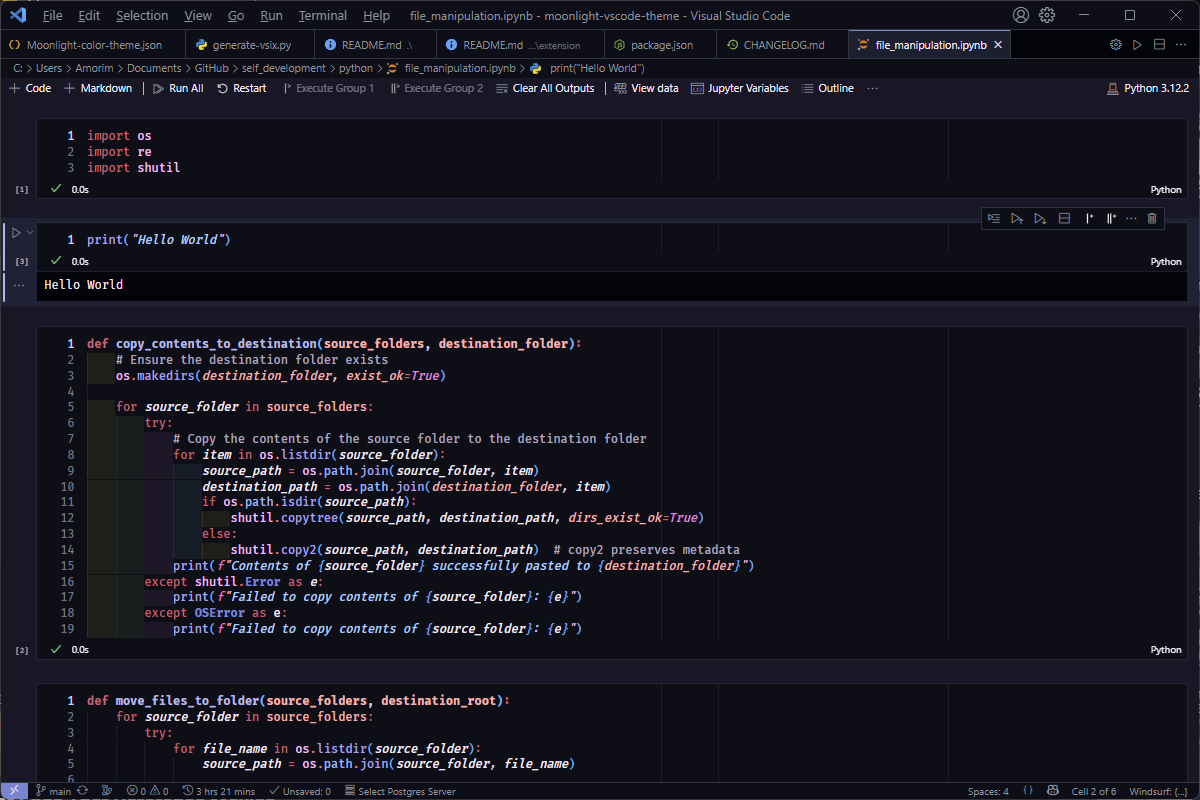
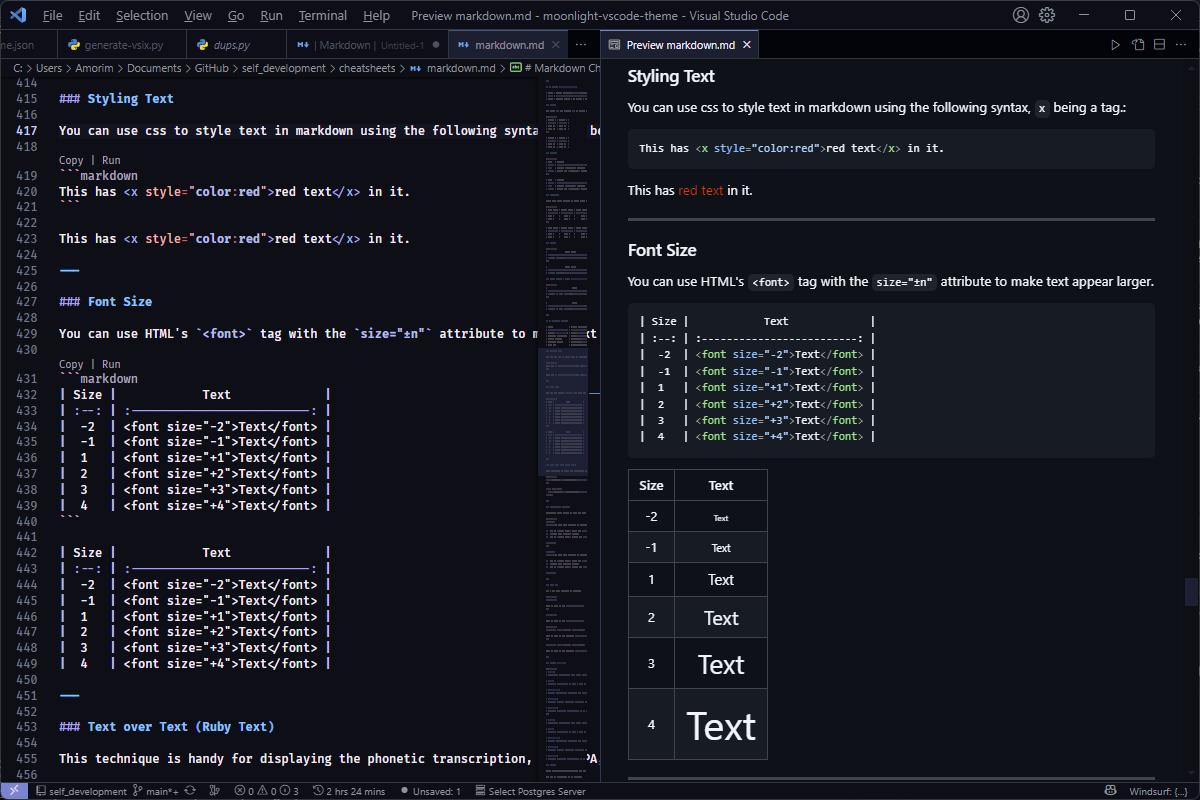
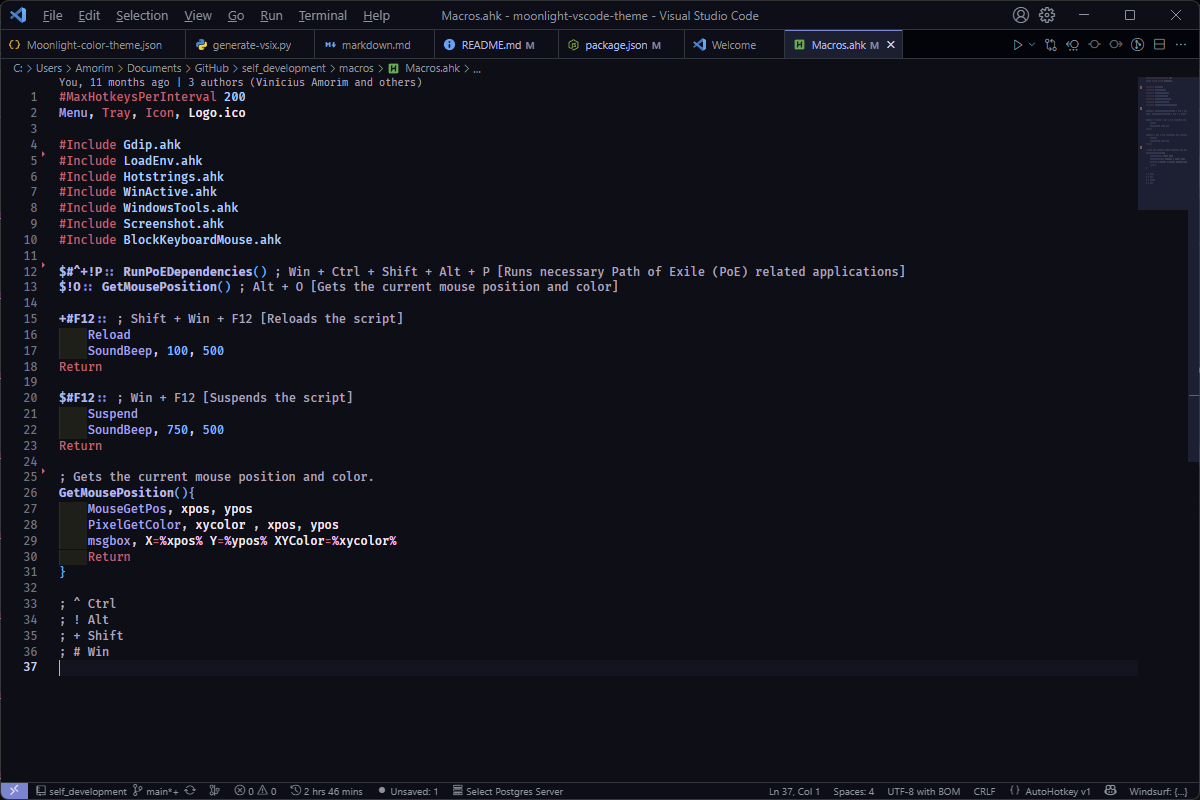
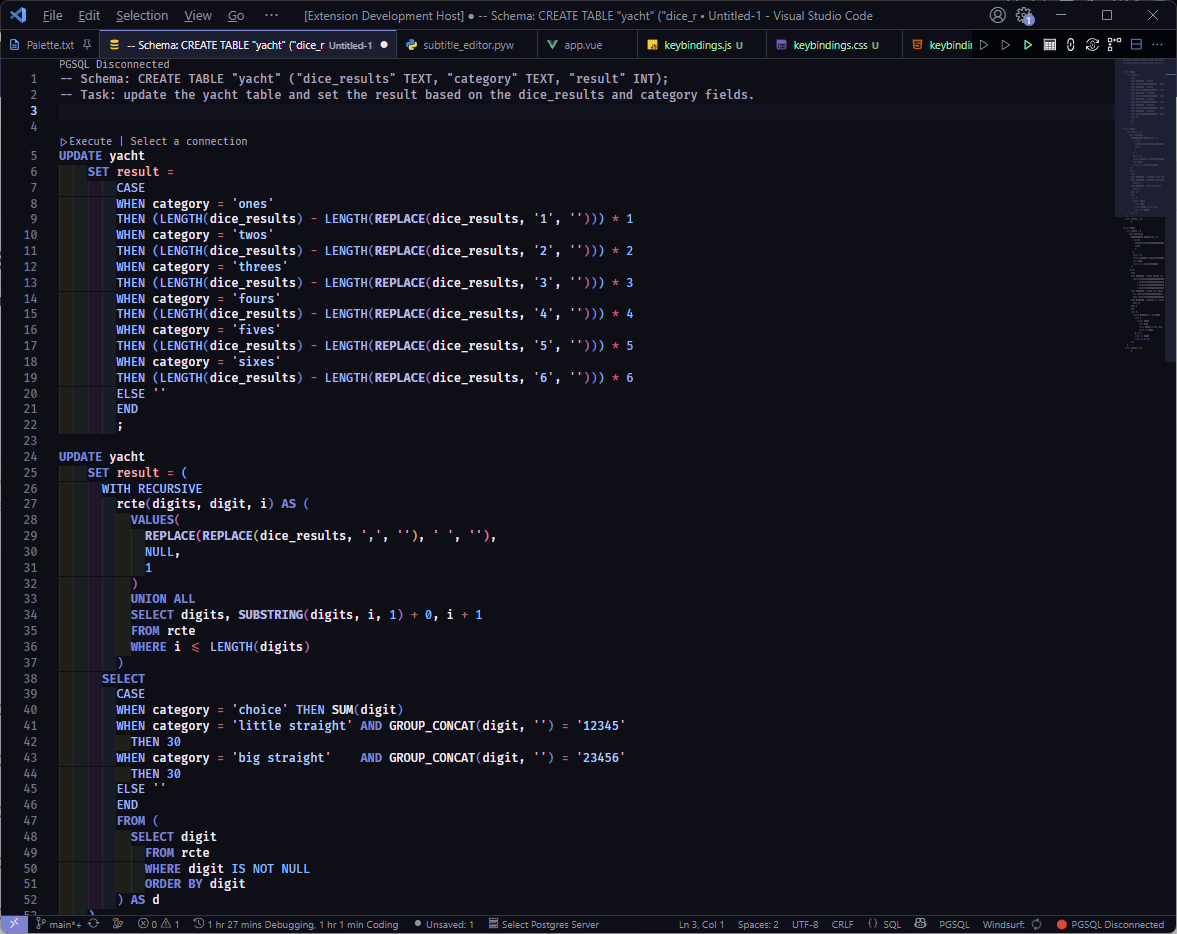
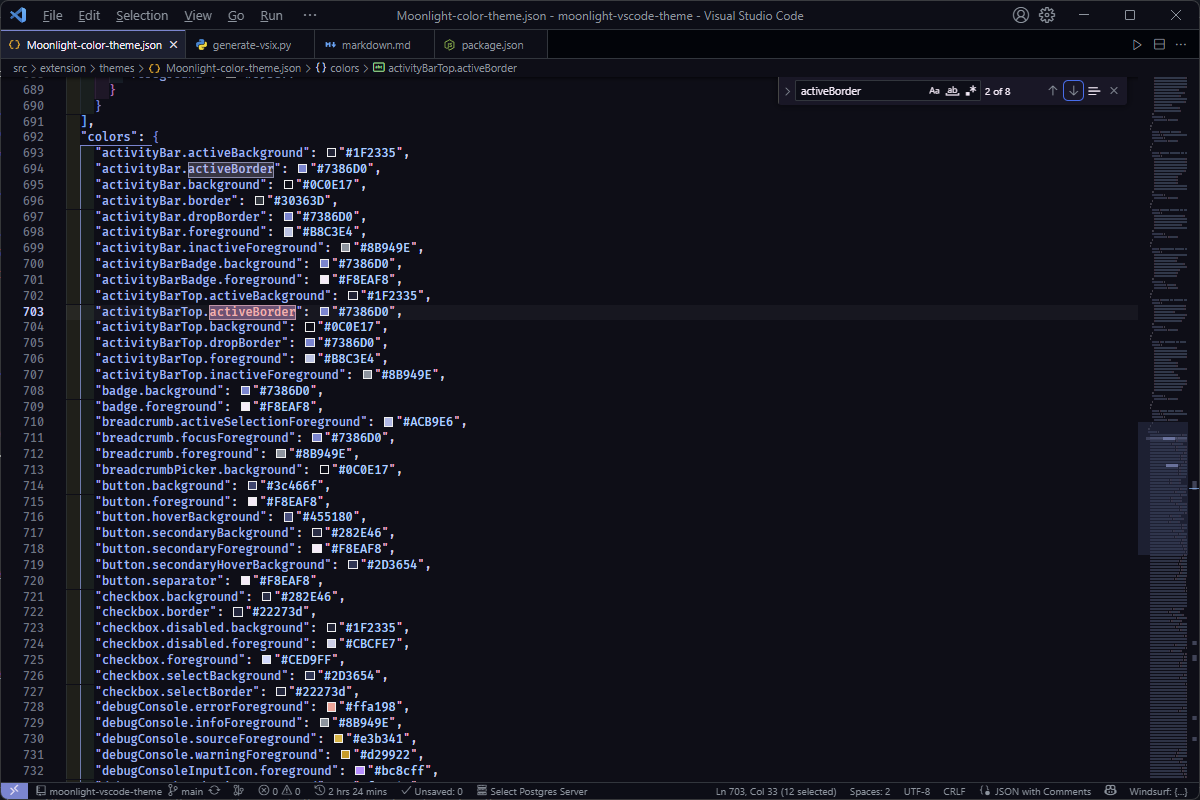
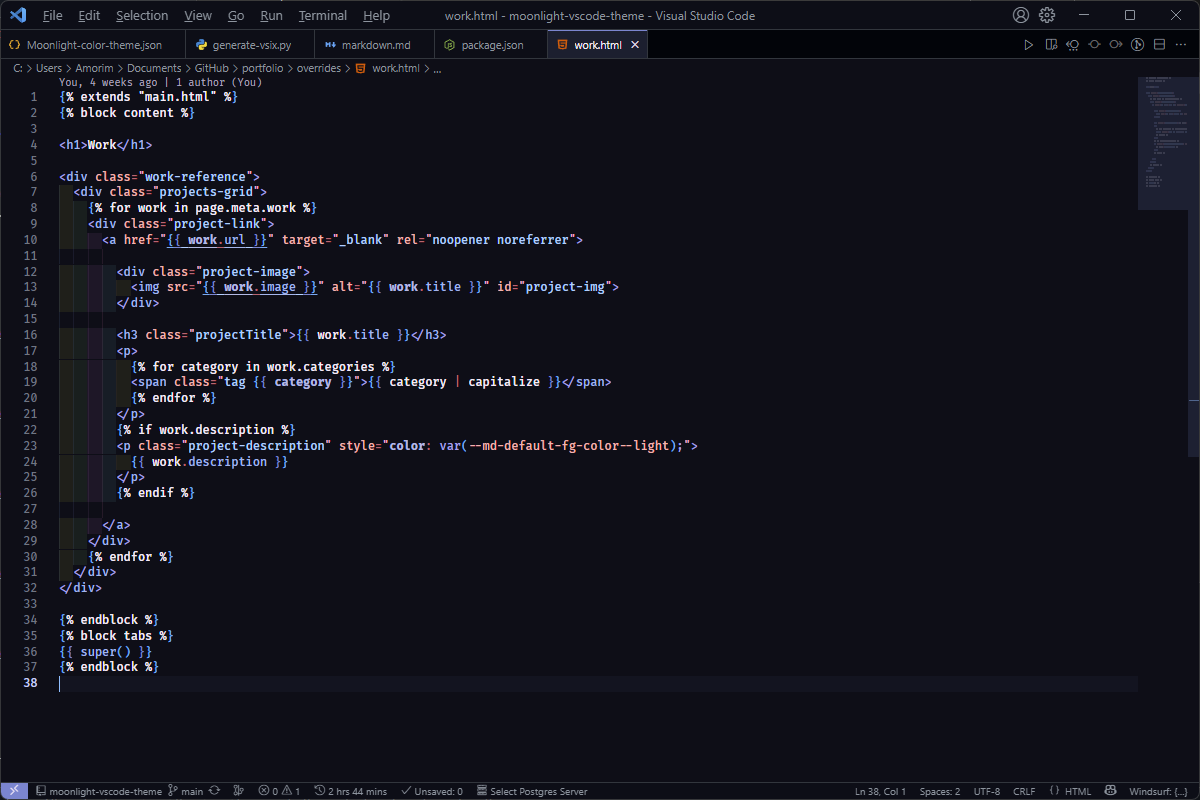
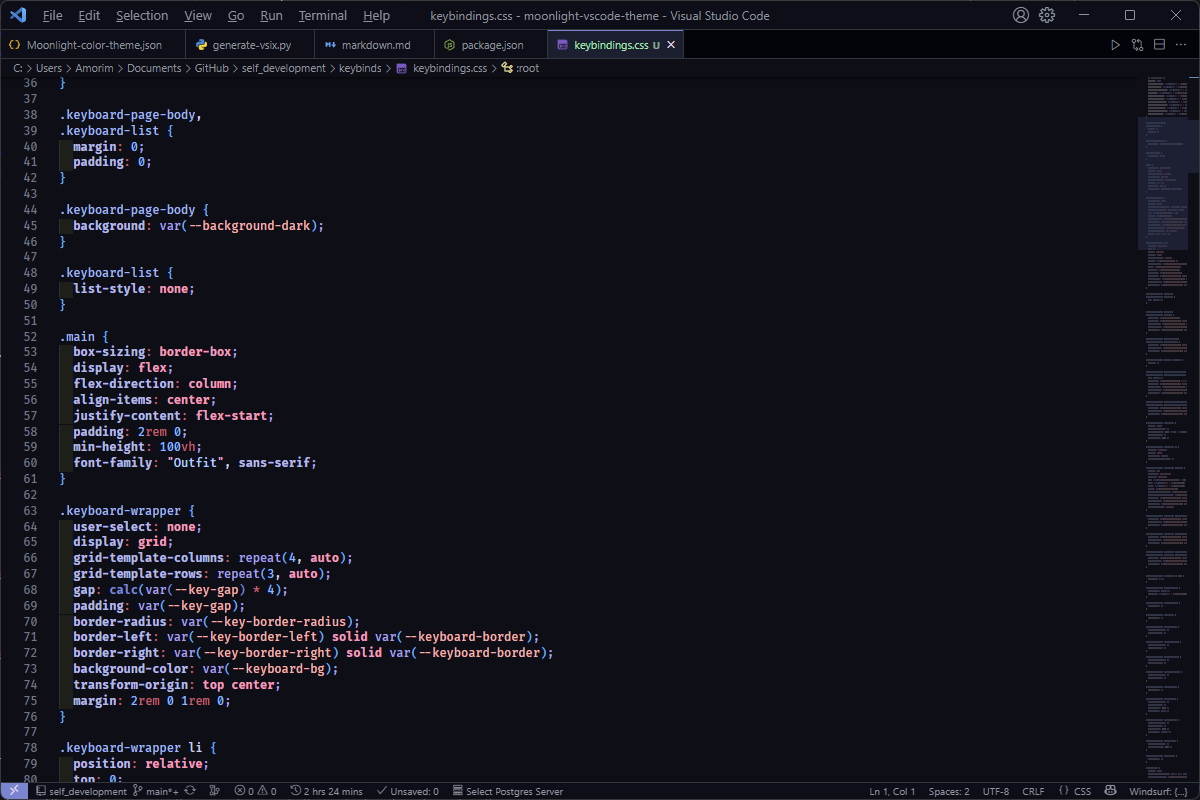
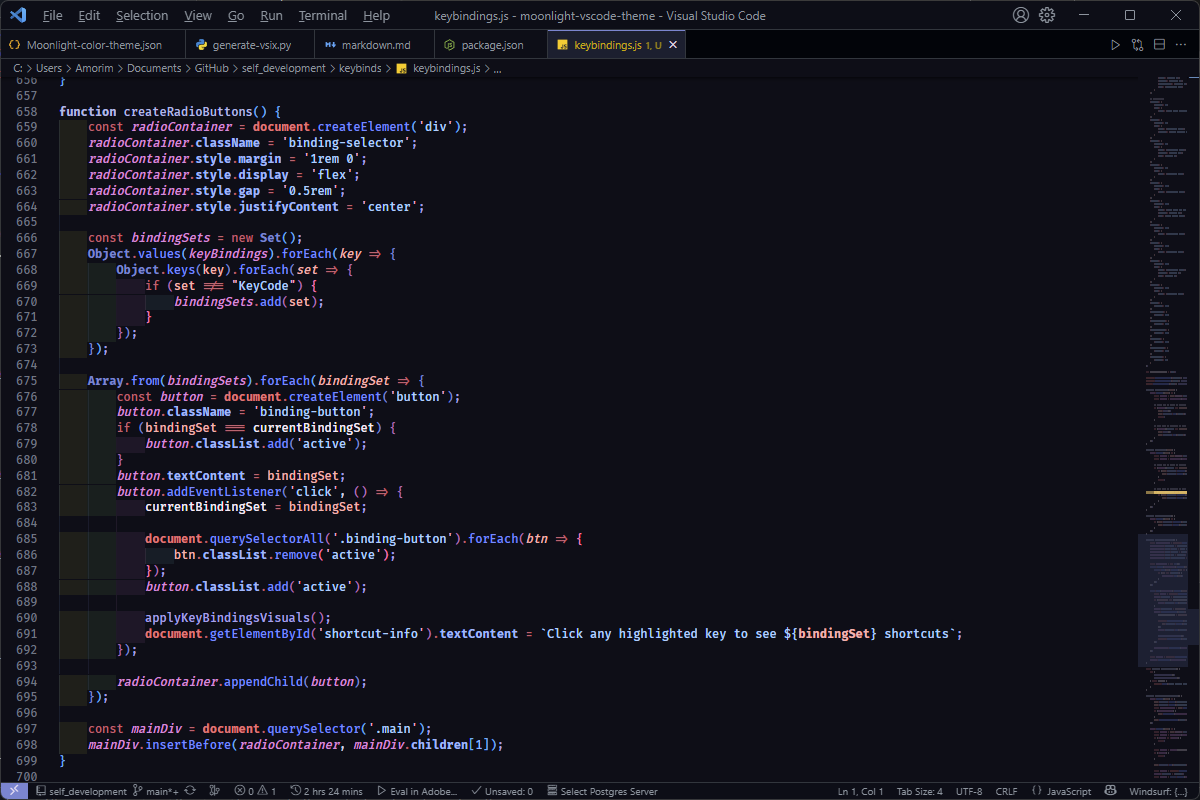
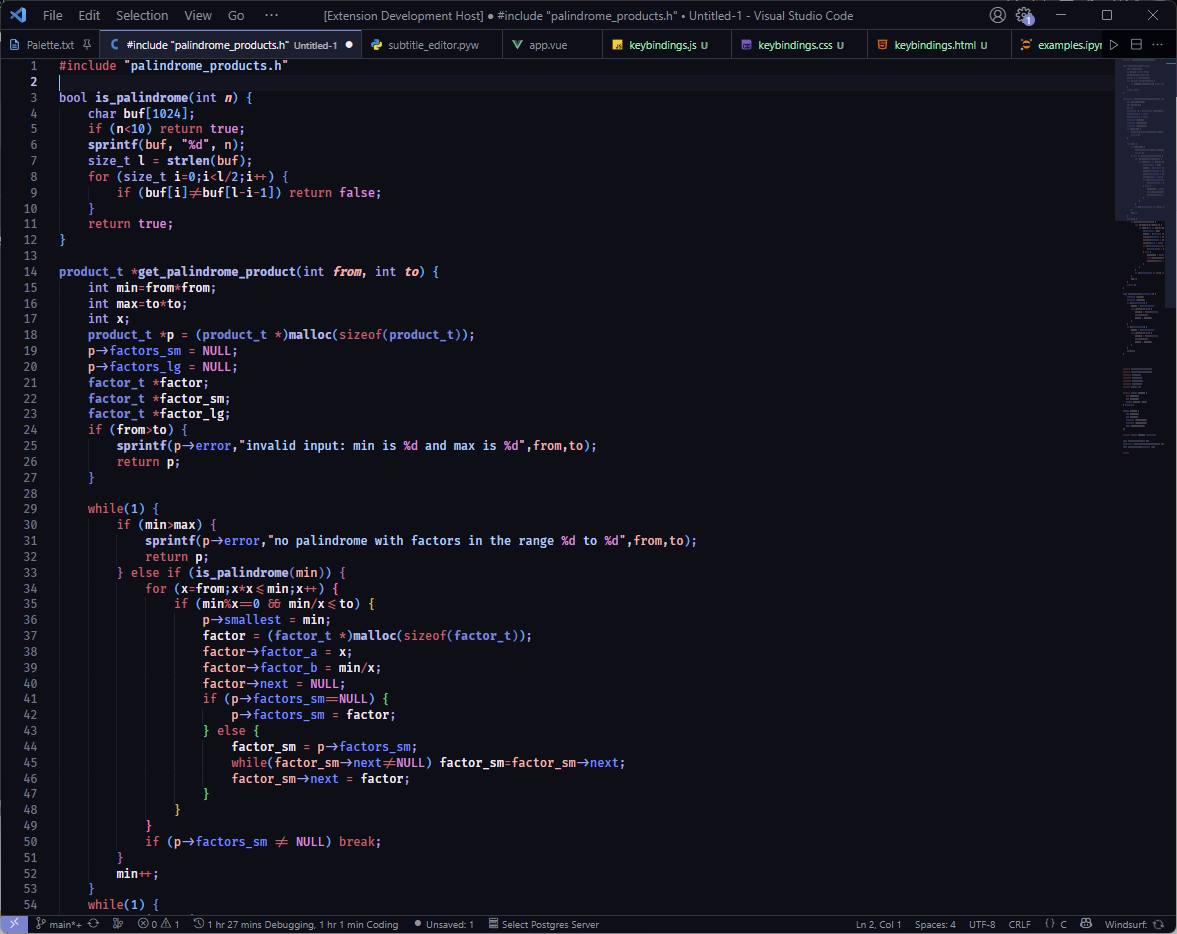
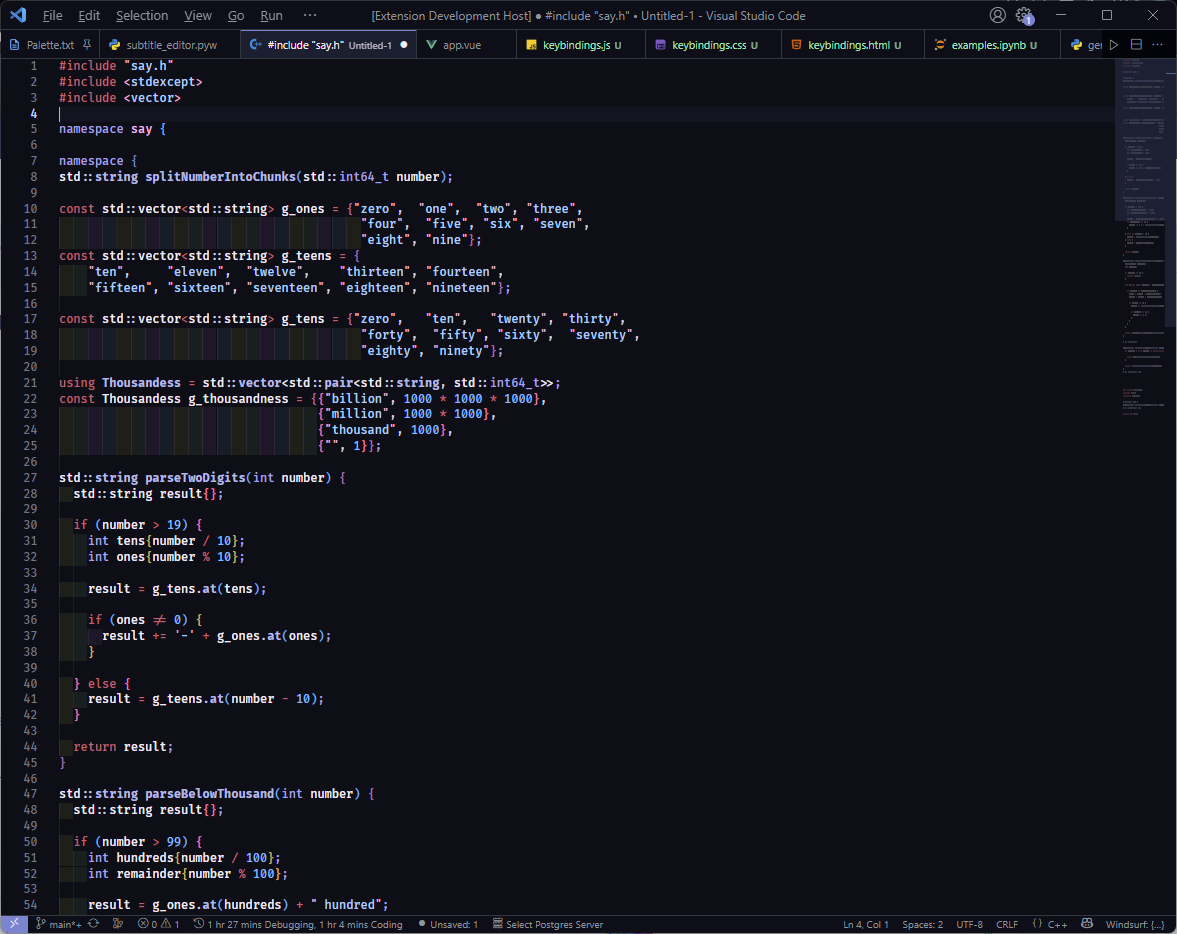
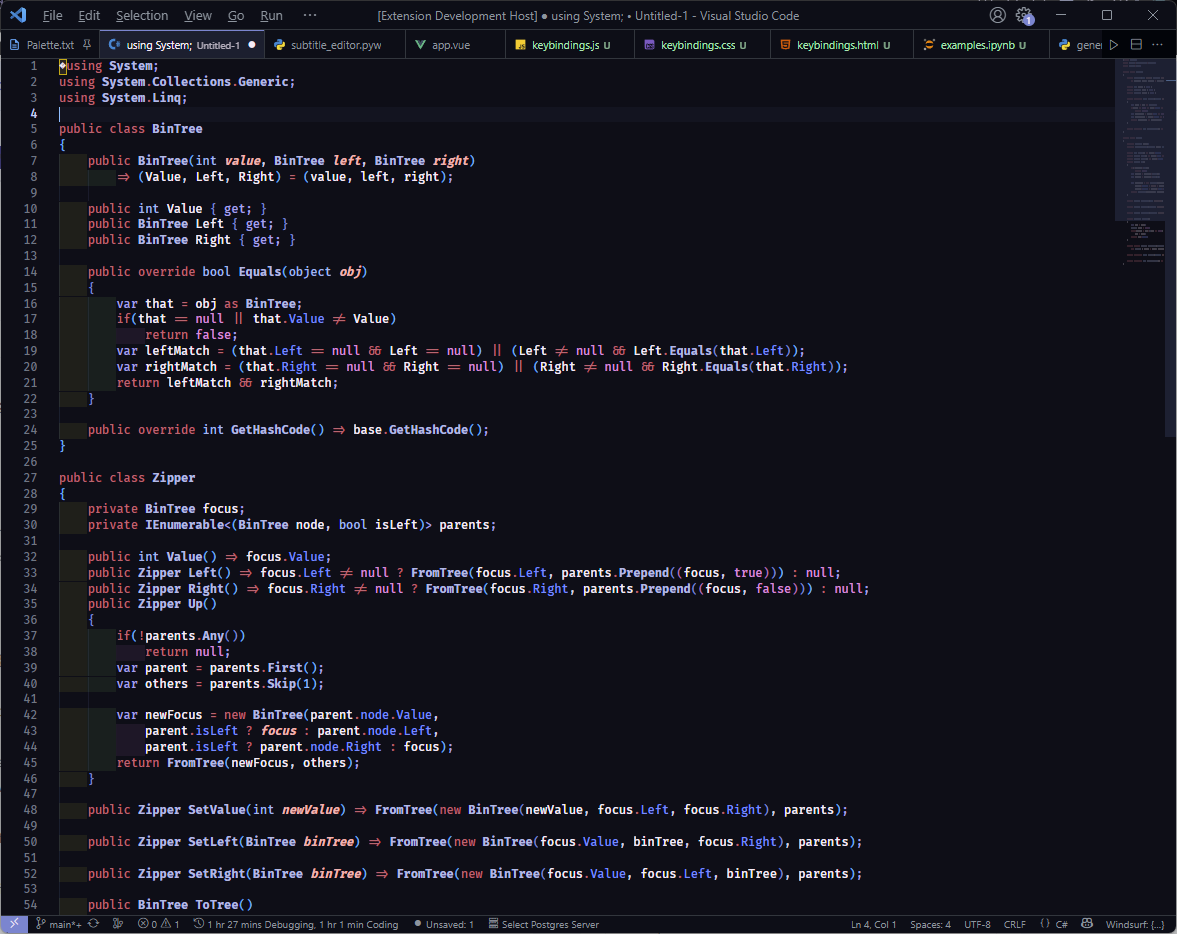
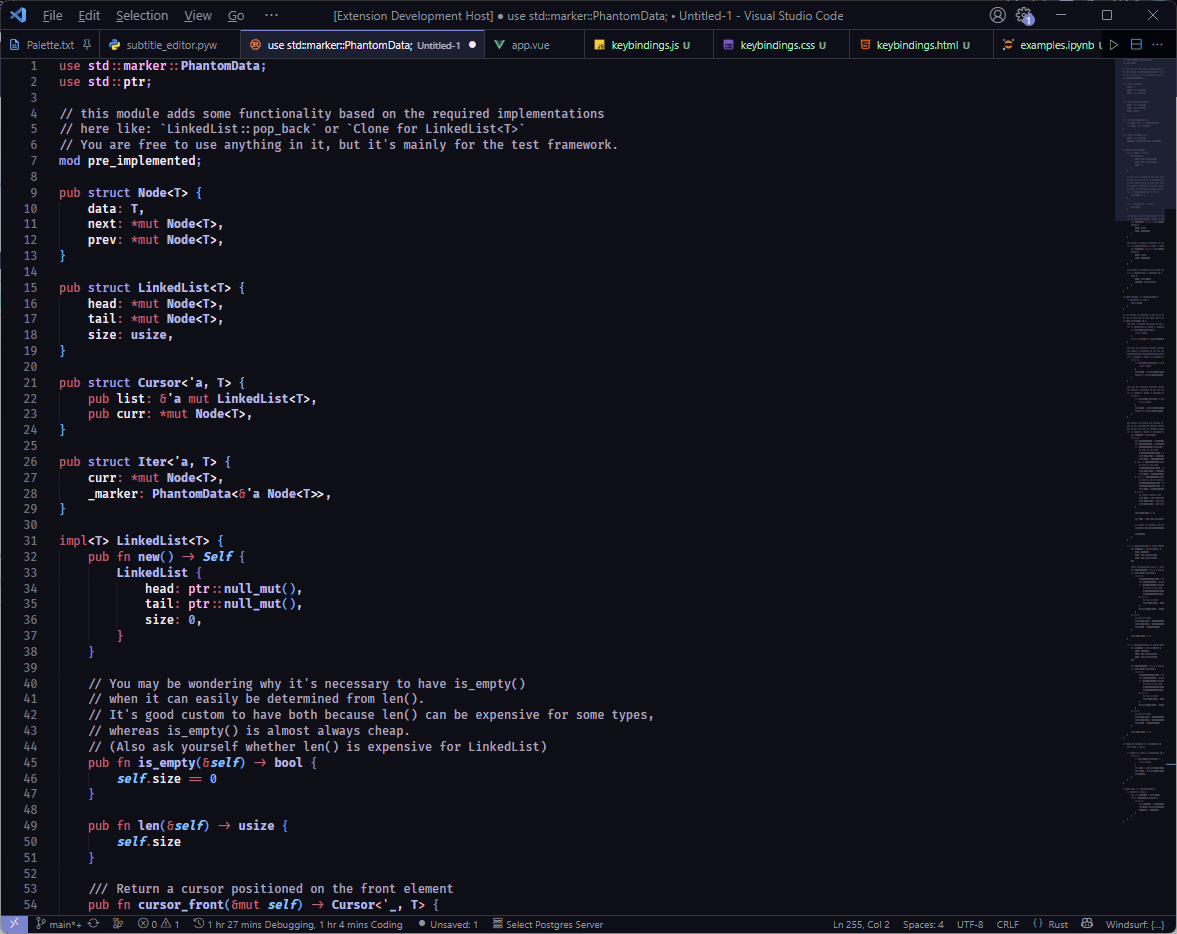
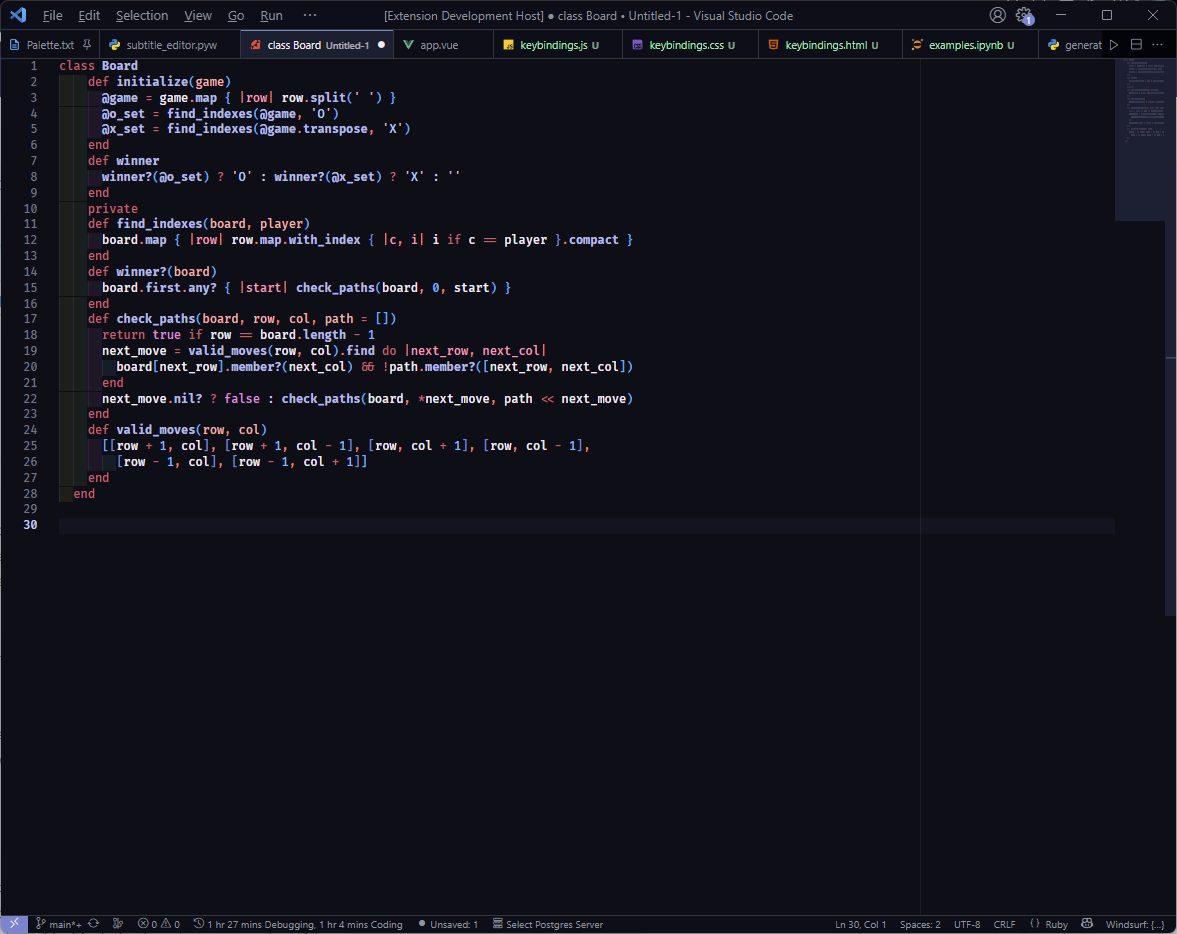
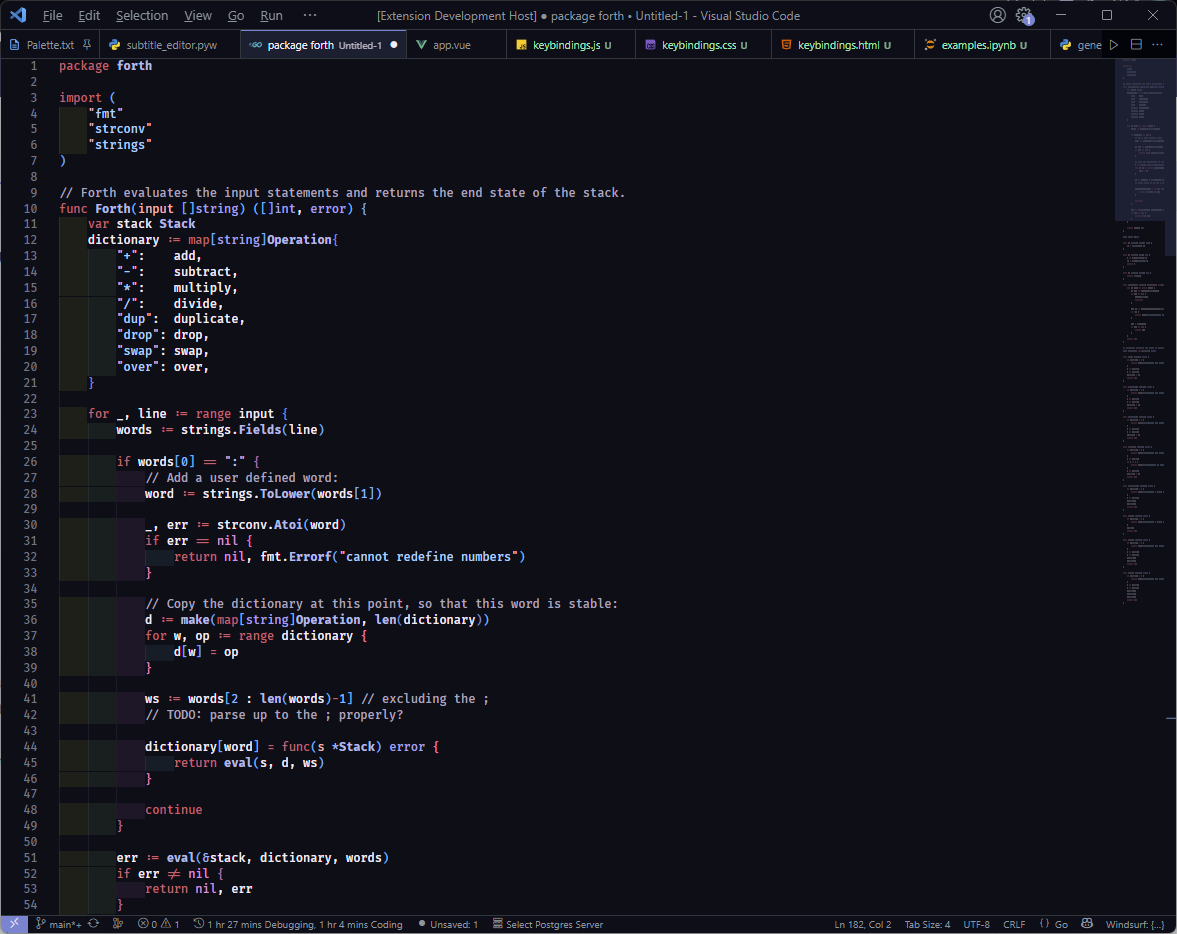
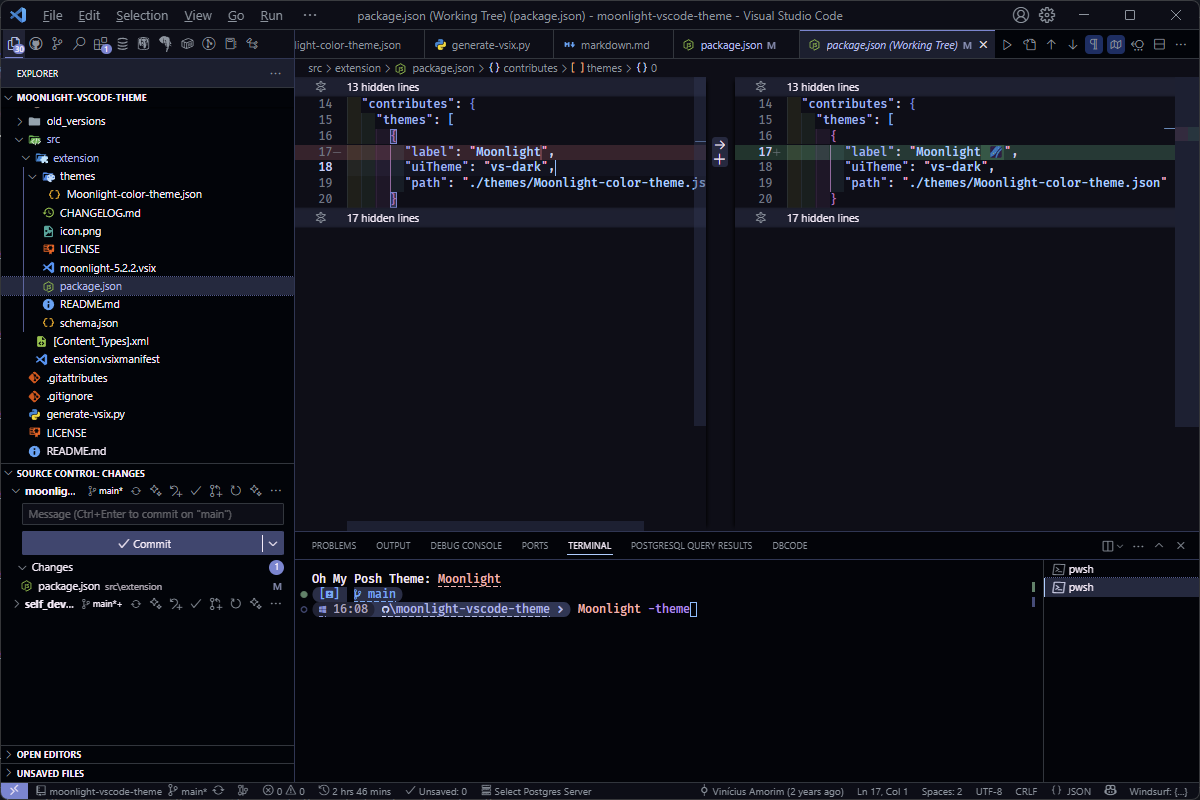
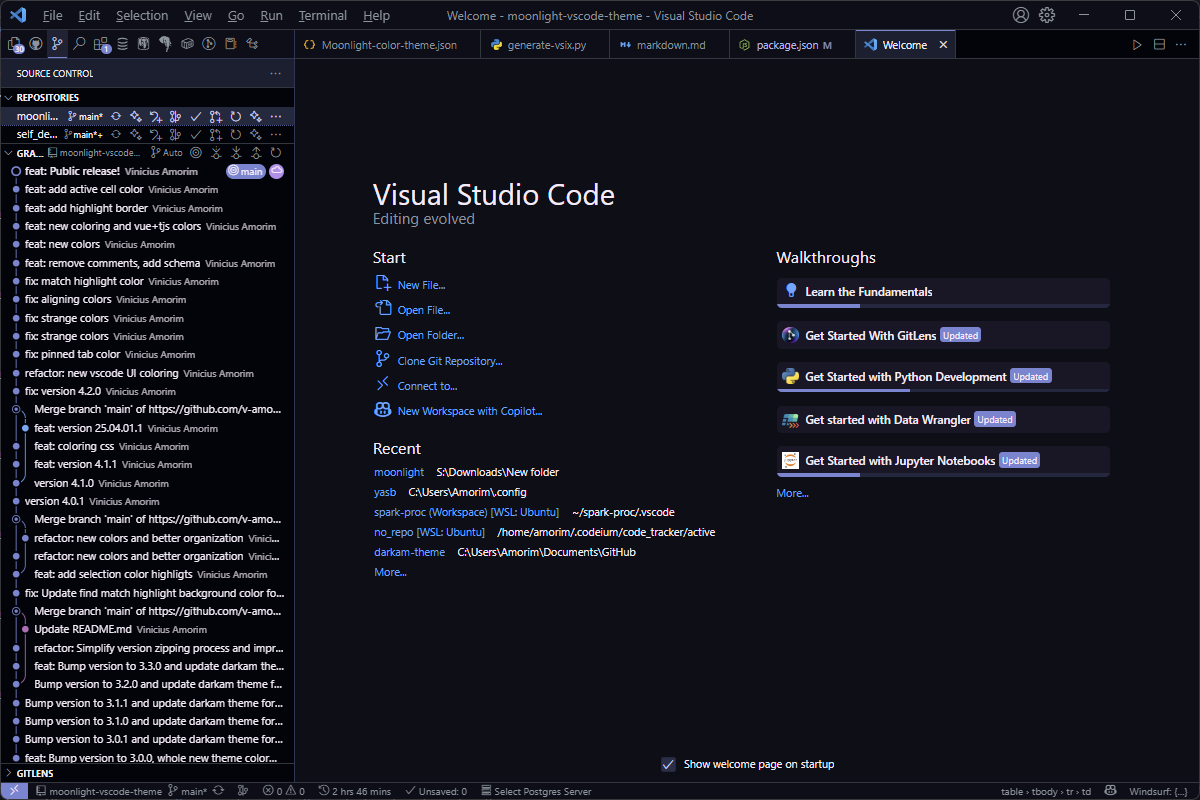
Journey into the night with Moonlight 🌌, a dark and serene theme for VS Code, enhancing readability and reducing eye strain. Inspired by the calm and mystery of a moonlit sky, Moonlight offers a meticulously crafted color palette that makes your code a joy to read and write.
Features
Moonlight 🌌 is designed with developer comfort in mind, offering a consistent and visually pleasing experience across a variety of programming languages and file types.
Soothing Dark Palette: A carefully selected set of dark colors that minimize eye strain during long coding sessions.
Enhanced Readability: Thoughtful color contrasts ensure that syntax highlighting is clear and distinct, making it easy to differentiate between elements.
Tailored for Key Languages: While providing a beautiful experience across the board, Moonlight is specifically optimized for: Python, Markdown, AutoHotkey (AHK), HTML, CSS, JavaScript (JS)
Minimalist Design: Focuses on essential visual cues, reducing cognitive load and allowing you to concentrate on your code.
Installation
Open Extensions side bar in VS Code. (Ctrl+Shift+X or Cmd+Shift+X)
Search for "Moonlight VSCode Theme 🌌.
Click Install.
Go to Code > Preferences > Color Theme (Ctrl+K Ctrl+T or Cmd+K Cmd+T).