An unofficial client for mydylms, including the Frontend, MCP Server, and API, with support for direct document downloads and full access across all semesters, developed for educational purposes and not affiliated with DY Patil or MYDY.


This client improves on the official MYDY LMS by making document access and browsing simpler and more efficient:
- Full Semester Access: Quickly access documents from all semesters and subjects.
- Easy Access: View or download any document directly—no FlexPaper or hidden links.
- Direct Navigation: One-click view/download for documents and URLs.
- Accurate File Names: Displays the actual file name instead of vague titles.
- Upload Date & Time: See when each document was uploaded.
- Search & Filters: Search by file name, sort by date, filter by mod type.
- MCP Server Support: Enables integration with LLMs for automation or analysis.
The client can be run in several ways. For detailed steps, see the Getting Started wiki page.
Option 1. Prebuilt Releases – Download and run the latest release for your platform:
-x64-blue?style=flat-square)


Option 2. One-Click Deployment (Render) – Deploy the client instantly in the cloud:

Option 3. Run from Source – Clone the repository and run the client directly in development mode.
-
For developers who want to modify the client.
git clone https://github.com/viraj-sh/mydylms-client
cd mydylms-client

python -m venv venv
venv\Scripts\activate   # Windows
source venv/bin/activate   # macOS/Linux

pip install --upgrade pip
pip install -r requirements/base.txt

python app.py
Option 4. Build from Source – For developers or contributors: clone the repo, install dependencies, and run locally.
Option 5. Docker – Run the client in a consistent containerized environment.
For complete instructions, platform-specific steps, and Docker usage, see the Getting Started wiki.
Once the client is running, these endpoints are accessible (host may vary):
-
Frontend [http://localhost:8000/] : Static interface to interact with the API.
-
MCP Server [http://localhost:8000/mcp] : Endpoint (
/mcp) compatible with Model Context Protocol (MCP) clients like LLM Clients or LangChain bots. -
API [http://localhost:8000/api] : FastAPI backend for authentication, semesters, subjects, documents, and attendance.
- Interactive Docs: [http://localhost:8000/docs] : API testing Swagger UI for developers.
For full instructions on configuring the MCP server, check out the MCP Documentation.
| Demo |
|---|
 |
| Dashboard | Login |
|---|---|
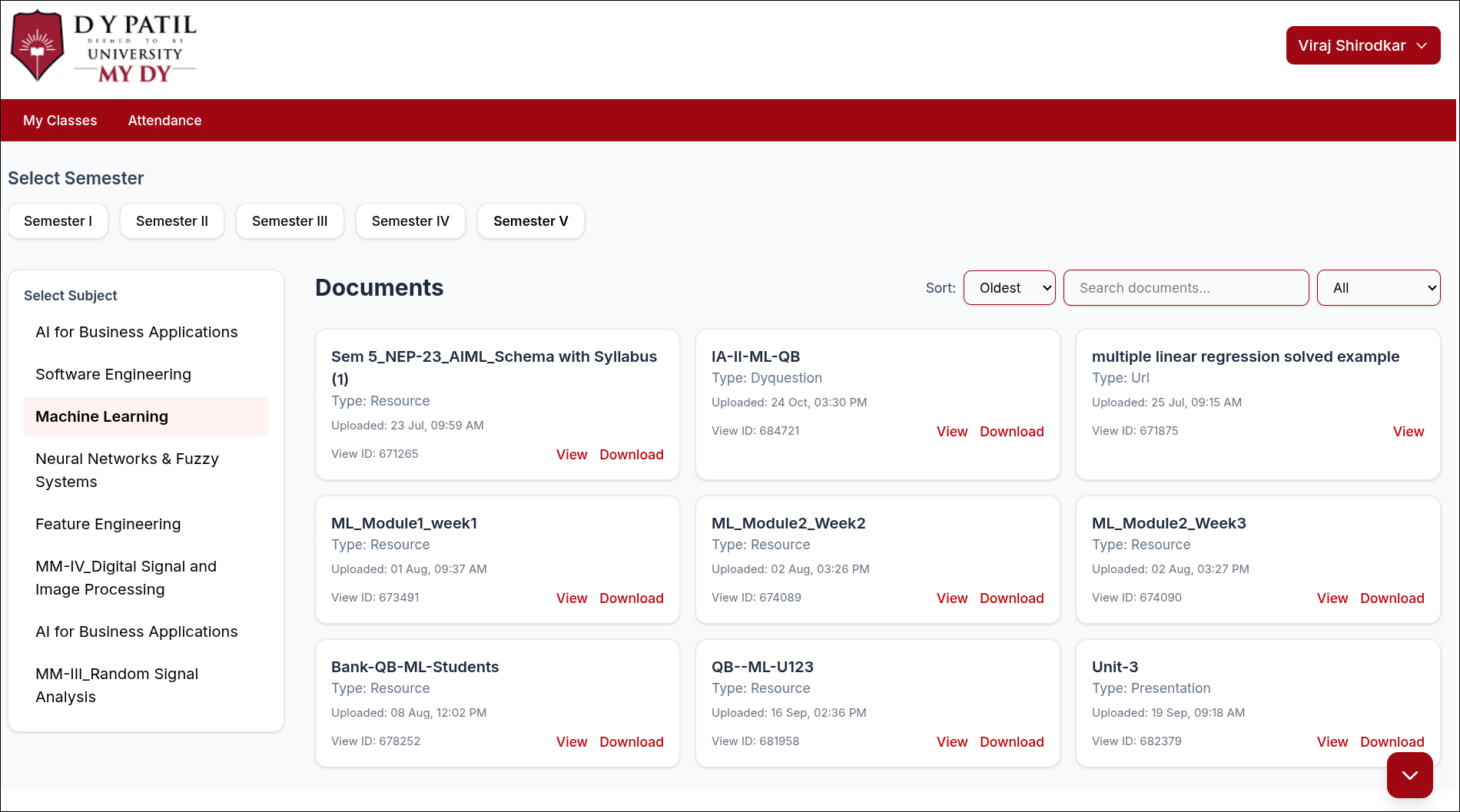 |
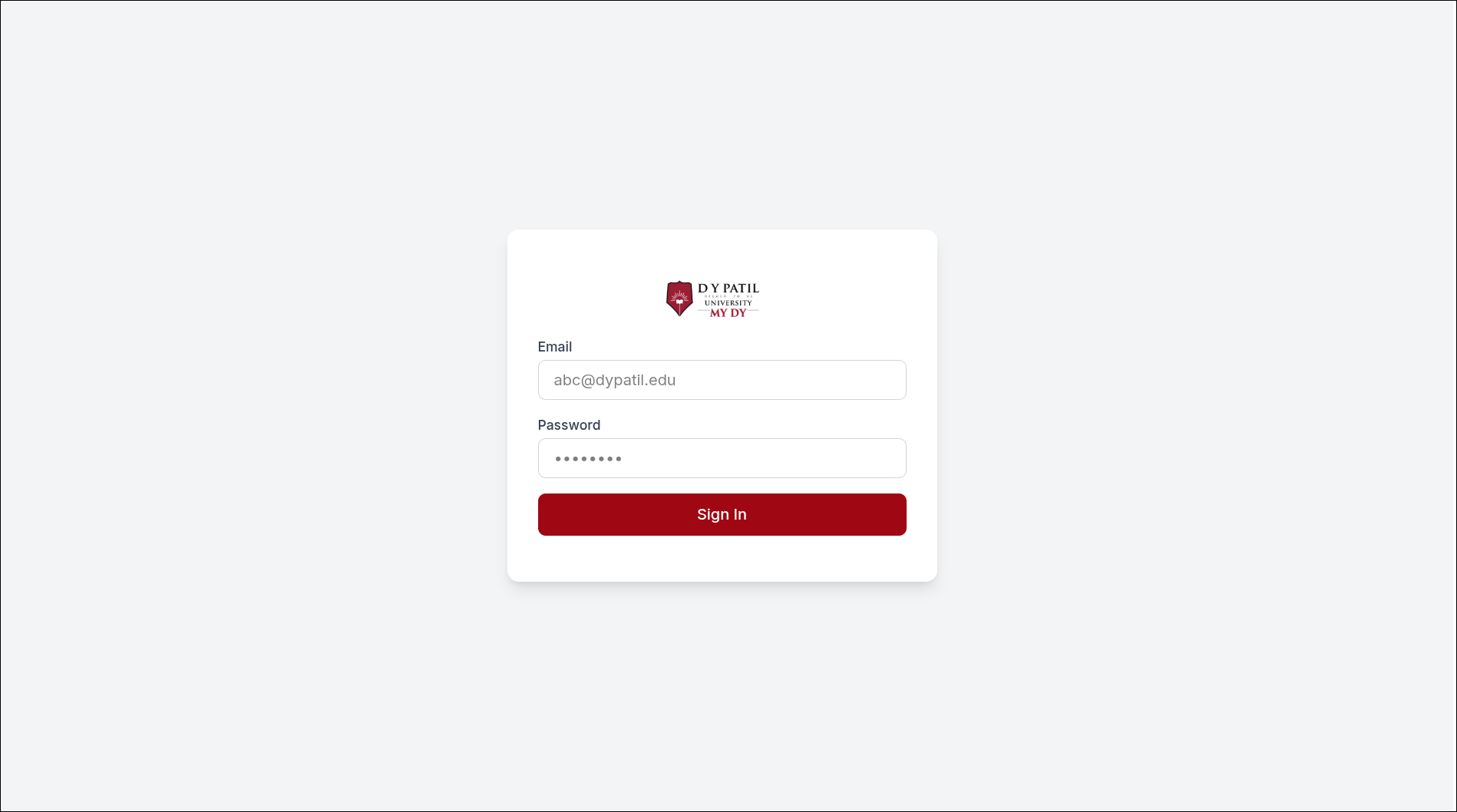 |
| Attendance | Profile |
|---|---|
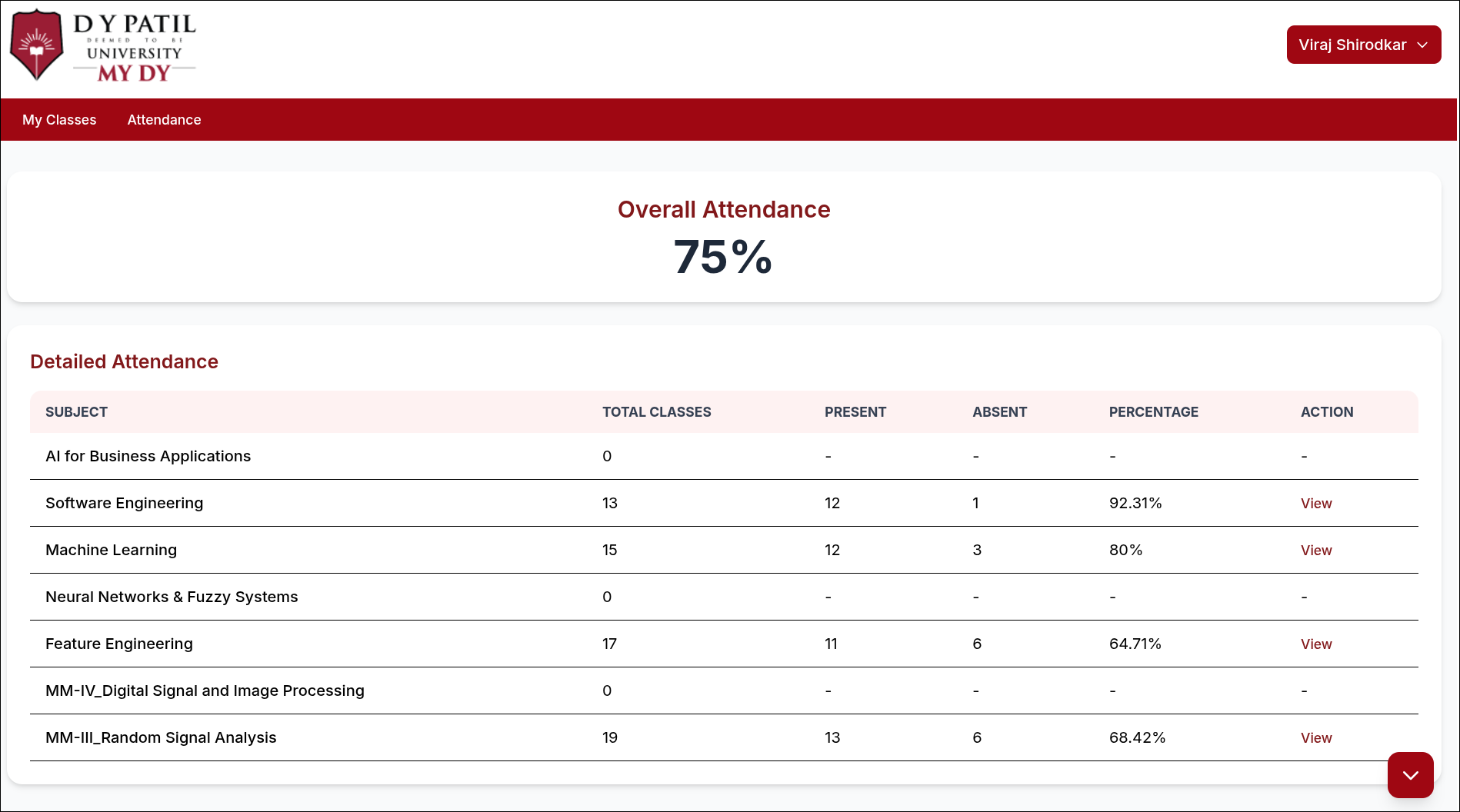 |
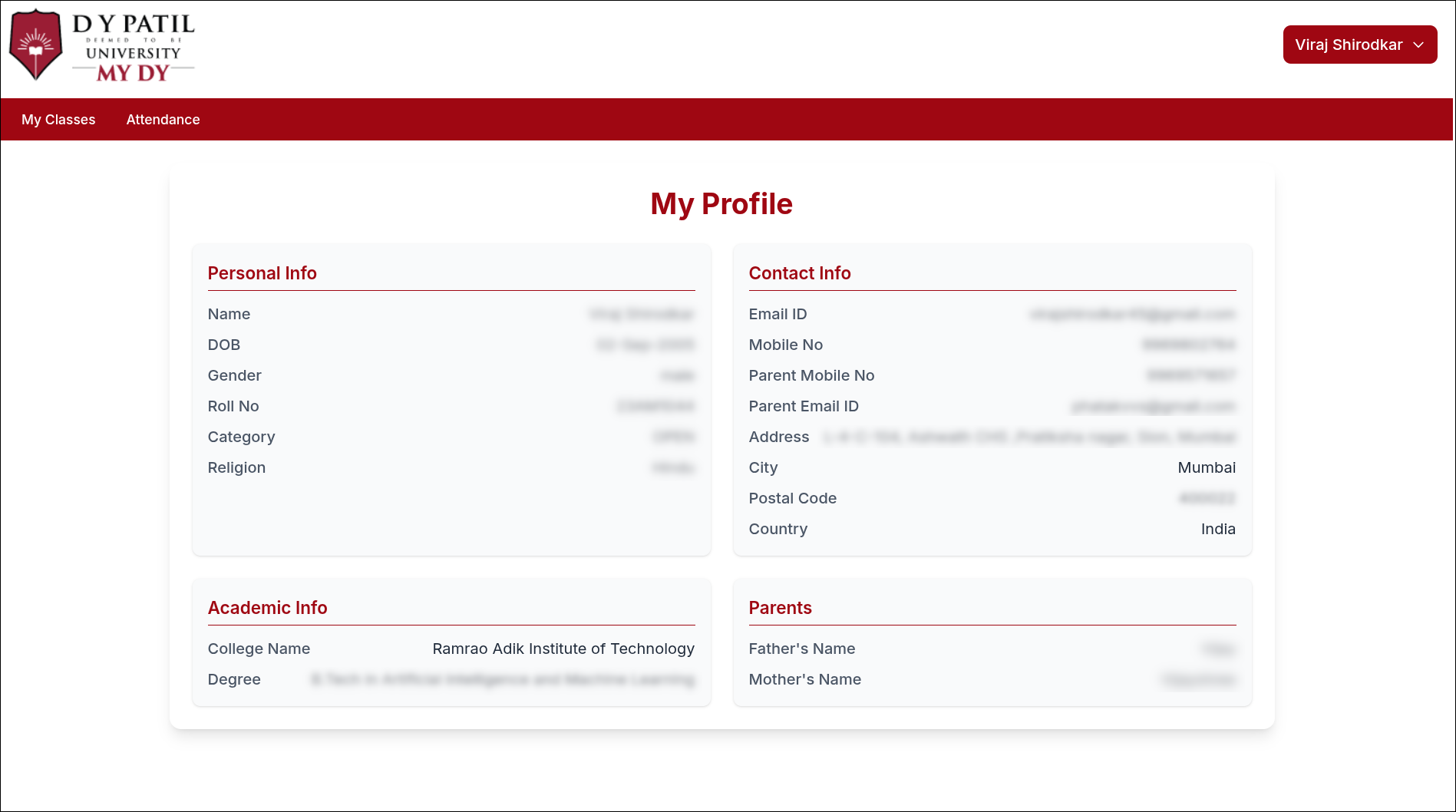 |
This project is unofficial and intended for personal and educational use only. DY Patil or MYDY is not associated with this project.
Use responsibly. The author is not liable for misuse, data loss, or violations of institutional policies.