
This sample application demonstrates how to integrate the Readium 2 Swift toolkit in your own reading app. Stable versions are published on TestFlight.
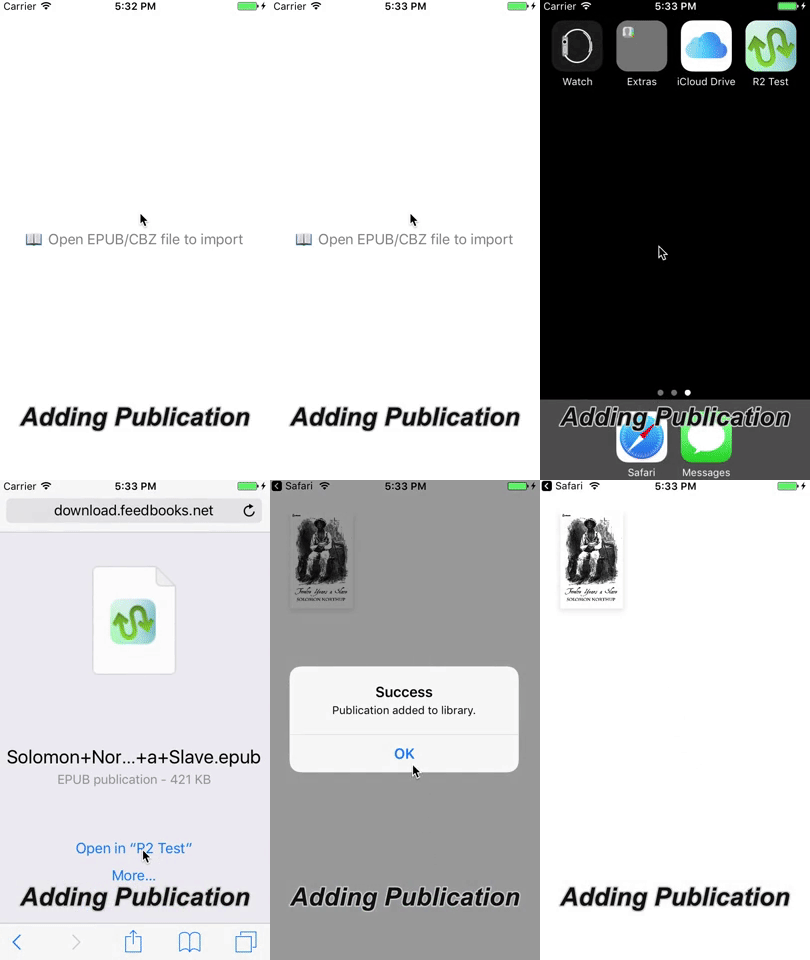

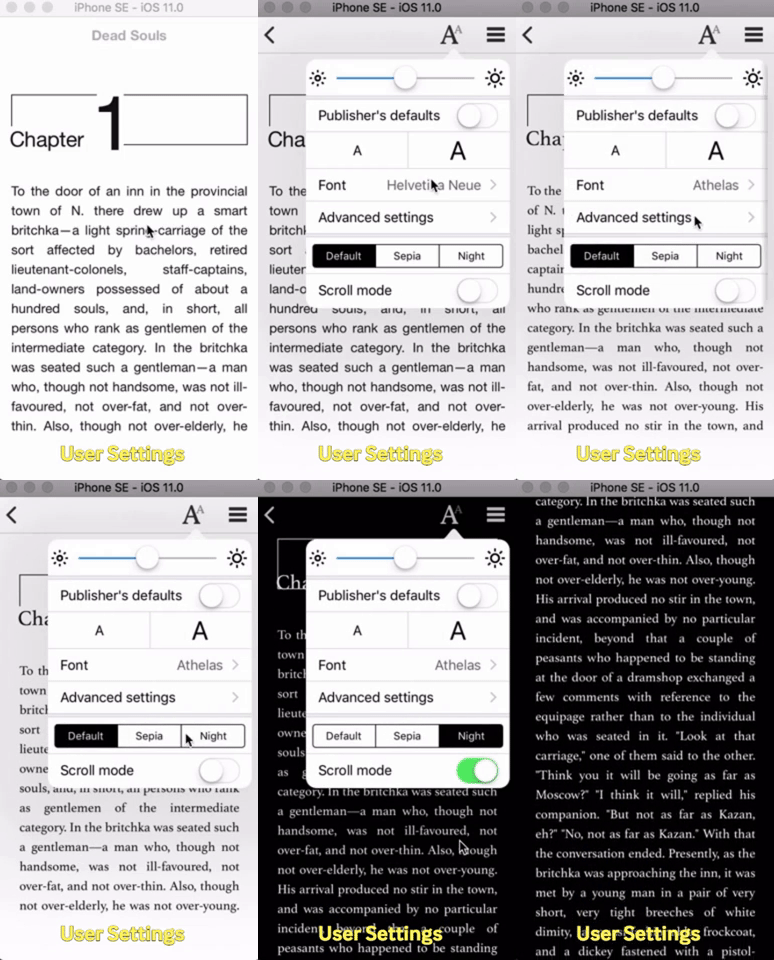
- EPUB 2.x and 3.x support
- Readium LCP support
- CBZ support
- Custom styles
- Night & sepia modes
- Pagination and scrolling
- Table of contents
- OPDS 1.x and 2.0 support
- EPUB fixed layout support
- Right-to-left support
This project shows how to use Readium 2 with several dependency managers: Swift Package Manager, Carthage and CocoaPods. To simplify the setup, we use XcodeGen to automatically generate the Xcode project files for a given dependency manager.
- Choose a type of project to generate:
spmfor Swift Package Manager (recommended)carthagefor Carthagecocoapodsfor CocoaPodsdevfor Git submodules with Swift Package Manager
- Install XcodeGen and the dependency manager you need.
- Clone the project.
git clone https://github.com/readium/r2-testapp-swift.git cd r2-testapp-swift - Generate the Xcode project using our
Makefileand your target of choice. This will download all dependencies automatically.make spm
Warning: Since the Xcode project is not committed to this repository, you need to run the make <target> command again after pulling any change from r2-testapp-swift.
Building with Readium LCP requires additional dependencies, including the binary R2LCPClient.framework provided by EDRLab.
- Contact EDRLab to request your private
R2LCPClient.framework. - If you integrate Readium 2 with Swift Package Manager or Git submodules, install Carthage.
R2LCPClient.frameworkis only available for Carthage or CocoaPods. - Generate the Xcode project with
make, providing the URL given by EDRLab as theurlparameter (.jsonfor Carthage or SPM and.podspecfor CocoaPods).make spm lcp=https://...json
All migration steps necessary in reading apps to upgrade to major versions of the Readium toolkit are documented in the migration guide.
The Readium 2 toolkit is split in several independent modules, following the Readium Architecture:
r2-shared-swift– SharedPublicationmodels and utilitiesr2-streamer-swift– Publication parsers and local HTTP serverr2-navigator-swift– Plain view controllers rendering publicationsr2-opds-swift– Parsers for OPDS catalog feedsr2-lcp-swift– Service and models for Readium LCPreadium-css– CSS styles for EPUB publications
To understand how to integrate these dependencies in your project, take a look at the Xcode project created by XcodeGen. Or even better, check out the generated project.yml file which describes the structure of the Xcode project in a human-friendly way.
Follow the project on ZenHub.
The easiest way to contribute to the Readium 2 modules is to use the Git submodules integration.
make dev