
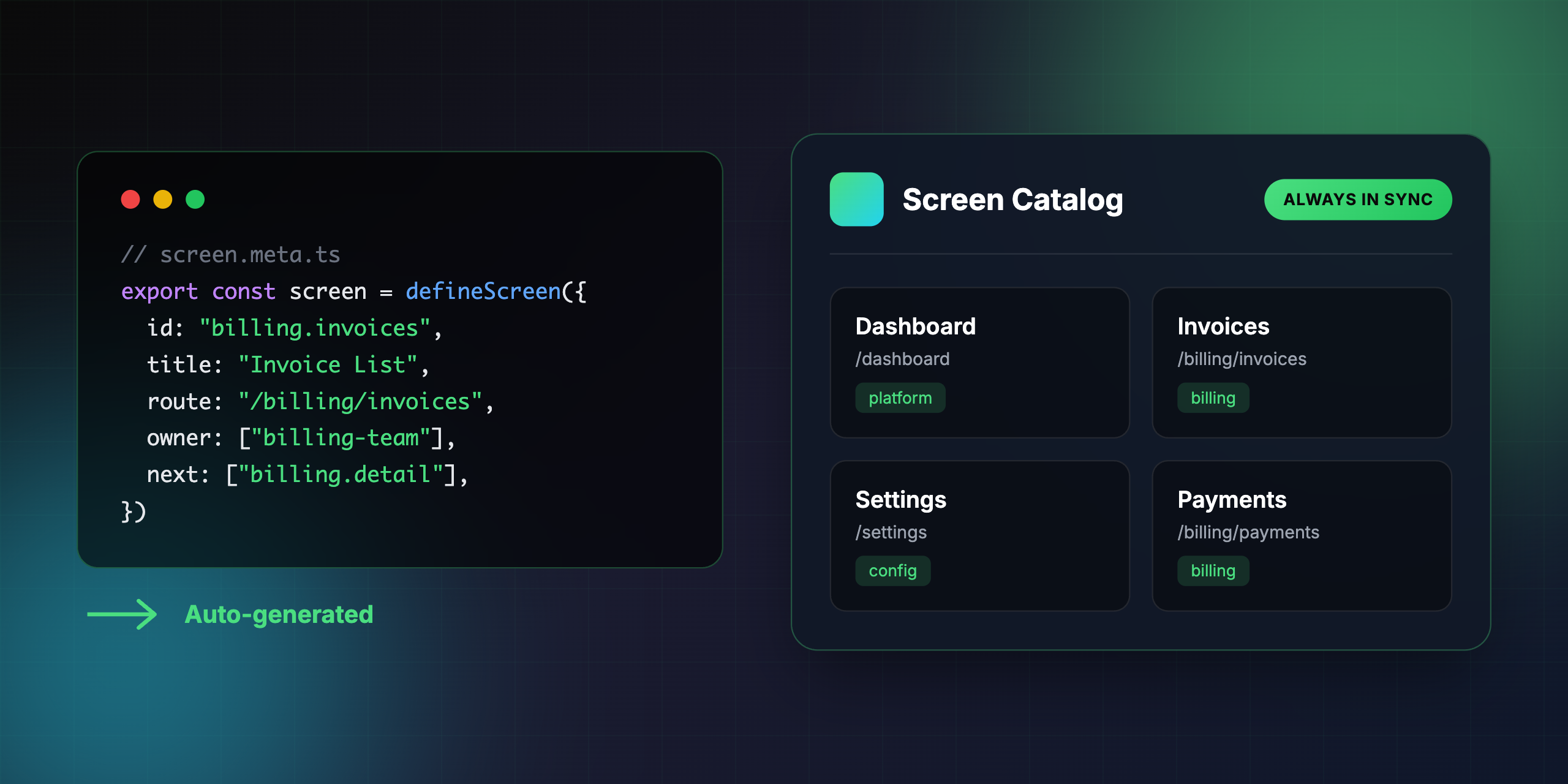
Define screens in code. Get an always-up-to-date catalog.




Documentation • Quick Start • Frameworks • Why Screenbook? • CLI
# Install
npm i -D screenbook
# or
pnpm add -D screenbook

# Initialize and start
npx screenbook init

That's it! screenbook init detects your framework, generates screen metadata, and starts the UI server at http://localhost:4321.
For full documentation, visit wadakatu.github.io/screenbook.
Create screen.meta.ts files alongside your routes:
import { defineScreen } from "screenbook"

export const screen = defineScreen({
  id: "billing.invoices",           // Unique identifier
  title: "Invoice List",            // Human-readable name
  route: "/billing/invoices",       // URL path

  owner: ["billing-team"],          // Who owns this screen?
  tags: ["billing", "invoices"],    // For filtering

  next: [                           // Where can users go from here?
    "billing.invoice.detail",
    "billing.payments"
  ],

  dependsOn: [                      // What APIs does this screen call?
    "BillingAPI.listInvoices",
    "UserAPI.getCurrent"
  ],
})| Command | Description |
|---|---|
screenbook init |
Initialize Screenbook in your project |
screenbook build |
Generate metadata JSON from screen definitions |
screenbook dev |
Start the UI server for local development |
screenbook lint |
Check for missing screen definitions (CI-friendly) |
Every team has a screen map somewhere — Figma, Notion, or buried in a wiki. When was yours last updated?
Sound familiar?
- "Where's the screen map?" → "Check Notion... or maybe the old Figma file?"
- "How do users get to the payment screen?" → crickets
- "Which screens use the BillingAPI?" → "Let me grep... actually, I'm not sure"
Screen maps go stale because they live outside of code. Screenbook keeps your screen documentation in sync — automatically.
| Traditional Approach | Screenbook |
|---|---|
| Screen maps in Figma/Notion go stale | Lives in code, always up-to-date |
| "Which screens use this API?" requires grep | Impact analysis in one click |
| New members lost in undocumented flows | Searchable, visual catalog |
| No way to enforce documentation | screenbook lint in CI |
| Framework | Status | Auto-generate |
|---|---|---|
| Next.js (App Router) | ✅ Supported | ✅ |
| Next.js (Pages Router) | ✅ Supported | ✅ |
| Nuxt | ✅ Supported | ✅ |
| Remix | ✅ Supported | ✅ |
| Astro | ✅ Supported | ✅ |
| SvelteKit | ✅ Supported | ✅ |
| SolidStart | ✅ Supported | ✅ |
| QwikCity | ✅ Supported | ✅ |
| TanStack Start | ✅ Supported | ✅ |
| Framework | Status | Auto-generate |
|---|---|---|
| React Router | ✅ Supported | ✅ |
| Vue Router | ✅ Supported | ✅ |
| TanStack Router | ✅ Supported | ✅ |
| Solid Router | ✅ Supported | ✅ |
| Angular Router | ✅ Supported | ✅ |
Note: For config-based routers, configure
routesFilein your screenbook config to enable automatic screen.meta.ts generation.Even without auto-generate, you can manually create
screen.meta.tsfiles for any framework.
Prevent documentation drift with a simple CI check:
# .github/workflows/screenbook.yml
name: Screenbook
on: [push, pull_request]

jobs:
  lint:
    runs-on: ubuntu-slim
    steps:
      - uses: actions/checkout@v6
      - uses: pnpm/action-setup@v4
      - run: pnpm install
- run: pnpm screenbook lintContributions are welcome! Please feel free to submit a Pull Request.
MIT