
English | 简体中文 | 日本語 | Español
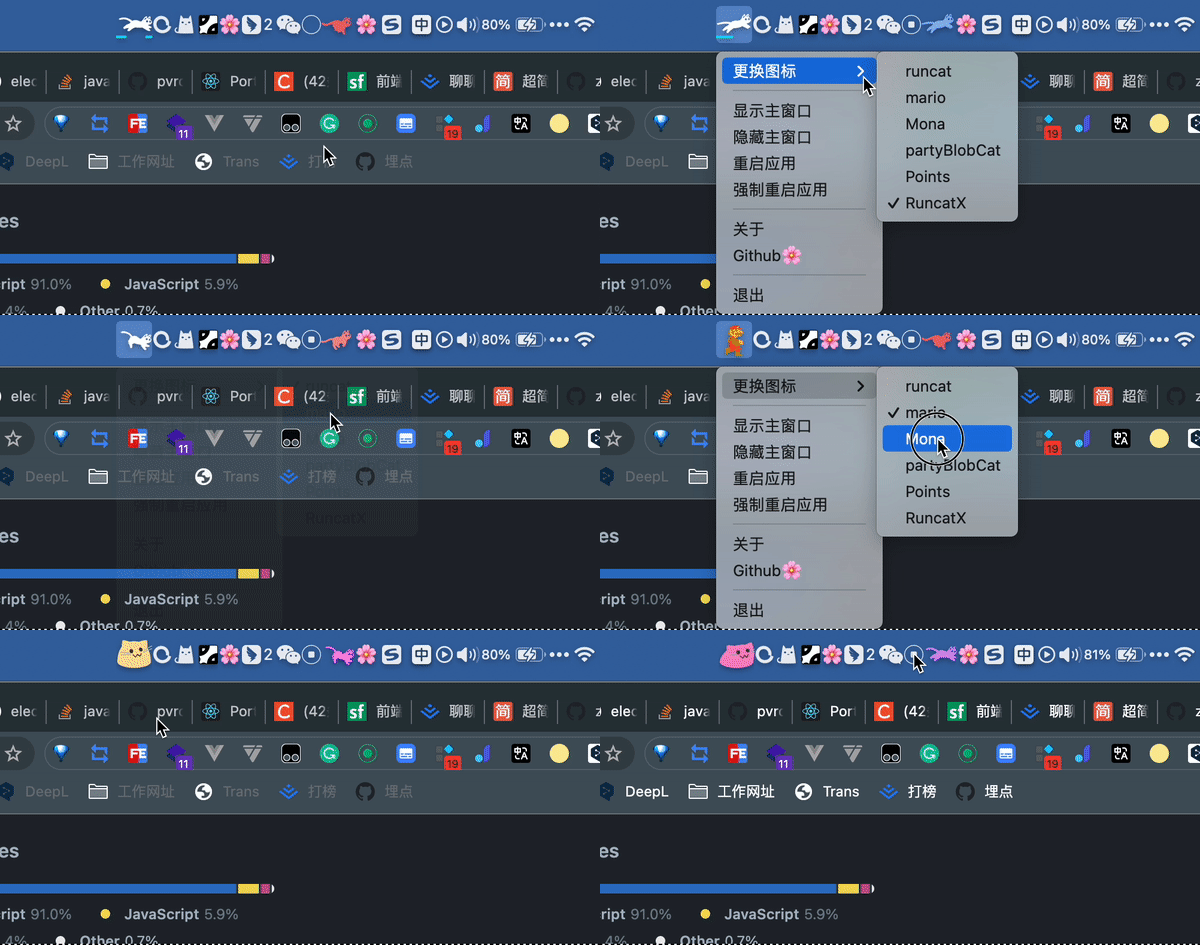
🏞️ wallpaper-box is more than just another wallpaper downloader — it's a desktop client that truly brings your desktop to life: static wallpapers, video wallpapers, web wallpapers, AI-generated wallpapers, plus a fun RunCat-style animated tray icon that reacts to your CPU usage.
- AI text-to-image wallpaper generation
- Browse and search online wallpapers
- Download wallpapers locally
- Set static wallpapers
- Set video wallpapers (on macOS the dynamic wallpaper window is fullscreen but doesn't cover the entire screen — PRs welcome!)
- Download YouTube / Bilibili videos via
yt-dlpand set them as video wallpapers directly - Set web wallpapers
- Generate AI wallpapers from text prompts
- Support both online URLs and local HTML files as web wallpapers
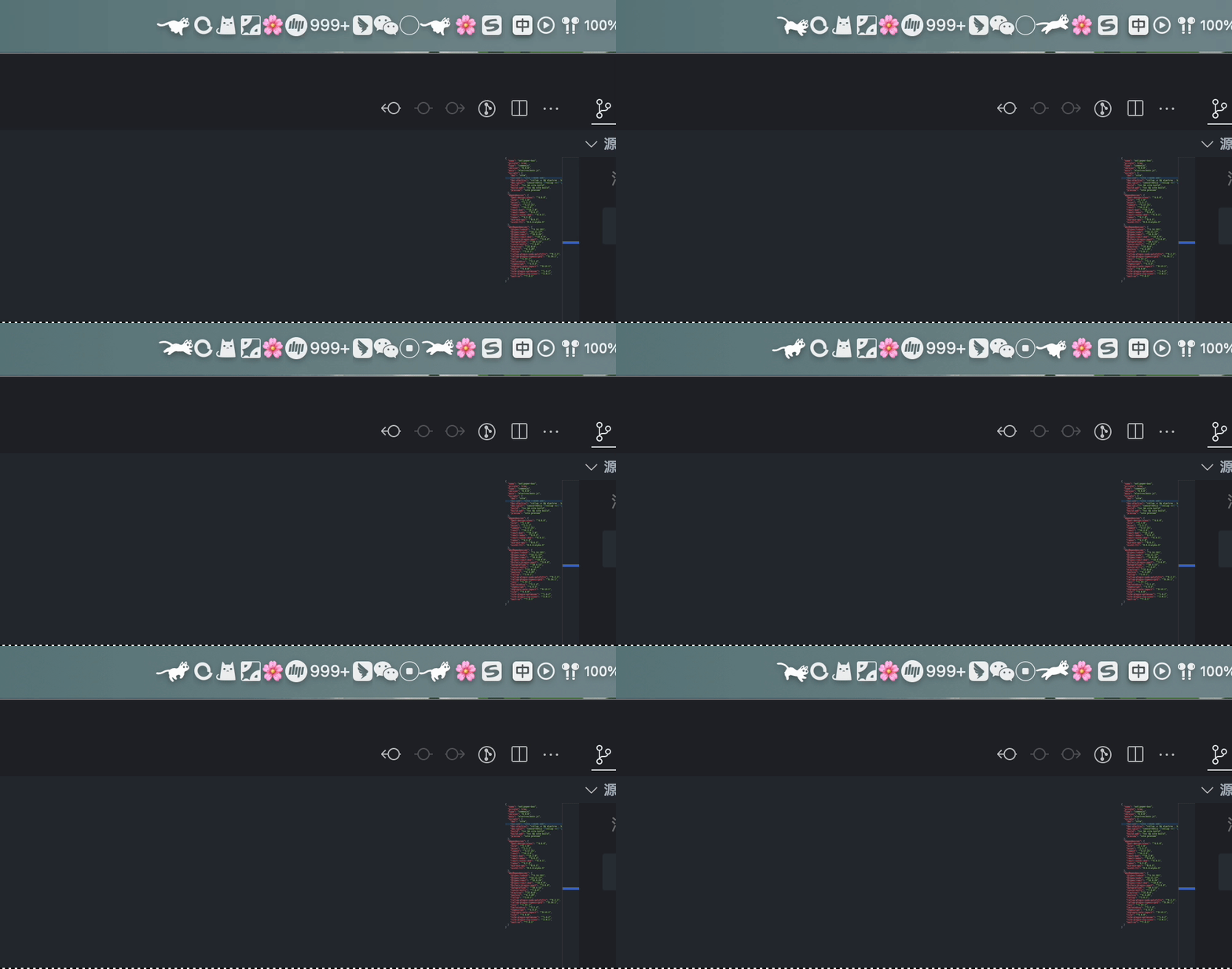
- Animated tray icons (RunCat style) that change speed based on CPU usage
- Launch at login
- HTTP proxy support
- The built-in packaging scripts focus on macOS.
- Default builds are
universal(compatible with both Apple Silicon and Intel Macs). - Separate
x64/arm64build commands are also available. - Minimum supported macOS version is
10.13. - The app is not Apple Developer signed. You will need to manually allow it on first launch.
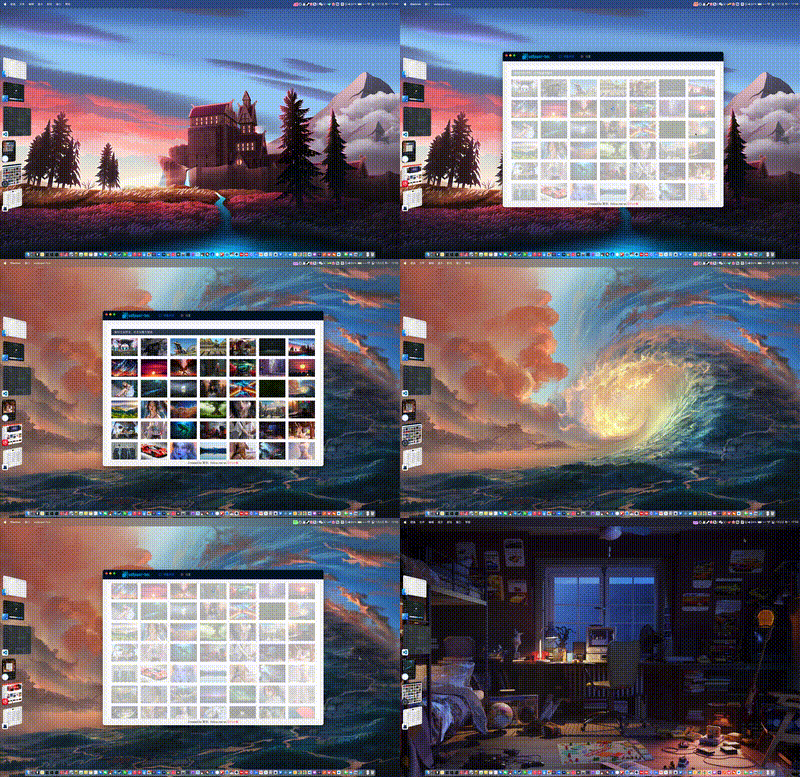
Wallpapers are sourced from wallhaven.cc.
- Search, filter, preview, download, and set wallpapers directly.
- Downloaded static wallpapers are saved to
~/wallpaper-boxby default.
 |
 |
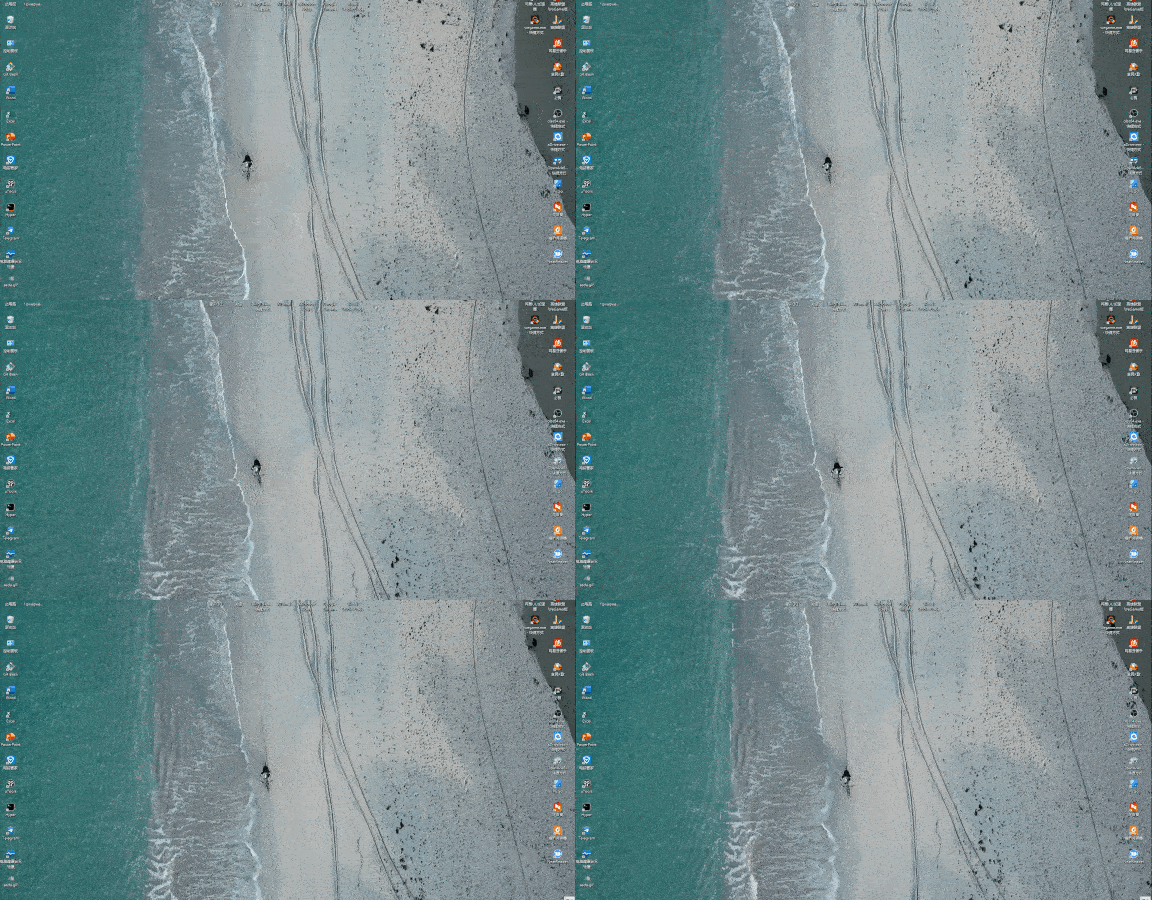
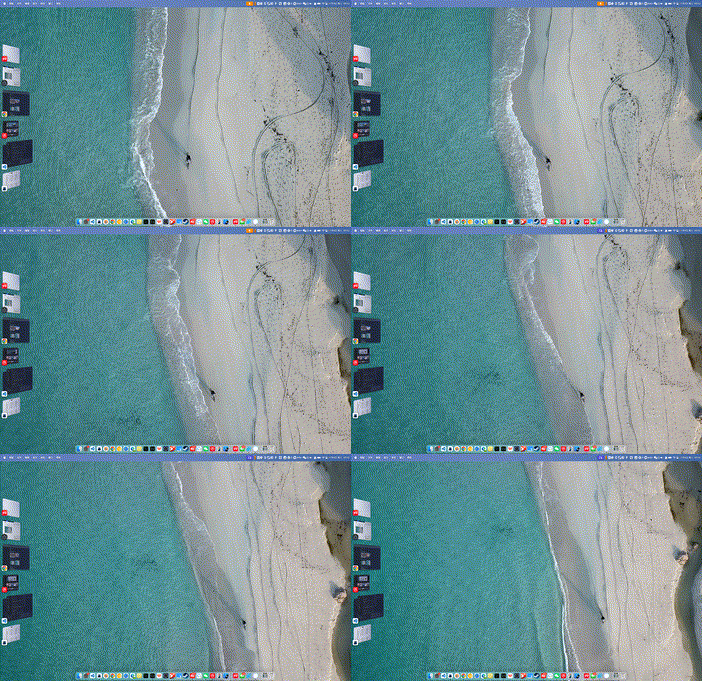
Set local video files as dynamic desktop wallpapers. You can also paste YouTube / Bilibili links to download and use them directly.
- Supports clicking to select or drag & drop video files.
- Paste
YouTube / Bilibililinks to download videos. - Common formats like
MP4,MOV,WebMare supported. - On macOS the dynamic wallpaper window may not perfectly cover the entire screen — contributions welcome.

Notes:
- Downloaded videos are saved to
~/wallpaper-box/videos - The video is automatically set as wallpaper after download
- Pre-built release packages include
yt-dlpandDeno— no manual installation required - For videos with separate audio/video streams, you may also need to include
ffmpegandffprobeinresources/bin/ - Using the official
yt-dlp_macosbinary may raise the effective minimum system version closer tomacOS 10.15+
| Windows: | macOS: |
 |
 |
Set any webpage as your desktop wallpaper. Supports both online URLs and local HTML files.
- Online URLs: Just enter the address.
- Example:
https://wangrongding.github.io/jellyfish/ google.comorlocalhost:3000will automatically add the protocol.
- Example:
- Local files: Select or drag & drop local
HTML/HTM/SVGfiles.- macOS/Linux example:
/Users/your-name/Coding/jellyfish/index.html - Windows example:
C:\Users\your-name\Coding\jellyfish\index.html
- macOS/Linux example:
Generate wallpapers directly from text prompts.
- AI settings are located in the AI Wallpaper page (not in global Settings).
- Generated images are automatically saved to
~/wallpaper-box. - After generation you can set it as wallpaper or open the folder.

Currently supports two common APIs:
- OpenAI Images API compatible endpoints
- Zhipu
glm-image
Recommended configuration examples:
- OpenAI
API Base URL:https://api.openai.com/v1Model:gpt-image-1
- Zhipu BigModel
API Base URL:https://open.bigmodel.cn/api/paas/v4Model:glm-image
Notes:
- If you use the full Zhipu endpoint
https://open.bigmodel.cn/api/paas/v4/images/generations, it is also supported. glm-imagesupports custom width/height.- Custom size limits:
512-2048, and both width and height must be multiples of32.
Prompt tips:
- Recommended structure:
main subject + style/texture + lighting/time + camera composition + wallpaper requirements - Example:
futuristic coastal city, golden hour backlighting, cinematic wide-angle composition, clean negative space, suitable as widescreen desktop wallpaper, no people, no text, no watermark
The tray icon changes animation speed based on real-time CPU usage. You can preview and switch themes from the tray menu or the dedicated Animated Icons page.
 |
 |

You no longer need to manually edit electron/tray-list.ts.
- Built-in icons are automatically scanned from subfolders under public/icons.
- Custom icons can be imported/deleted from the Animated Icons page, or simply dropped into
~/wallpaper-box/tray-icons/<your-icon-name>/. - Frames in a set are played in filename order (e.g.
001.png,002.png...).
The global Settings page contains general options:
- Launch at login
- HTTP proxy
- Proxy connectivity test
- Default wallpaper storage location (currently
~/wallpaper-box)
Notes:
- Proxy test attempts to reach Google.
- AI API configuration lives in the AI Wallpaper page, not here.
- Tray icon preview, switching, and custom imports have been moved to the standalone Animated Icons page.

pnpm installNotes:
pnpm installautomatically runsprepareand downloadsyt-dlp/Deno/ffmpeg/ffprobeintoresources/bin/.- If the binaries already exist they are skipped.
- To force refresh the binaries:
pnpm prepare:video-downloader
pnpm prepare:video-downloaderThis downloads the following into resources/bin/:
yt-dlp_macosdeno-aarch64-apple-darwindeno-x86_64-apple-darwinffmpeg-darwin-arm64ffprobe-darwin-arm64ffmpeg-darwin-x64ffprobe-darwin-x64
Notes:
- These are bundled into the app via
electron-builder.extraResources. yt-dlpautomatically selects the matchingffmpeg/ffprobefor the current architecture when dealing with separate audio/video streams.- Development overrides are supported via environment variables:
WALLPAPER_BOX_YT_DLP_PATH,WALLPAPER_BOX_DENO_PATH,WALLPAPER_BOX_FFMPEG_PATH,WALLPAPER_BOX_FFPROBE_PATH.
Start both web and Electron:
pnpm devSeparate terminals:
pnpm dev:web
pnpm dev:electron
Run Electron against a locally built bundle:
pnpm build:web
pnpm build:electron
pnpm electron:startBuild artifacts are written to the out/ directory.
Architecture notes:
universal: Single package supporting both Intel (x64) and Apple Silicon (arm64).x64: For older Intel Macs.arm64: For M1/M2/M3/M4 Macs.
# Recommended default (universal)
pnpm build

# Explicit universal build
pnpm build:mac:universal

# Intel only
pnpm build:mac:x64

# Apple Silicon only
pnpm build:mac:arm64

# DMG installer (universal)
pnpm build:dmg

# ZIP portable (universal)
pnpm build:zipThe app is not Apple Developer signed. Run these commands in Terminal:
sudo spctl --master-disable
sudo xattr -r -d com.apple.quarantine /Applications/wallpaper-box.app
If the app is not in /Applications, replace the path with the actual .app location (drag the app from Finder into Terminal).
- Your macOS version is below
10.13 - You downloaded the wrong architecture build
Prefer the default universal package. You can also build x64 or arm64 separately if needed.
If using Zhipu BigModel, the current version supports both:
https://open.bigmodel.cn/api/paas/v4https://open.bigmodel.cn/api/paas/v4/images/generations
Still failing? Check:
- API Key
- Model is set to
glm-image - No obvious typos in
API Base URL
glm-image custom width/height limits:
- Range:
512-2048 - Both width and height must be multiples of
32
Valid examples:
2048x11522048x12801792x1024
- Static & AI wallpapers:
~/wallpaper-box - AI configuration: AI Wallpaper page → top-right Settings button
If you find this project useful, please consider giving it a ⭐️ — thank you!
Contributions, issues, and PRs are very welcome.