 P2P Suite in Your Pocket
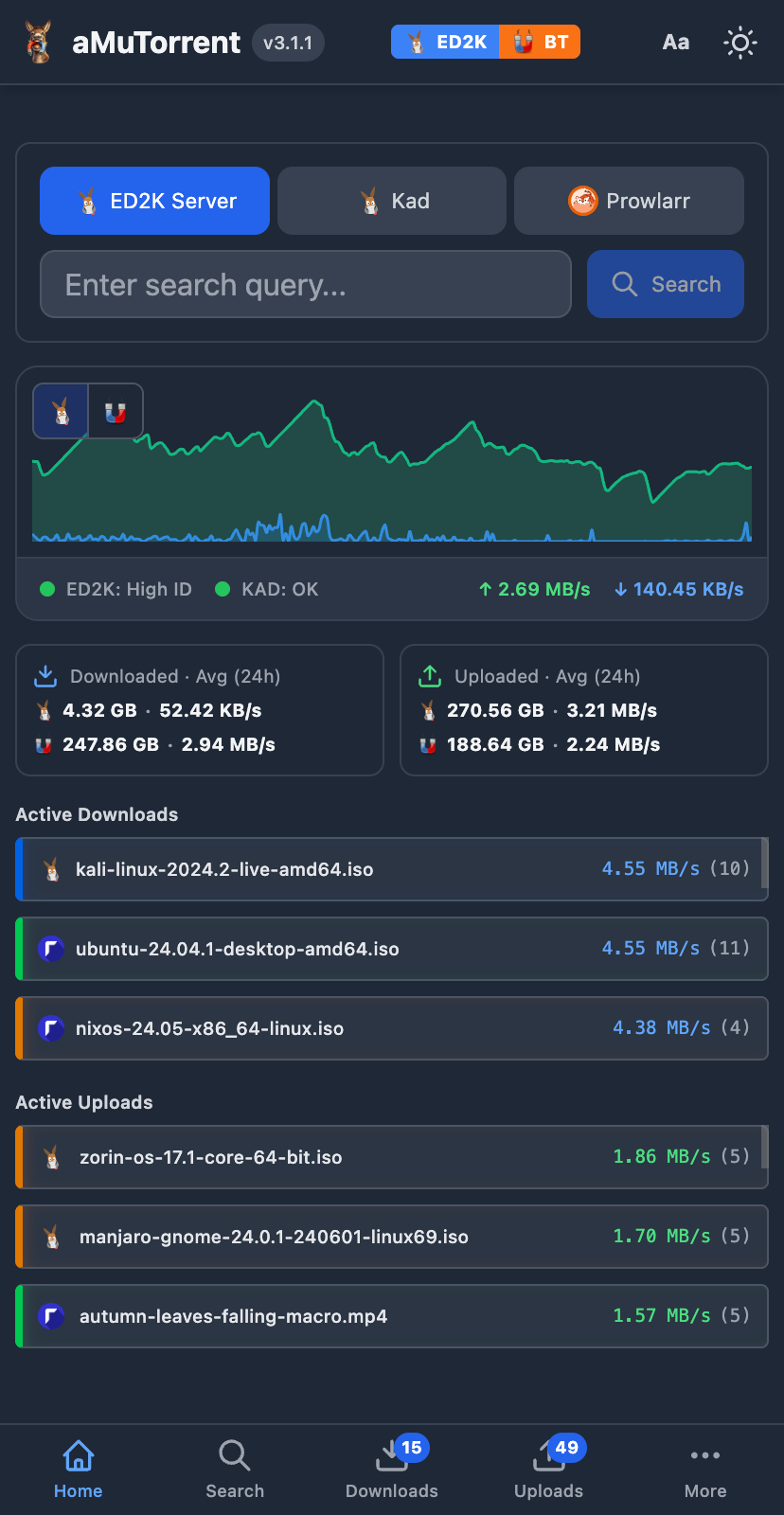 |
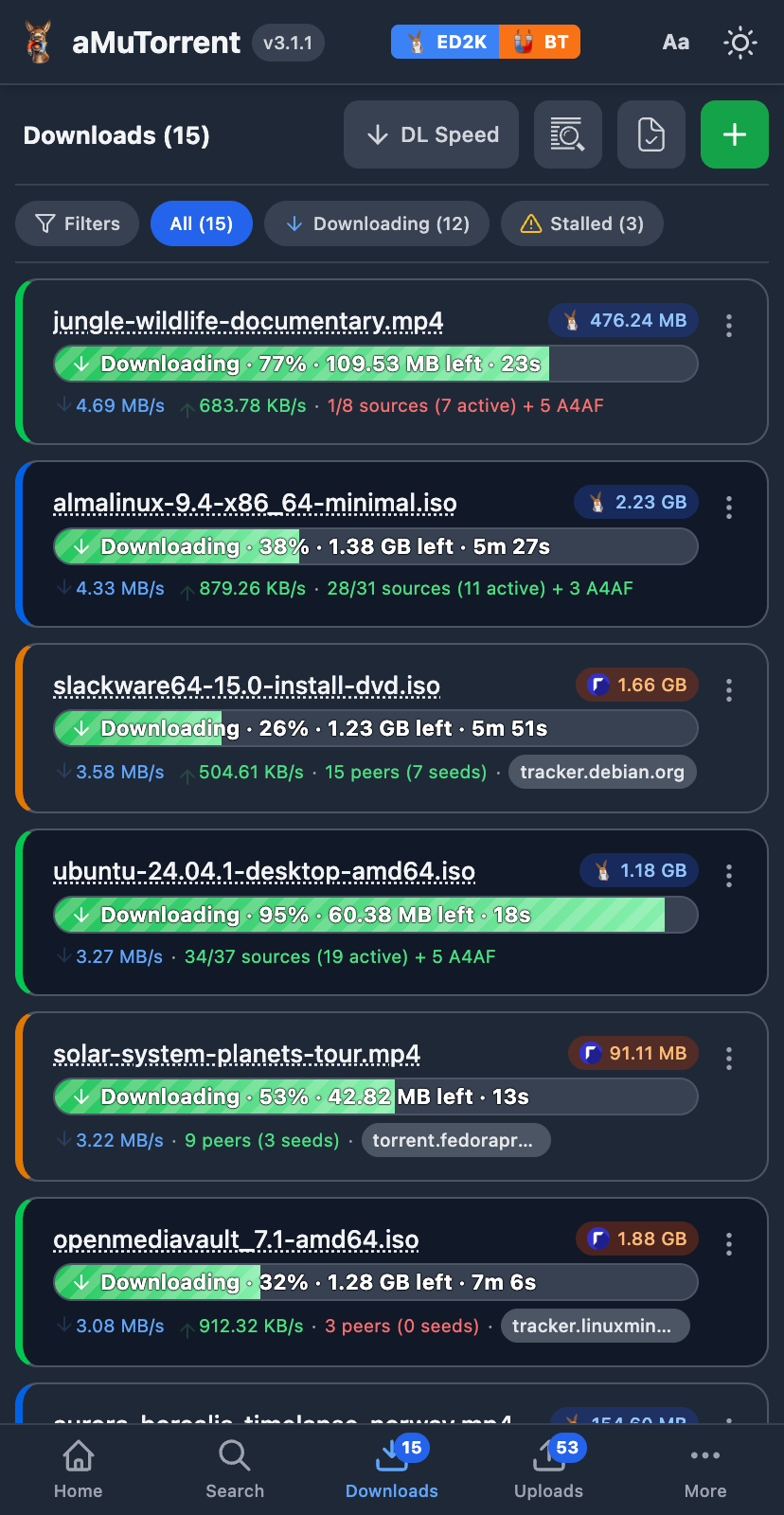 |
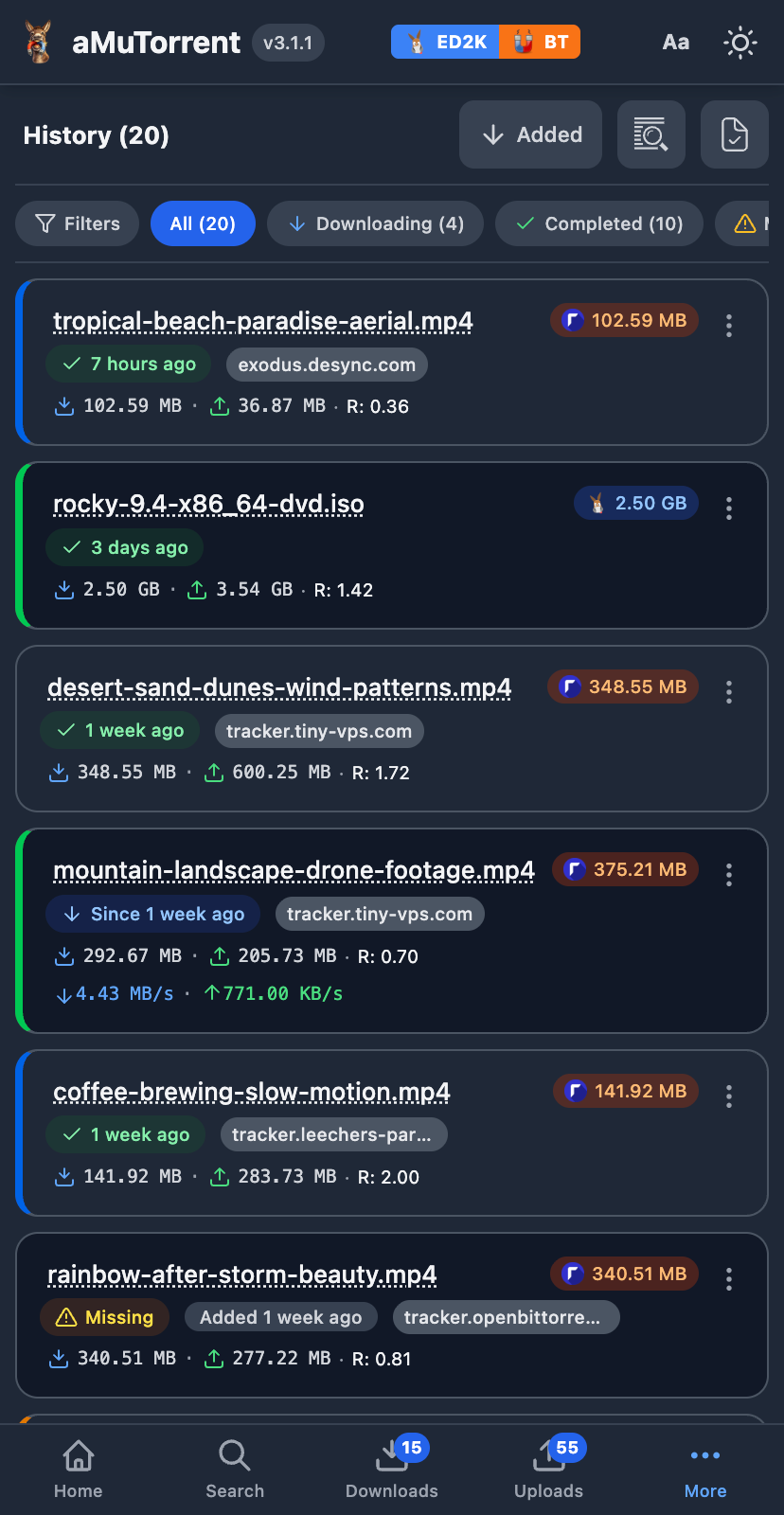 |
 |
 |
| Termux A16 | RN8 + OTG |
Power consumption is Minimal, less than a light bulb. Even lower without a hard drive. You can Reuse Old Android Devices (From Android 5). Let's take care of the World that God gave us ❤️
🛂 Explanation - What does this do?
The system uses Transmission for torrents and eMule (KAD&ED2K P2P), watch-dir set to PhoneStorage/Downloads/aMuTorrent. All files in this path will be seeded. From the WebUI you can search, download and view all the information about torrents.Download and Install Termux from here:
or
curl -fsSL https://raw.githubusercontent.com/weskerty/aMuleD.bin/refs/heads/master/INSTALL.sh | bash
Questions will appear asking "Allow Access to All Files" and "Allow Background Execution without Battery Restrictions?" and in both cases select YES.
After a while the Service will be ready, you will see a message saying "Start in Browser".
Go to http://localhost:4000
Downloads appear in Downloads/aMuTorrent/
admin
1234567890-p
To configure Radarr
There are various storage methods:
- Symbolic Link to MicroSD (Many phones support up to 2TB SD cards)
- Symbolic Link to OTG Hard Drive (depending on the ROM, many do not put the hard drive to sleep when not in use, root is required for configuration.)
- SFTP with other machines
- NFS with other machines (requires root)

The version found on the Play Store does not work properly, the service will run, but it will not work with: Radarr, Sonarr or Prowlarr. Only the aMule Search and direct downloads from Transmission will work.
For this, you must enable Port Forwarding on your Router and I would also recommend changing the manager password, as well as the passwords of the other services mentioned above, since they all use the same password.
Restarting:
Enter Termux and paste:
cd aMuTorrent && bash START.sh
Startup can be automated with TermuxBoot/Tasker and a .bashrc or sv that automatically starts the command above
In newer Android versions (A12 and above), the system does not allow Termux to stay alive in the background.
To solve this, you need to perform some extra steps to fix it.
- Phone Settings > Battery > Give Termux priority in everything, automatic startup, background operation, etc.
- Enable USB Debugging (ADB) in Android Developer Settings How?
↗️ - Then go to ADB Tools
↗️ from another device, connect the device to patch via USB and then press the "Connect" button, select the connected device, then on the phone "Allow this Computer?" will appear, answer YES. Then on the website press the "Commands" button and then "Termux Alive" and that's it, it should be ready.
Set the battery charging limit to 70% or lower. This prevents the battery from swelling. Some phones have this option in their battery settings; those that don't can adjust it with root access.
On Termux Root: sudo cat /sys/class/power_supply/battery/uevent
POWER_SUPPLY_STATUS=Not charging
POWER_SUPPLY_CHARGING_ENABLED=0
POWER_SUPPLY_CURRENT_NOW=0
POWER_SUPPLY_CHARGE_CONTROL_LIMIT_MAX=9
POWER_SUPPLY_CHARGE_CONTROL_LIMIT=0
POWER_SUPPLY_VOLTAGE_NOW=4008159
POWER_SUPPLY_VOLTAGE_MAX=4400000
This is happening on a Redmi Note 8. When the maximum charge is set to 70%, it stays at a stable voltage of 4.0V, which is low degradation. In this situation, the phone acts like a UPS; the battery isn't receiving power and remains inactive, as if disconnected.
In fact, you can disconnect the battery and the phone will remain powered on (as long as the screen doesn't turn on).
Or you can also make a direct connection Tutorial
/system/etc/init/off_mode_charge.rc
on charger setprop sys.powerctl reboot,leaving-off-mode-charging
If you found this interesting, then you'll also be interested in other Termux projects like bots for WhatsApp, Telegram, Discord, etc. You can see a list here: Repo TermuxGod