
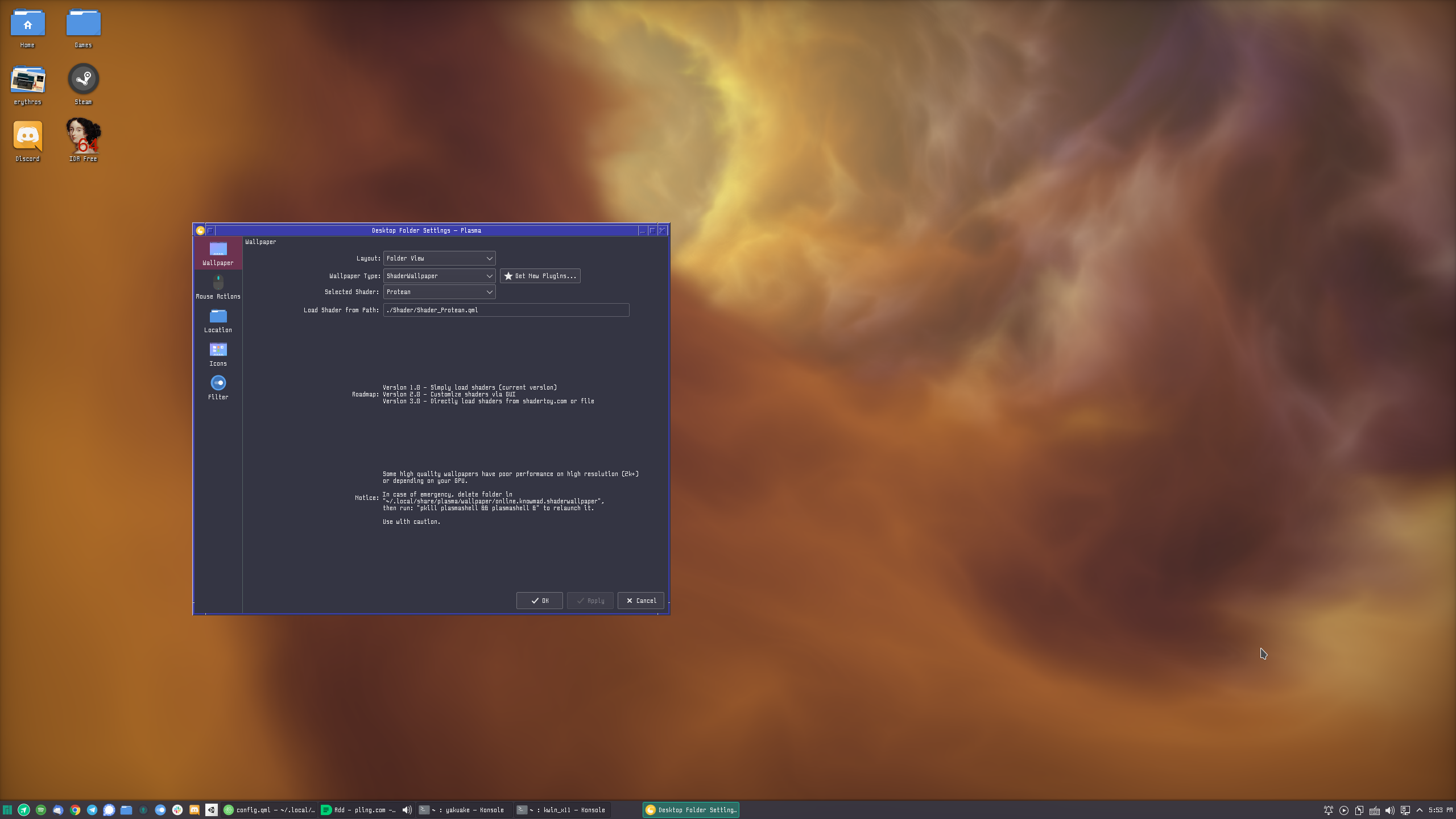
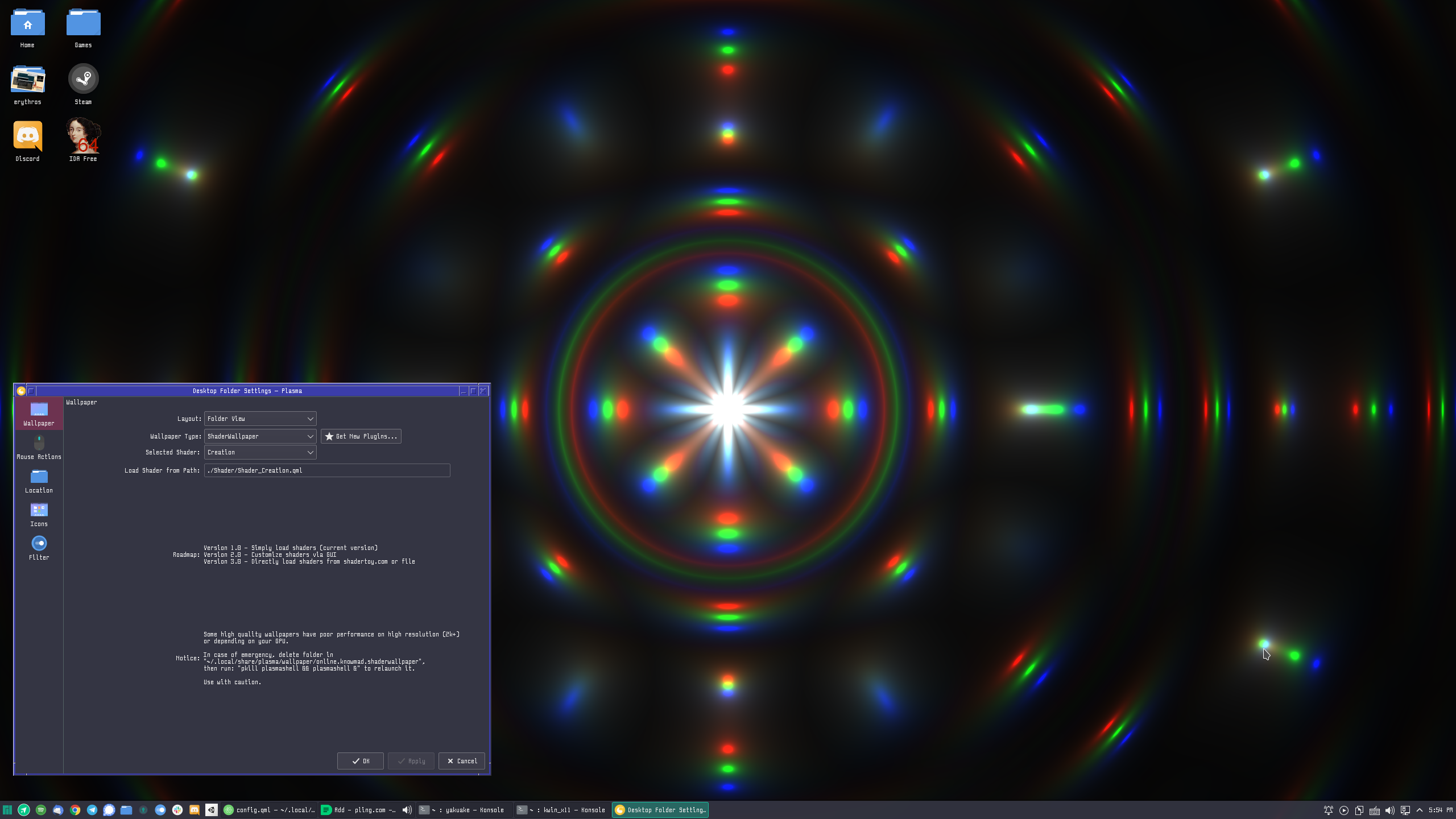
Run beautiful GLSL shaders as your desktop wallpaper



- 200+ Built-in Shaders - Curated collection of beautiful effects
- Shadertoy Import - Import shaders directly from shadertoy.com
- Multi-Pass Rendering - Full buffer support (A, B, C, D) for complex effects
- Audio Reactive - Shaders that respond to system audio via PipeWire
- Mouse Interaction - Full iMouse support on X11 and Wayland
- Window Tracking - Shaders can react to window positions
- Performance Monitoring - Real-time FPS and power consumption estimates
- Preset System - Save and share your configurations
This plugin requires compilation because it uses C++ for OpenGL rendering, audio capture, and cursor tracking.
One-liner install:
git clone https://github.com/y4my4my4m/kde-shader-wallpaper.git && cd kde-shader-wallpaper && ./scripts/build.shStep by step:
# 1. Install dependencies (see below)
# 2. Clone and build
git clone https://github.com/y4my4my4m/kde-shader-wallpaper.git
cd kde-shader-wallpaper
./scripts/build.sh install

# 3. Restart plasmashell
pkill plasmashell && plasmashell &Arch Linux / Manjaro
sudo pacman -S cmake extra-cmake-modules qt6-base qt6-declarative \
    libplasma kf6-kconfig kf6-ki18n kf6-kpackage pipewire libpipewire xcb-util
Ubuntu / Debian (24.04+)
sudo apt install cmake extra-cmake-modules build-essential \
    qt6-base-dev qt6-declarative-dev libplasma-dev \
    libkf6config-dev libkf6i18n-dev libkf6package-dev \
    libpipewire-0.3-dev libxcb1-dev
Fedora 40+
sudo dnf install cmake extra-cmake-modules gcc-c++ \
    qt6-qtbase-devel qt6-qtdeclarative-devel qt6-qtmultimedia-devel \
    libplasma-devel kf6-kconfig-devel kf6-kcoreaddons-devel \
    kf6-ki18n-devel kf6-kpackage-devel \
    pipewire-devel libxcb-devel
openSUSE Tumbleweed
sudo zypper install cmake kf6-extra-cmake-modules gcc-c++ \
    qt6-base-devel qt6-declarative-devel qt6-multimedia-devel \
    libplasma6-devel kf6-kconfig-devel kf6-kcoreaddons-devel \
    kf6-ki18n-devel kf6-kpackage-devel \
    pipewire-devel libxcb-devel

# Optional — Wayland cursor tracking and runtime shader compilation:
sudo zypper install wayland-devel wayland-protocols-devel shaderc-devel
Note: openSUSE names the Plasma 6 library package
libplasma6-devel(it provides thePlasmaandPlasmaQuickCMake configs), notlibplasma-develas on Fedora/Debian.
./scripts/build.sh uninstall
# Or manually:
rm -rf ~/.local/share/plasma/wallpapers/online.knowmad.shaderwallpaper/
pkill plasmashell && plasmashell &Shader Wallpaper works on the sign-in screen if you use Plasma Login Manager (PLM). It does not work with SDDM or other display managers.
PLM runs as the plasmalogin user before anyone logs in, so it cannot read your home folder. Two requirements:
- The plugin must be installed system-wide in
/usr(KDE Store /~/.localis not visible to PLM). /etc/plasmalogin.confmust register the plugin — PLM's wallpaper dropdown hides third-party plugins (KDE bug 517325).
The wallpaper settings UI has a Login screen card that handles both. From git or a KDE Store install:
# from a git checkout
./scripts/install-plm-greeter.sh

# from a KDE Store install
bash ~/.local/share/plasma/wallpapers/online.knowmad.shaderwallpaper/contents/scripts/install-plm-greeter.sh
The script runs sudo make install (system-wide), then writes:
# /etc/plasmalogin.conf
[Greeter]
WallpaperPluginId=online.knowmad.shaderwallpaper
Log out — you'll see Shader Wallpaper with the default shader. To change it:
System Settings → Login Screen → ⋮ → Configure Appearance… (ignore the "Wallpaper type" dropdown on the main page; it can't list us)
Your ~/.local install keeps powering the desktop and lock screen. Having both is normal.
Remove the registration only (leaves the /usr install in place):
sudo ./scripts/install-plm-greeter.sh --uninstall| Surface | Config file | Install location |
|---|---|---|
| Desktop | ~/.config/plasma-org.kde.plasma.desktop-appletsrc |
~/.local or /usr |
| Lock screen | ~/.config/kscreenlockerrc |
~/.local or /usr |
| Login (PLM) | /etc/plasmalogin.conf + System Settings |
/usr only |
- Right-click your desktop → Configure Desktop and Wallpaper
- Select Shader Wallpaper as the wallpaper type
- Click Browse Gallery to select a shader
- Adjust settings like speed, FPS target, and input options
Shader causes black screen or crashes
Delete the configuration and restart:
rm -rf ~/.local/share/plasma/wallpapers/online.knowmad.shaderwallpaper/
pkill plasmashell && plasmashell &
High CPU/GPU usage
- Lower the target FPS (30 is often sufficient)
- Enable "Pause when maximized window" in settings
- Choose lighter shaders (check the performance tier indicator)
Audio reactive features not working
Ensure PipeWire is running and the shader supports audio (iChannel must be bound to audio input).
- Developer Guide - Creating and importing custom shaders
- Architecture - Project structure and technical details
- Contributing - How to contribute to the project
Contributions are welcome! Please read our Contributing Guide before submitting a PR.
# Fork on GitHub, then clone your fork
git clone git@github.com:y4my4my4m/kde-shader-wallpaper.git
cd kde-shader-wallpaper

# Build and install
./scripts/build.sh install

# Test changes - restart plasmashell
pkill plasmashell && plasmashell &
This project is licensed under the GPL-3.0-or-later license. See LICENSE for details.
If you find this project useful, consider supporting its development:

Made with ❤️ by @y4my4my4m