



A lightweight React component for rendering a bundled SVG world map for charts, dashboards, and thematic data visualizations.
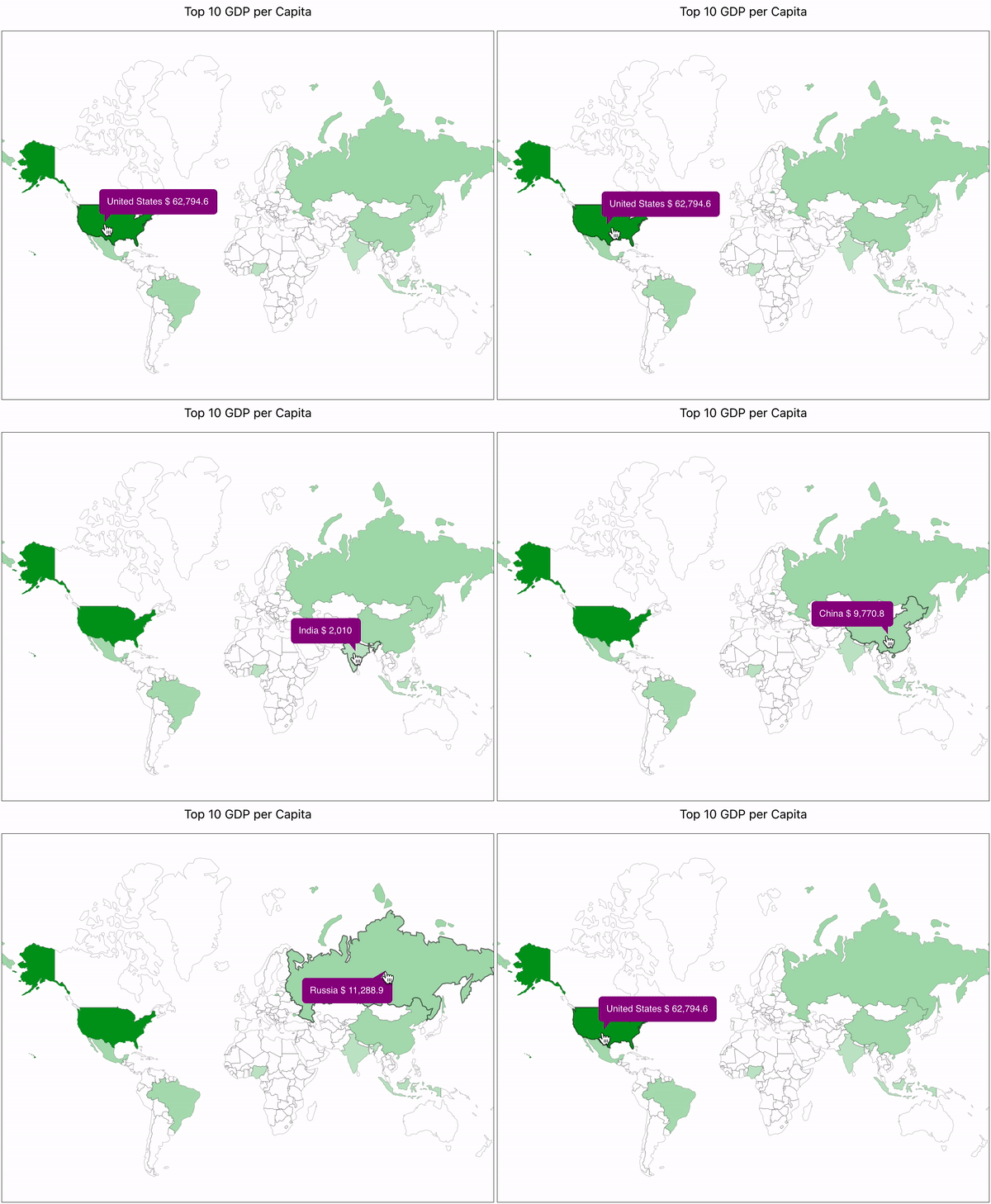
react-svg-worldmap is designed for teams that want a simple client-side world map without a hosted map service, API dependency, or heavyweight geographic stack. The package ships a bundled map and exposes a small React API for coloring countries, attaching interactions, and rendering values.
- Bundled map data with no runtime network requests
- Small API surface focused on thematic data visualization
- Works with standard React applications without a map platform dependency
- Ships ESM, CJS, and TypeScript declaration files
- CI enforces automated tests and
>90%coverage
Live examples and package documentation are available at yanivam.github.io/react-svg-worldmap.
- React
>=16.8 react-dom >=16.8for browser-rendered applications
npm install react-svg-worldmapimport * as React from "react";
import WorldMap from "react-svg-worldmap";
import "./App.css";
function App() {
const data = [
{ country: "cn", value: 1389618778 },
{ country: "in", value: 1311559204 },
{ country: "us", value: 331883986 },
{ country: "id", value: 264935824 },
{ country: "pk", value: 210797836 },
{ country: "br", value: 210301591 },
{ country: "ng", value: 208679114 },
{ country: "bd", value: 161062905 },
{ country: "ru", value: 141944641 },
{ country: "mx", value: 127318112 },
];
return (
<div className="App">
<WorldMap
color="red"
title="Top 10 Populous Countries"
valueSuffix="people"
size="lg"
data={data}
/>
</div>
);
}The bundled map is a small-scale thematic visualization for charts and dashboards. It is not presented as a legal, diplomatic, or authoritative boundary reference.
The project uses a documented source hierarchy instead of treating one raw dataset as authoritative for every geopolitical question:
UNSD M49andUNTERMfor neutral naming, codes, and terminologyNatural Earth Admin 0 Countriesfor the bundled small-scale geometry- A repo-maintained overrides register for disputed or recognition-sensitive cases
This project aims to stay neutral by documenting how naming, geometry, and disputed territories are handled. For sensitive cases, maintainers prefer reviewable documentation and coarse small-scale representation over silent or over-precise political claims.
Source attribution and policy details:
- Country codes use ISO 3166-1 alpha-2 values such as
us,fr, andjp. - The default map is bundled locally with the package.
- The component does not fetch map geometry from a remote API at runtime.
The component is designed to be WCAG 2.2 AA compliant at the component level:
- The root
<svg>is annotated withrole="img"andaria-labelledbypointing to an embedded<title>element. - Each country region SVG element carries its own
<title>with the country name and value. - The component ships no decorative elements without
aria-hidden.
Because <WorldMap> is a self-contained SVG widget and not a full page, the host application should provide page-level landmarks:
| Requirement | WCAG criterion | What to do |
|---|---|---|
| Skip link | 2.4.1 Bypass Blocks | Add a visually-hidden <a href="#main-content">Skip to main content</a> as the first focusable element in your page shell |
<main> landmark |
1.3.1 Info and Relationships | Wrap the primary page content in <main id="main-content"> |
<nav> landmark |
1.3.1 Info and Relationships | Wrap your site navigation in <nav aria-label="Main"> |
This repository is a Yarn workspace with two packages:
libfor the published component packagewebsitefor the documentation and examples site
- Node
>=18 - Yarn
yarn installyarn build:packageTo build and pack a local tarball for testing from the package directory:
cd lib
yarn build:localThe site imports the local package build from lib/dist, so build the package first:
yarn build:package
yarn start:website
The development server starts at http://localhost:3000.
yarn buildThis runs build:package and then build:website.
README.mdis the canonical source for package-facing documentation.lib/README.mdis generated from the marked npm README section in the root README.- Run
yarn generate:readmeafter editing package-facing README content. - CI fails if the generated package README is out of date.
MIT