Credentials loading
-
Obtaining credentials
To obtain credentials go to our cloud service - but first you have to create an account (sign up) and then (sign in) to access the page. Downloadziparchive with your credentials. -
Run the application and load credentials
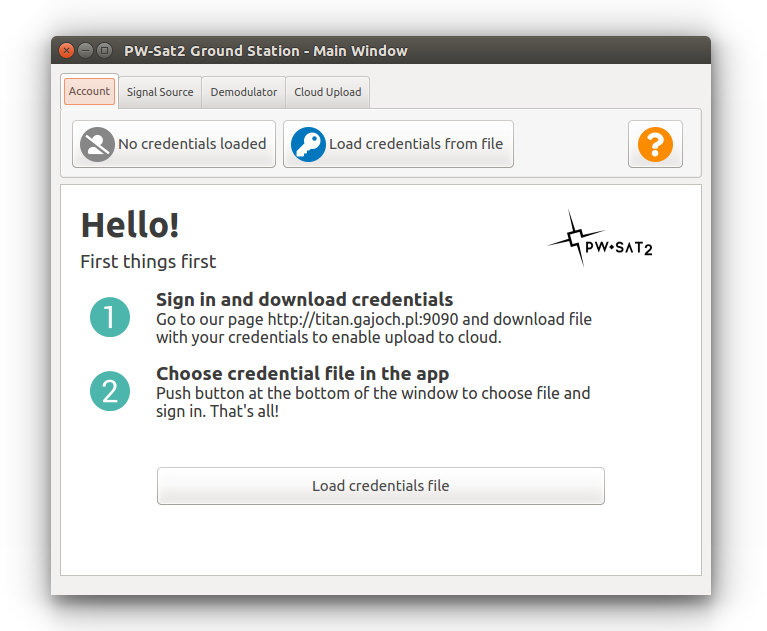
When credentials are not loaded main window of the application looks similarly as in the picture below:
Push button "Load credentials from file" or "Load credentials file" - a new window should pop up - choose downloaded zip file with credentials:

Once credentials are loaded properly and authentication on server is successful the icon and your e-mail are visible in the application: