Quick Start Guide
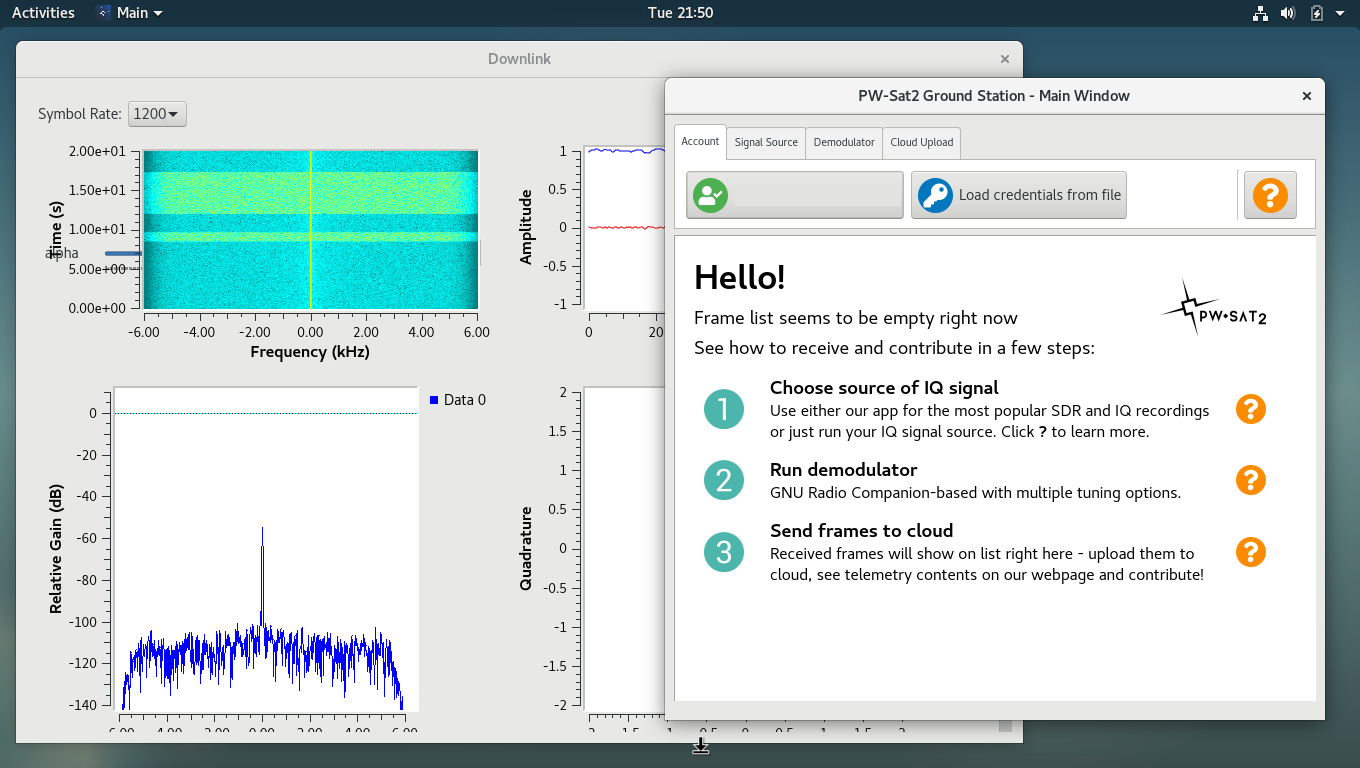
Quick Start Guide describes in general a path that one has to go through to contribute to the PW-Sat2 project (i.e receive signal and upload decoded frames to cloud service). For more details follow links in the Quick Start Guide or find detailed descriptions and instructions in Receiving Guide.
-
Create an account (sign up) and then (sign in) on our service dedicated for radio amateurs.
-
Download PW-Sat2 Ground Station Desktop Application for your platform and install/run it
-
Download credentials for your account and load them in the desktop application (Account section)
-
Make sure that you have installed all needed drivers for your SDR receiver (click for details)
-
Run selected Signal source in Ground Station Application. Keep window open so it can deliver signal to demodulator. Go to next step.
-
Run Demodulator - choose bitrate (see how to figure out bitrate). Keep window open so it can decode signal and deliver decoded frames to main window. Go to next step.
-
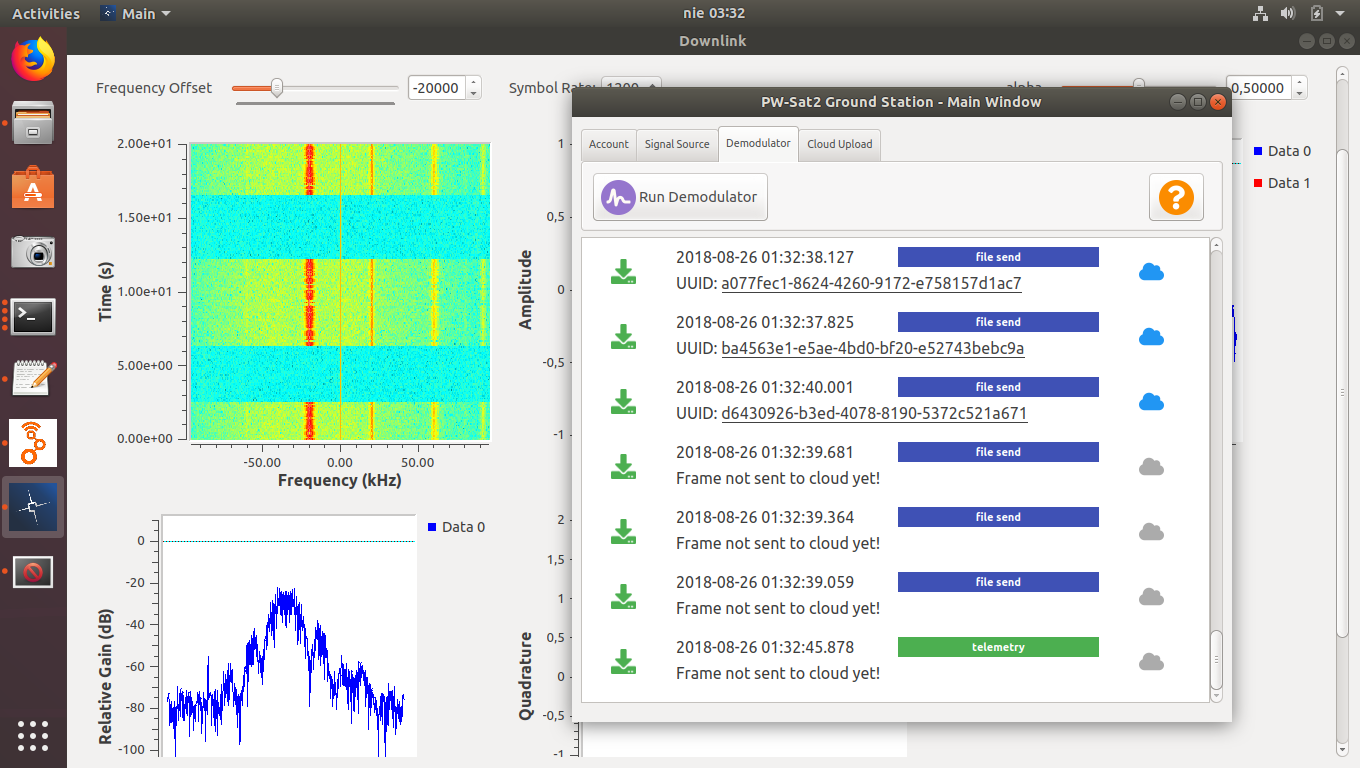
Decoded frames should appear in Main Window
-
By default received frames will be uploaded to cloud. Each uploaded frame has its own UUID - click a link to view frame in the cloud. Note that only telemetry frames are automatically decoded.

[YouTube here]
- Check logs in
logsdirectory - Run application in terminal to see debug output
- Try to run application with super-user privileges (for instance if it's needed to access SDR resources)
- Look for similar problems and solutions in issues or add an issue in this repository.
Check troubleshooting page.