Badge Edition. Screen pages
Regardless of the screen page being selected, the Badge Edition does execute the same background tasks all the time.
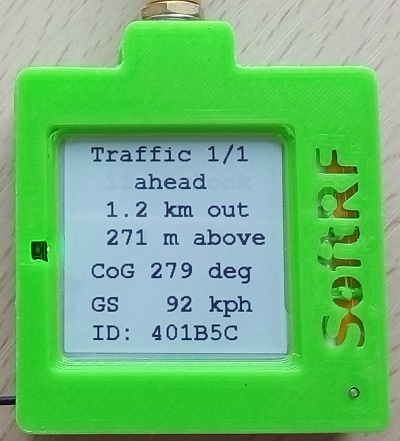
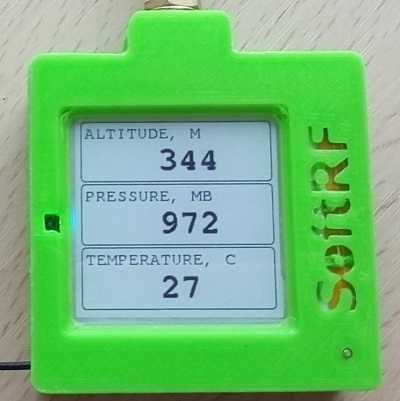
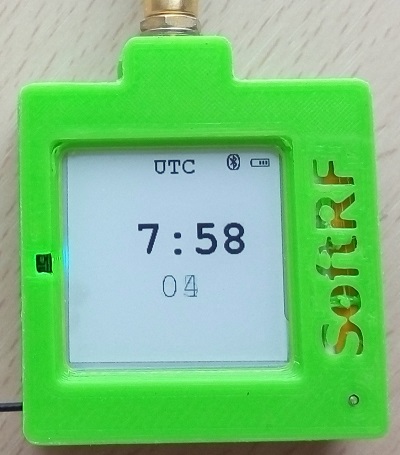
It means that, when your primary traffic display is the XCSoar or LK8000 app running on a mobile device connected to the Badge by Bluetooth LE - it is safe to switch the Badge into 'UTC clock', 'Status' or 'Baro' screen mode and you will not loose anything this case.
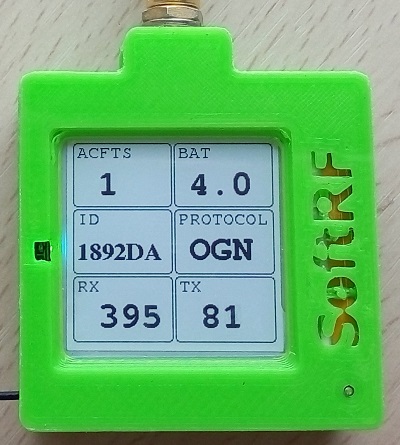
ACFTS - a number of aircrafts 'in sight'
BAT - battery voltage
ID - unique device ID of this Badge unit
PROTOCOL - current radio protocol in use
RX - radio packets received
TX - radio packets transmitted
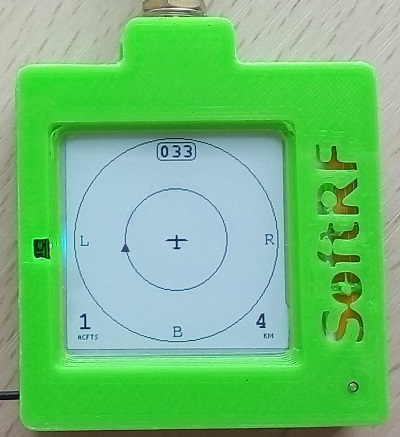
This illustration shows one traffic object located about 1 km left and it is higher than the Badge carrier aircraft.
Present GNSS CoG is 33 degrees relative to North.
Full scale of the radar screen is currently set to 4 km (2km left, 2 km right, 2 km ahead, 2 km behind).
SoftRF
-
Standalone

- UAV
-
LoRa module
-
Concorde

-
Retro MkII
-
Prime MkIV
-
Prime MkIII

-
Badge
-
Card MkII
-
Card
-
Stylus
-
Airventure
-
Pocket
-
Nano
- Prime MkII
-
Dongle
- Ham
- Handheld
-
Solaris
-
Lyra
-
Labubu
- Eco
- Gizmo
- ES
- Octave
- Duo
- Uni
- Cozy
- Midi
- Mini
- Lego
- Balkan
-
Academy
- Raspberry
- Bracelet
- Retro
SkyView
Flight Recorder
Adapters
Firmware
Tools
Protocols