This repository was archived by the owner on Oct 13, 2024. It is now read-only.
Accessibility Testing
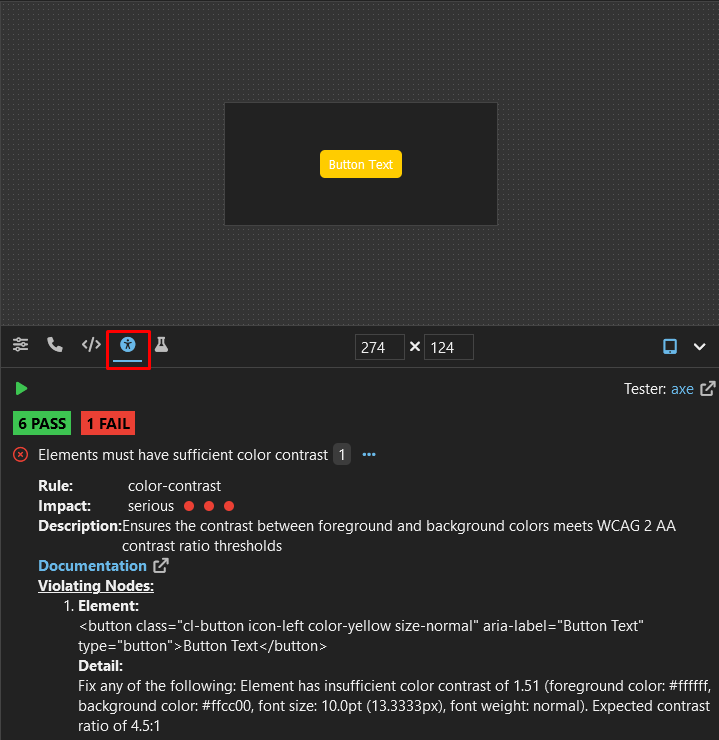
Exhibitor allows you to test your React components for accessibility violations using axe.
Navigate to the component you would like to test via the Component Navigator on the left, then select the
 page within the Bottom Panel header. The test will automatically run once. Clicking the
  button will rerun the test, taking the currently rendered state of the component.