Tab_Drive
Drive display options.
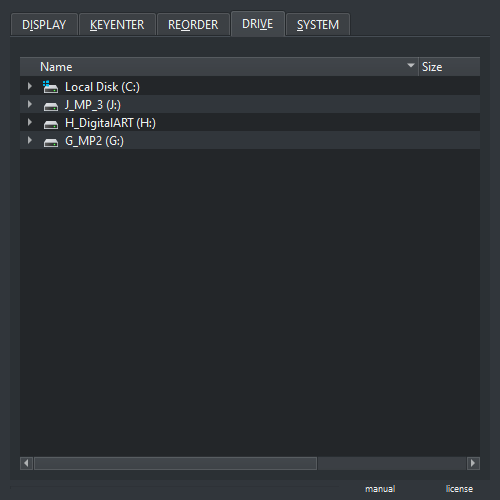
- Drop Image In : Dropping an image in will find drive path to it
-
Dragging Image Out : Dragging and image out will allow to open the image with Krita or Imagine Board
- Imagine Board : Open ( Preview, Grid, Reference )
- Krita : Open ( Document, Layer, Reference, )
- OS : Move file to target location