Ext. Service – EmailRep.io
Official Url:
Service Description:
EmailRep is a system of crawlers, scanners, and enrichment services that collect data on email addresses, domains, and internet personas.
EmailRep uses hundreds of data points from social media profiles, professional networking sites, dark web credential leaks, data breaches, phishing kits, phishing emails, spam lists, open mail relays, domain age and reputation, deliverability, and more to predict the risk of an email address.
Obtain your API key here: https://emailrep.io/key
Free tier: 250 queries per month up to 10 queries/day
If EmailRep flags an email address as "suspicious" we consider it as potential spam.
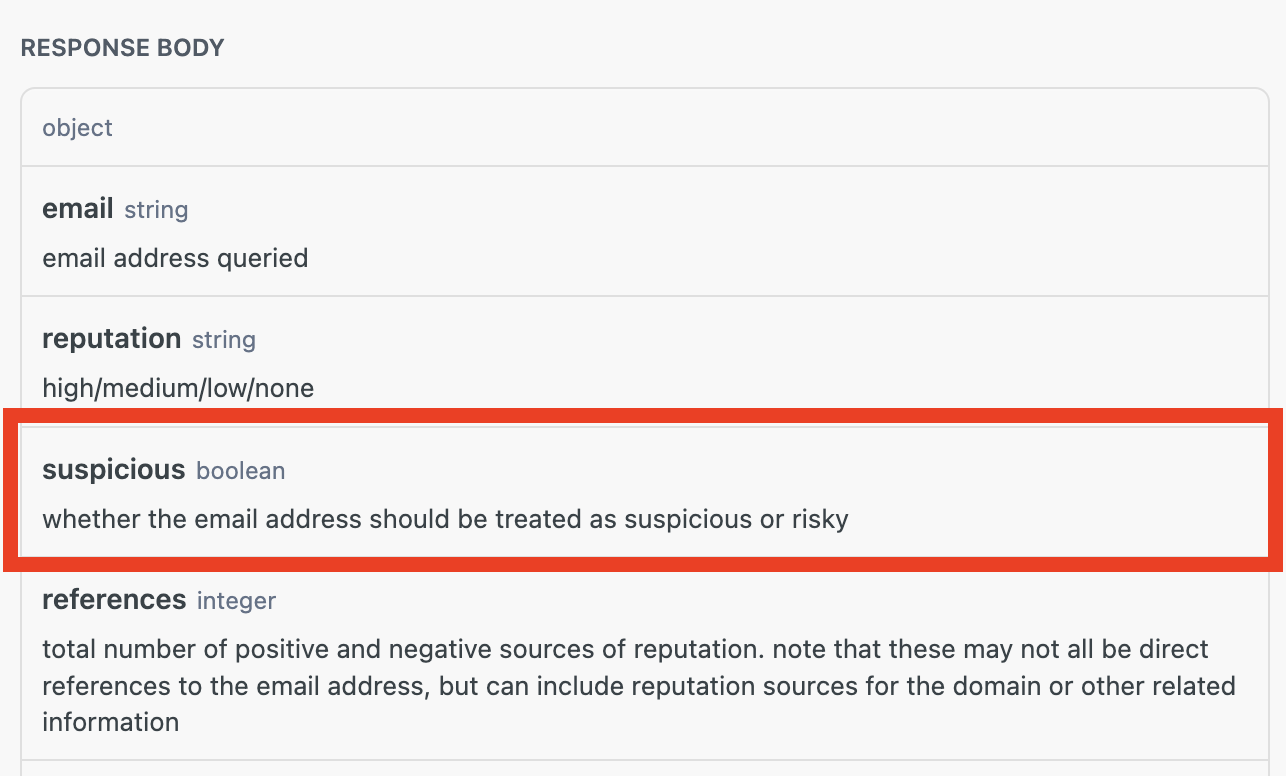
- Sign up on EmailRep & obtain your API key from https://emailrep.io/key
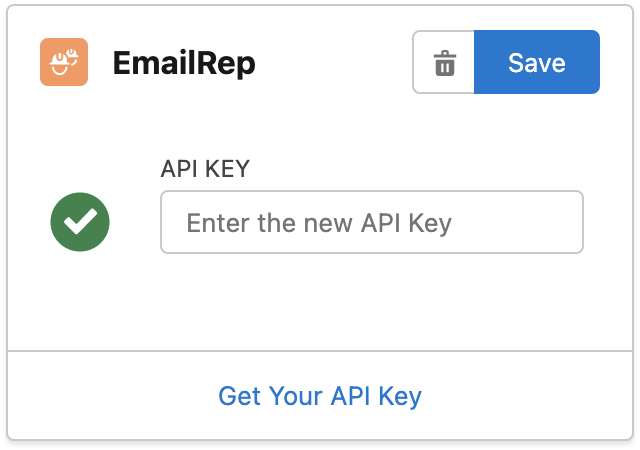
- Open the Email Validator Setup tab, scroll down to External Email Validation APIs section and find the configuration card for EmailRep
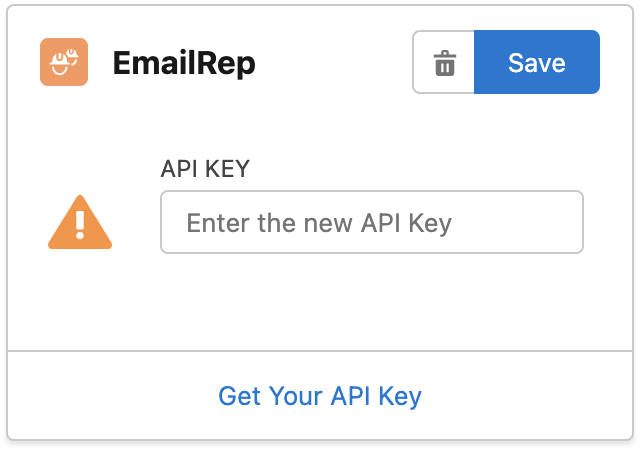
3. Enter your API key then click "Save"
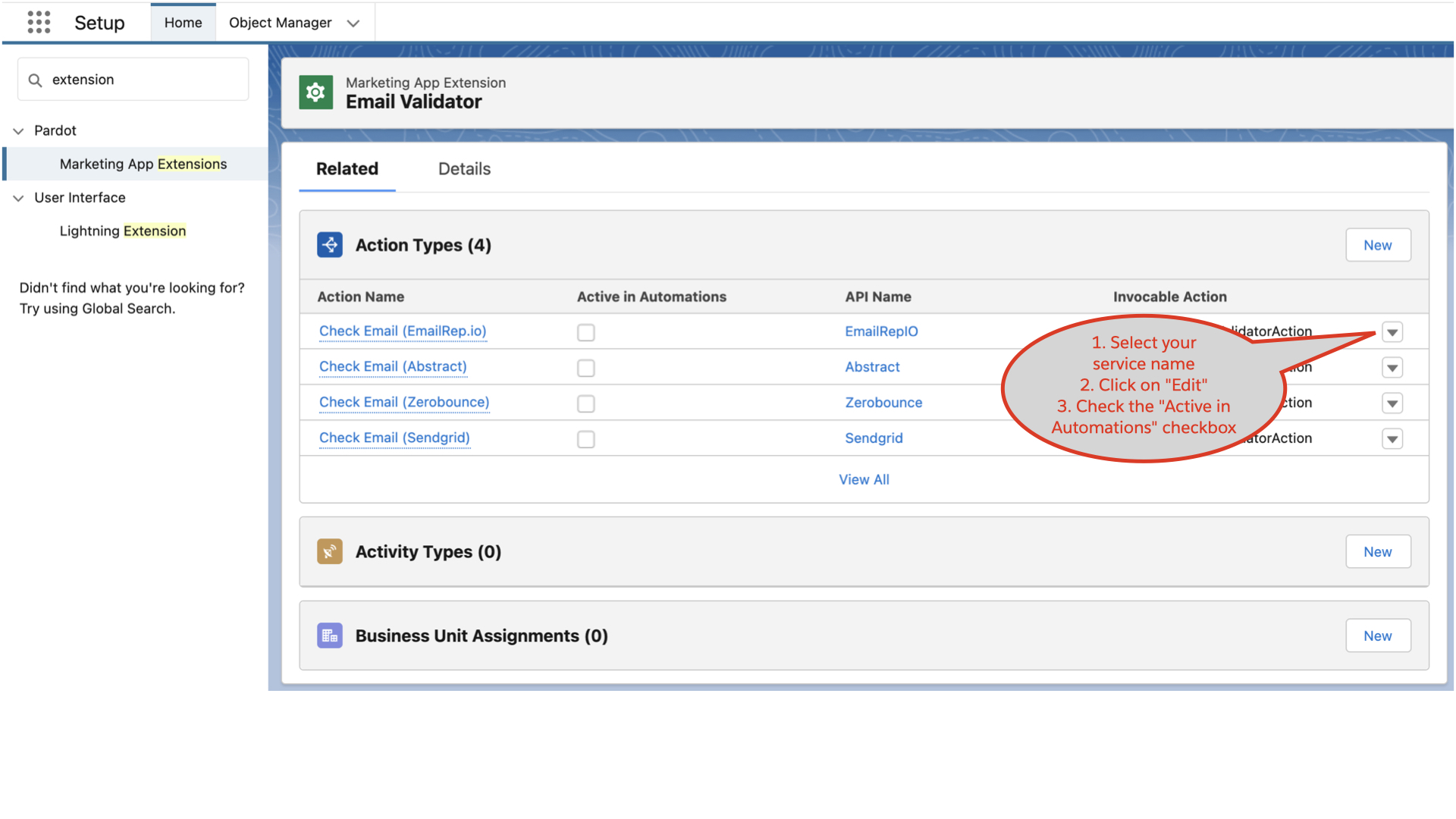
- From Salesforce Setup, search Marketing App Extension and click on Email Validator app:
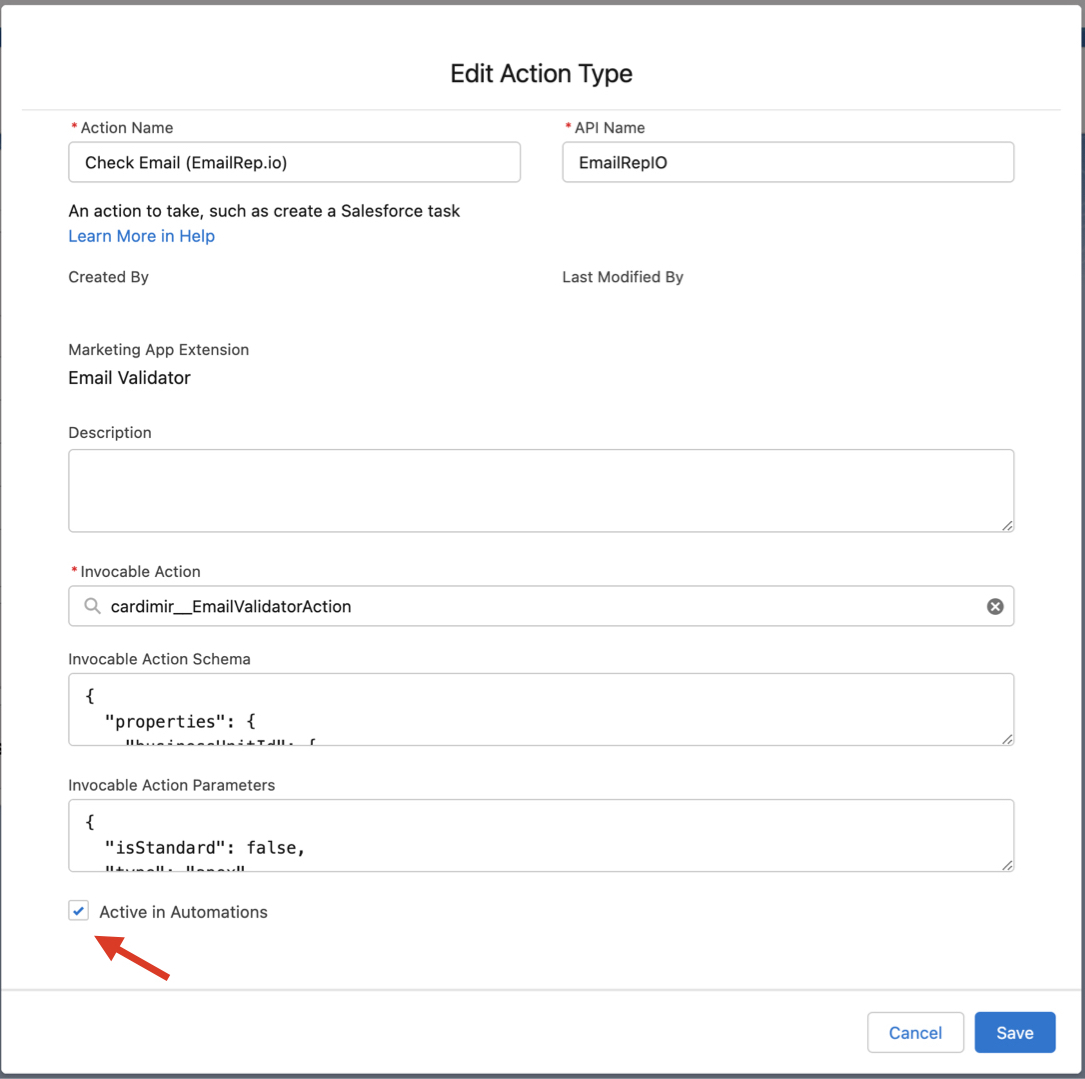
- Find the EmailRep service and activate it by editing the corresponding Action Type:
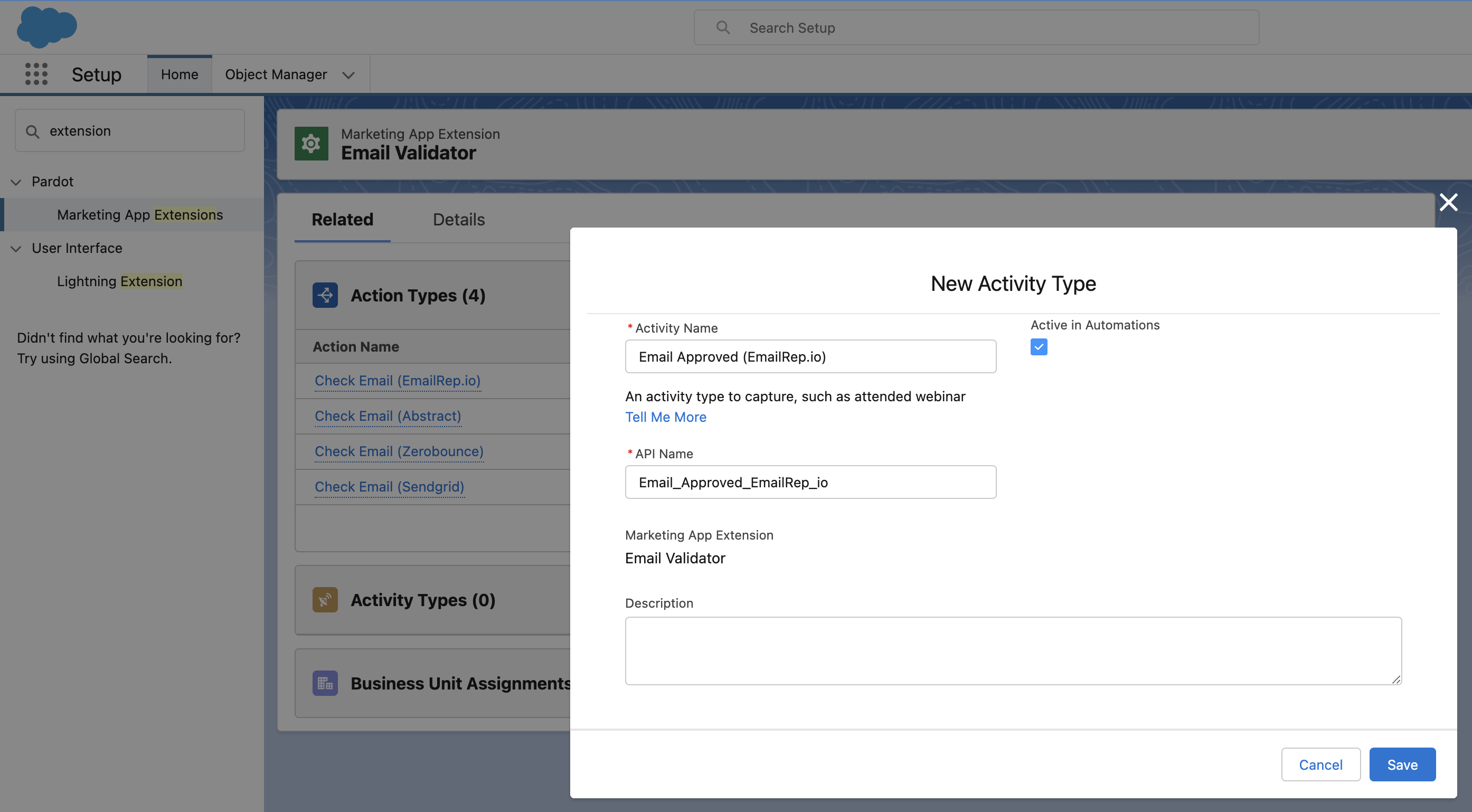
- From Activity Type related list, click on New and create a record with the following values:
Activity Name: Email Approved (EmailRep.io) (this is just a label and you can name it as you want)
API Name: Email_Approved_EmailRep_io (IMPORTANT: it MUST be spelled exactly like this)
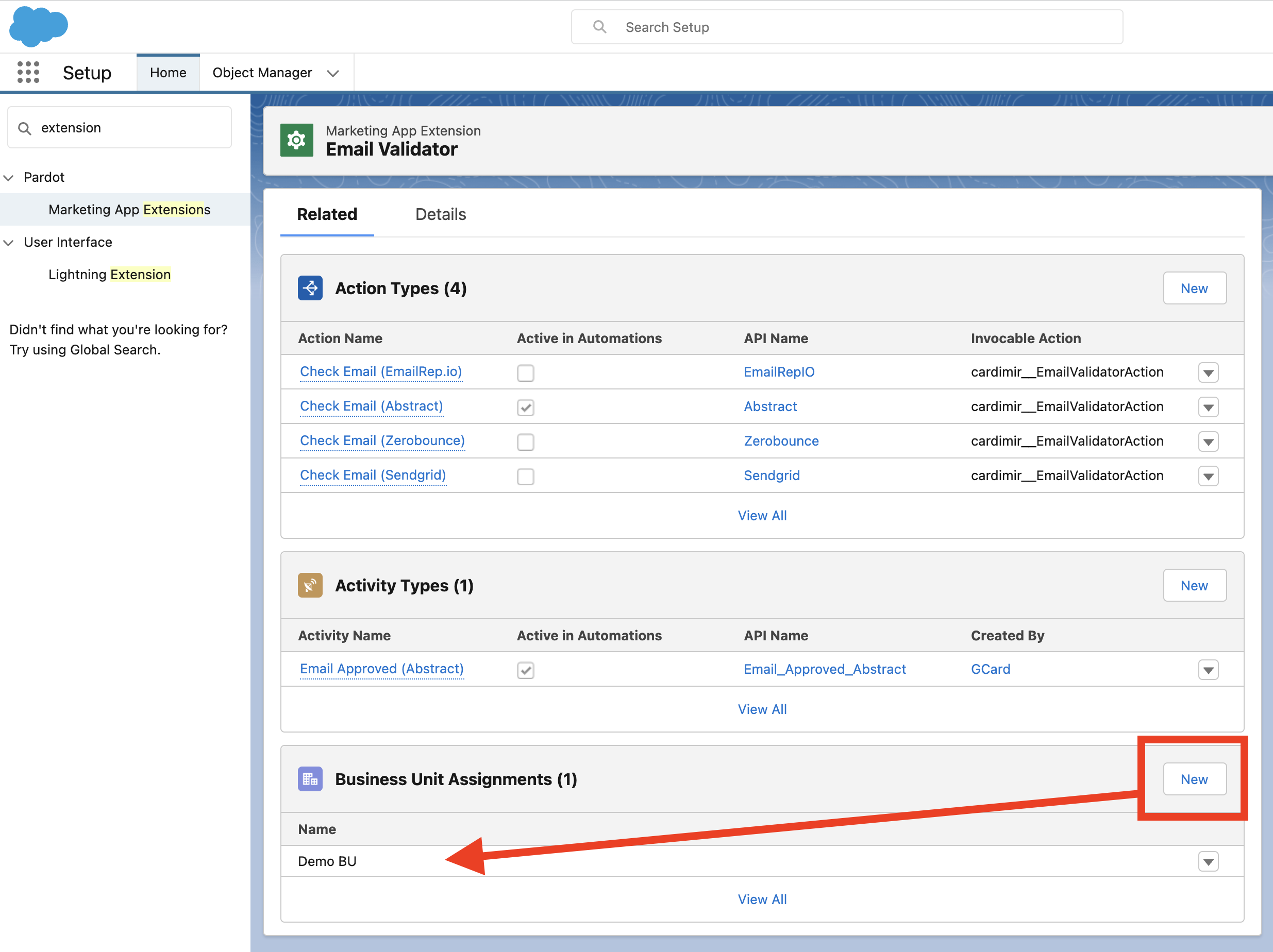
- Assign the Marketing App Extension to all relevant Business Units:
- If not yet done, create a Connected App for Pardot