Ext. Service – Zerobounce
Official Url: https://www.zerobounce.net/email-validation-api.html
Service Description:
Bounces, spam complaints, spam traps and bots – they all wreak havoc on your email marketing. Let our email validator remove them from your list, so you can reconnect with your subscribers and boost your click rates. The ZeroBounce email validation API operates both in real time and in bulk. If you need to verify emails consistently and would like to save time and automate the process, we recommend using the bulk feature.
EMAIL VALIDATOR NOTE: Due to the nature of the Pardot External Action we just implemented the real-time API
The API detects more than 30 types of risky email addresses, prevents them from getting on your list and helps to maintain your email hygiene for a longer period of time. A healthy email list supports your sender reputation and is a cornerstone of good email deliverability.
Activate the API today by installing it on your registration and signup forms, or wherever you collect email addresses online.
Need help getting started with the email validation API? Get in touch with our customer support team. We are here to answer your questions and assist you around the clock, 365 days a year.
Obtain your API key here: https://www.zerobounce.net/members/register/
Free tier: 100 emails / month (+sandbox to test it)
If ZeroBounce status attribute is different from "valid" (i.e. it's one of invalid, catch-all, unknown, spamtrap, abuse, do_not_mail), we consider it as potential spam.
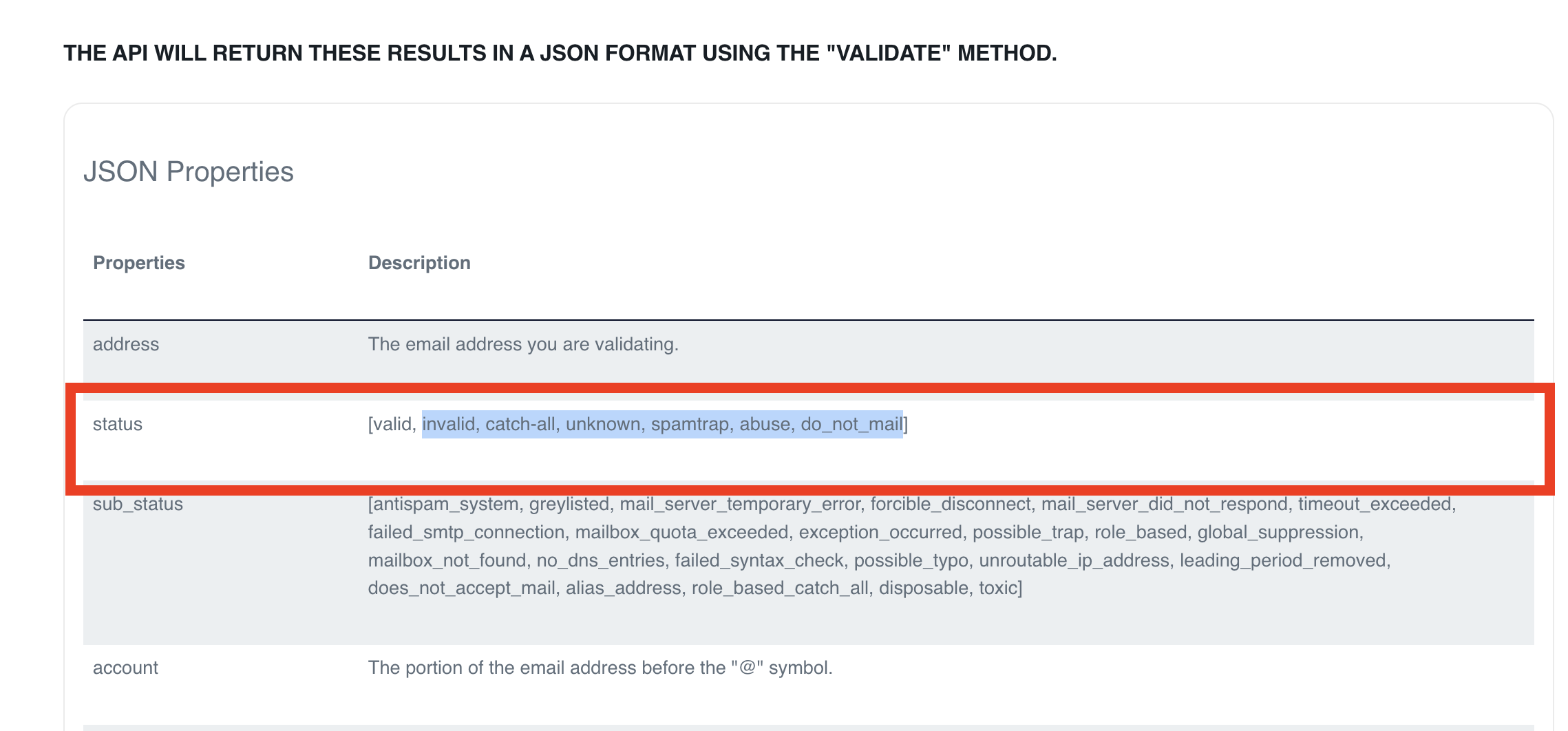
- Sign up on ZeroBounce & obtain your API key from https://www.zerobounce.net/members/register/
- Open the Email Validator Setup tab, scroll down to External Email Validation APIs section and find the configuration card for ZeroBounce
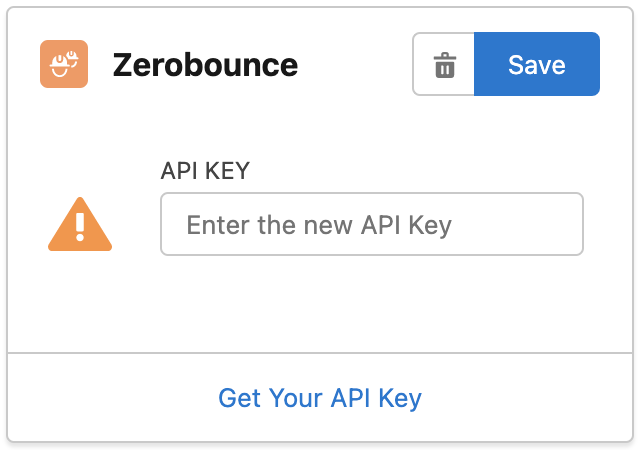
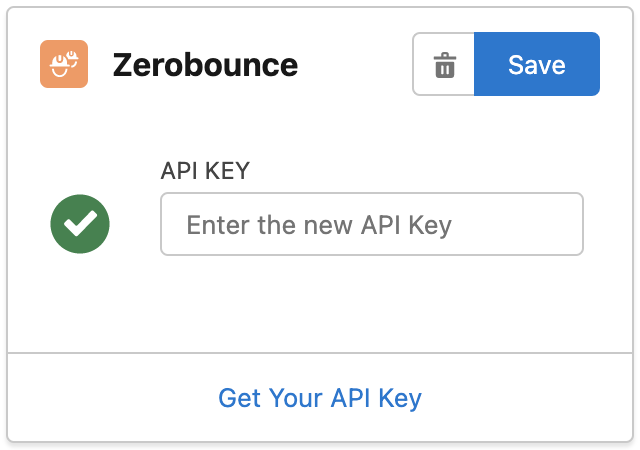
3. Enter your API key then click "Save"
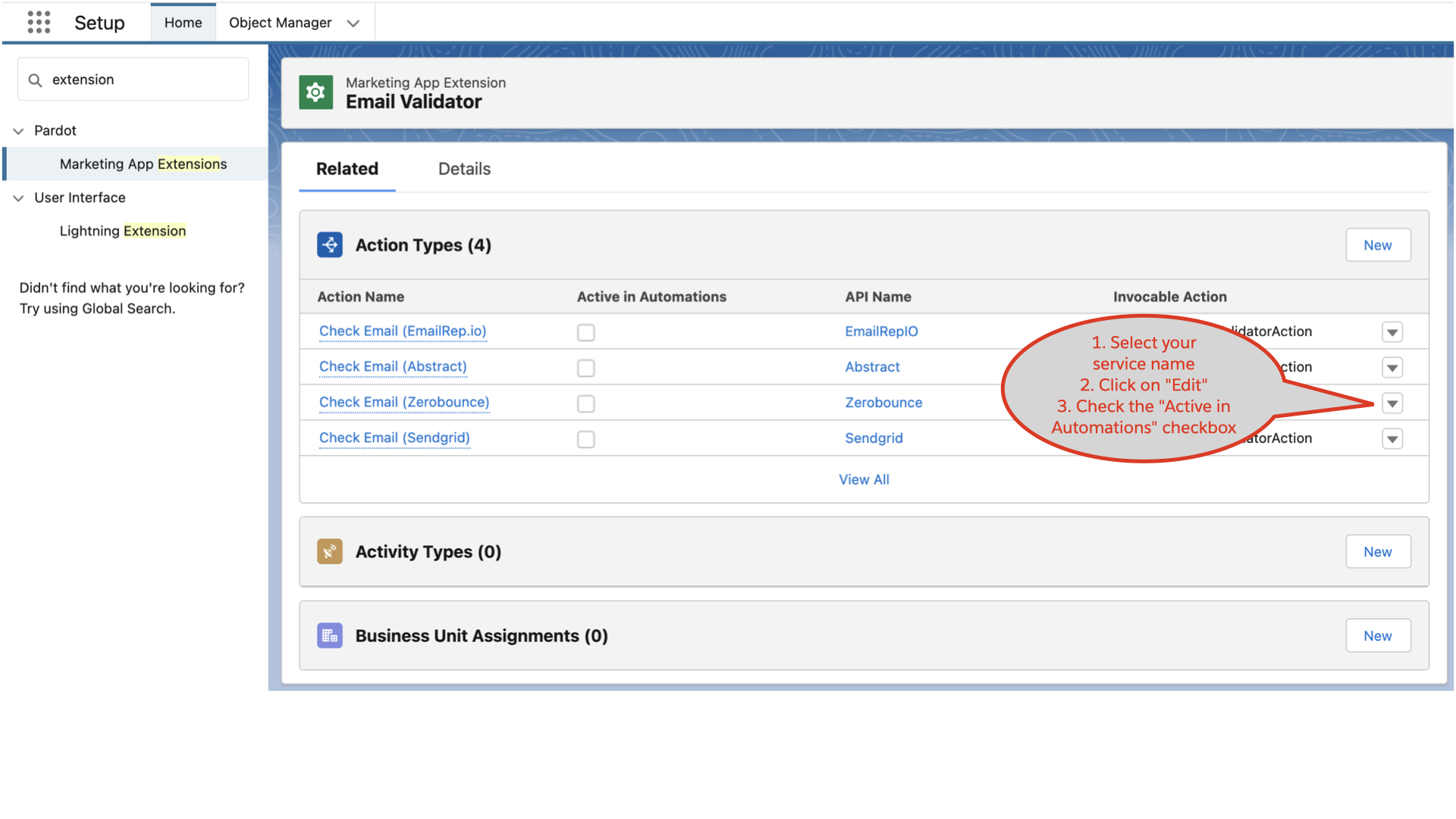
- From Salesforce Setup, search Marketing App Extension and click on Email Validator app:
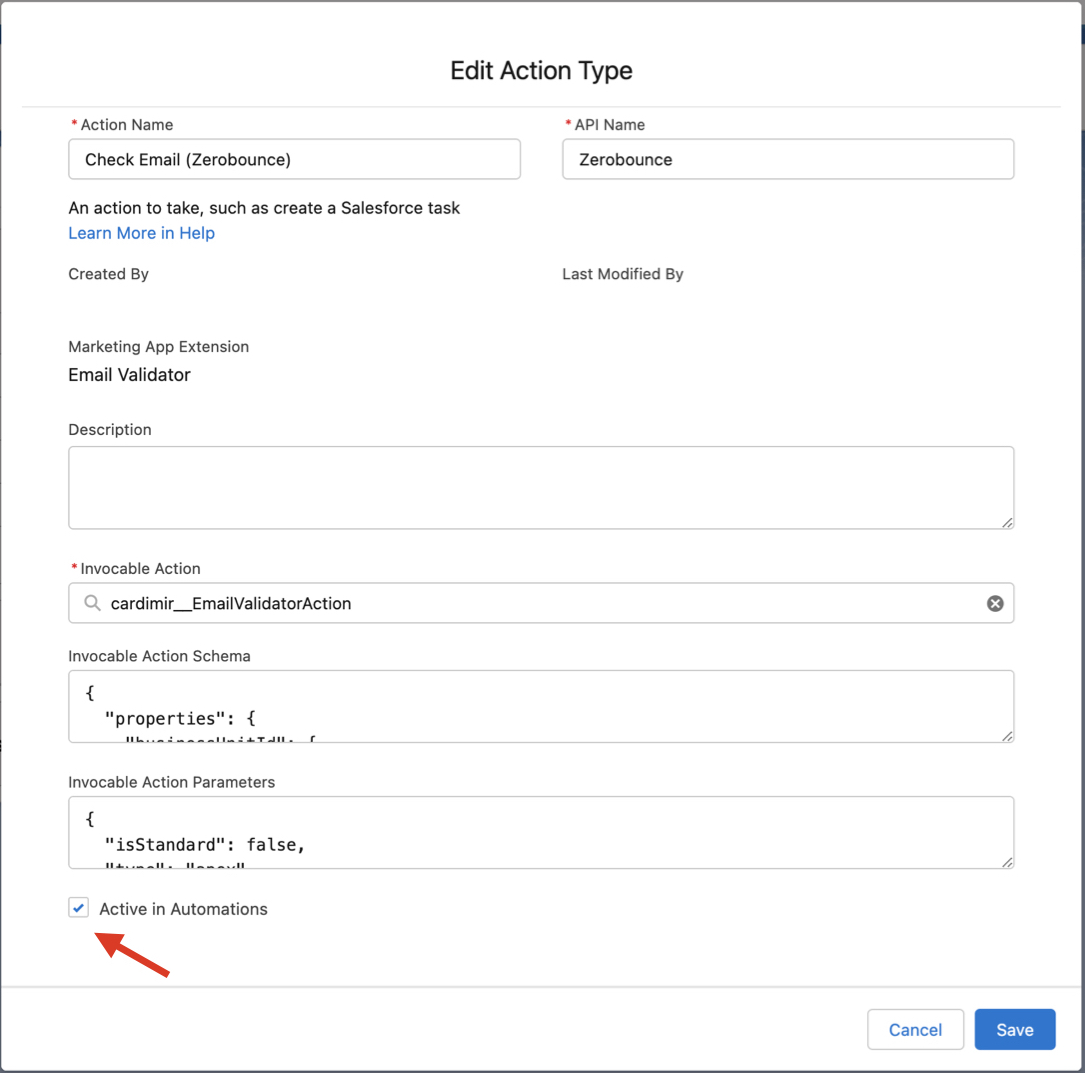
- Find the ZeroBounce service and activate it by editing the corresponding Action Type:
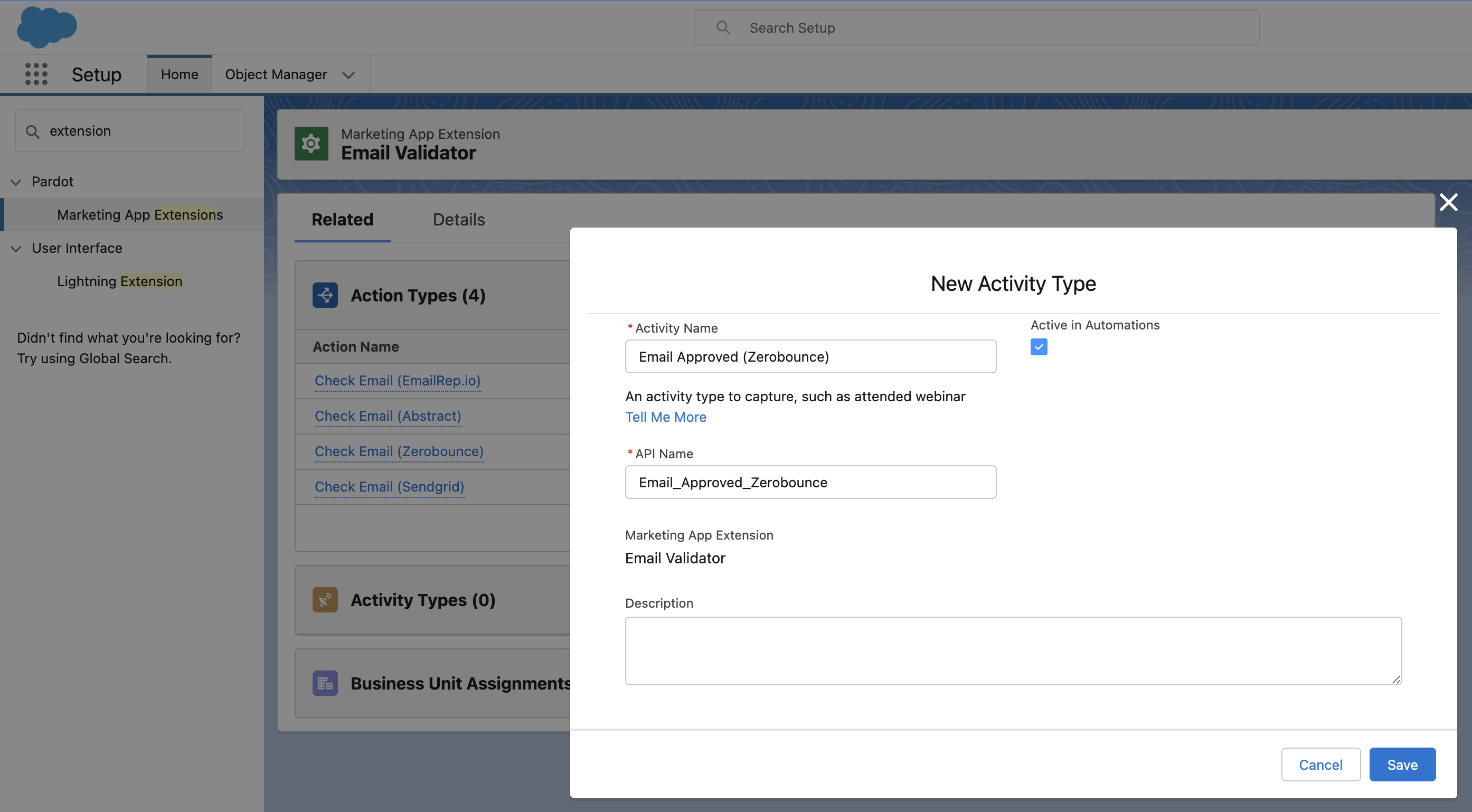
- From Activity Type related list, click on New and create a record with the following values:
Activity Name: Email Approved (Zerobounce) (this is just a label and you can name it as you want)
API Name: Email_Approved_Zerobounce (IMPORTANT: it MUST be spelled exactly like this)
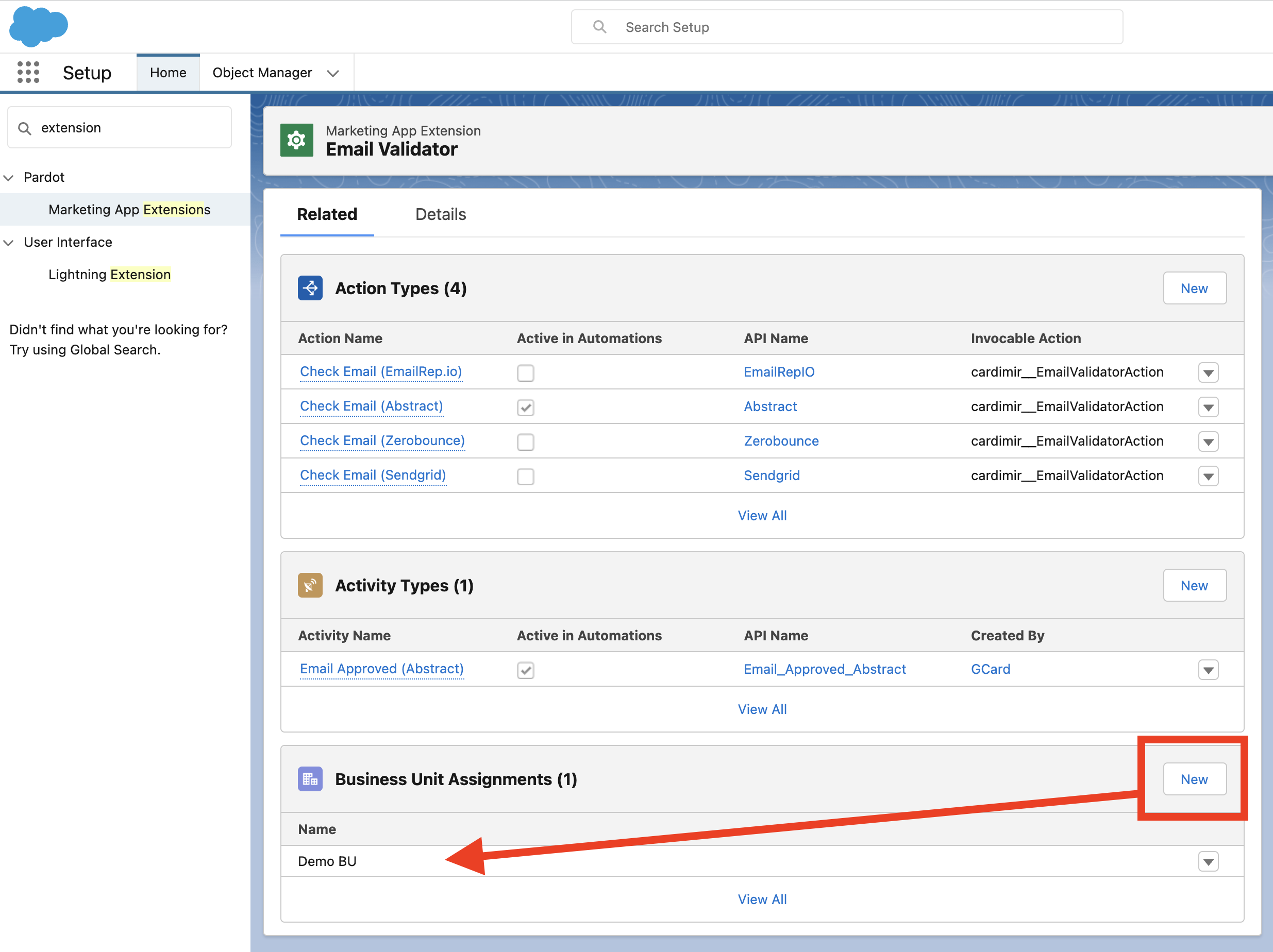
- Assign the Marketing App Extension to all relevant Business Units:
- If not yet done, create a Connected App for Pardot