Custom node scripts
Custom node scripts can be used in the Custom script node. They offer users the opportunity to create entirely new and costumized functions if needed. The scripts are standard python codes (either written in the text editor workspace, or opened from an external file) with only a few guidelines concerning the output, and use of inputs.
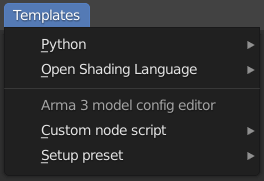
A few ready-made, simple scripts are available in the Templates menu of the text editor workspace for easy access. The templates include a header section with explanation of the function, the expected inputs, and the output.
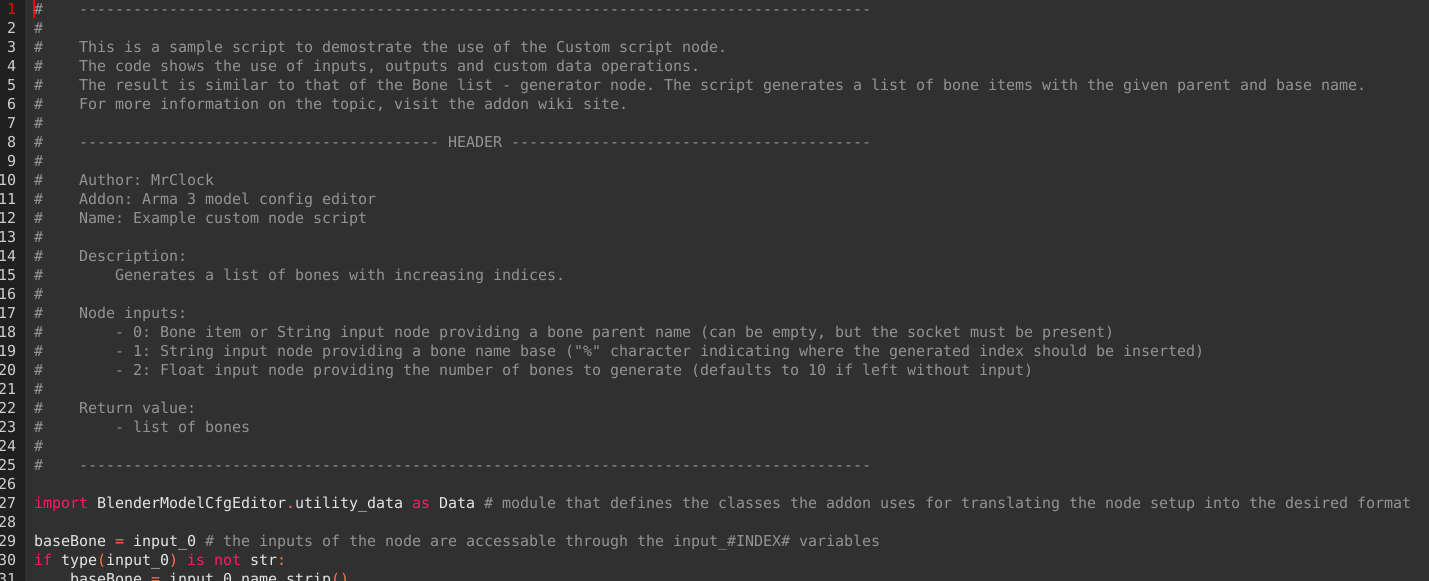
The custom scripts generally speaking are traditional python scripts that are executed by the Custom script during processing. There are only a few restrictions or obligations regarding input and output.
Just like with any python script, parameters can be "hard-coded" into the script itself, but it helps with re-usability if the inputs can be changed without touching the script itself. In the case of the these scripts, it can be done by adding input sockets to the script node. The processed data of the connected nodes is available in the input_#INDEX# (where #INDEX# is replaced by the 0 based index of the input socket) variables inside the scripts.
Since a node script is a very specific application, it is not recommended to make these scripts overly fool proof, it is not worth the processing resources, since the script will most likely be only used the writer itself.
The output of the script must be set into a variable called result, if the variable is not present in the script, the node will return "".
The output data can practically be anything from numbers, strings, bones, lists. It is important to note though that returning a skeleton or model class from this node is pointless, because the processing of the node tree looks for those in the respective hard-coded skeleton and model class nodes.