Data transfer
scp is a unix utility that you can securely copy your files and directories between two local/remote locations.
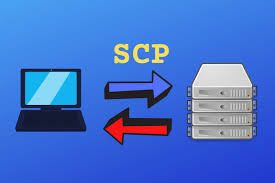
You can use scp command by using -
scp [option] [HOST ADDRESS]:[FILEDIRECTORY] [DESTINATION ADDRESS]:[FILEDIRECTORY]
Here are two scp command example
"I (tuc289) am trying to transfer a file called "sample1.fastq" from my "~/scratch" directory in Roar (remote host, submit.aci.ics.psu.edu) to local directory("~/Download")"
scp [email protected]:~/scratch/sample1.fastq ~/Download
"I (tuc289) am trying to transfer a directory called "metagenomics" from my "~/scratch" directory in Roar (remote host, submit.aci.ics.psu.edu) to local directory("~/Download")"
scp -r [email protected]:~/scratch/sample1.fastq ~/Download
-r : recursive, indicating directory and files in the directory
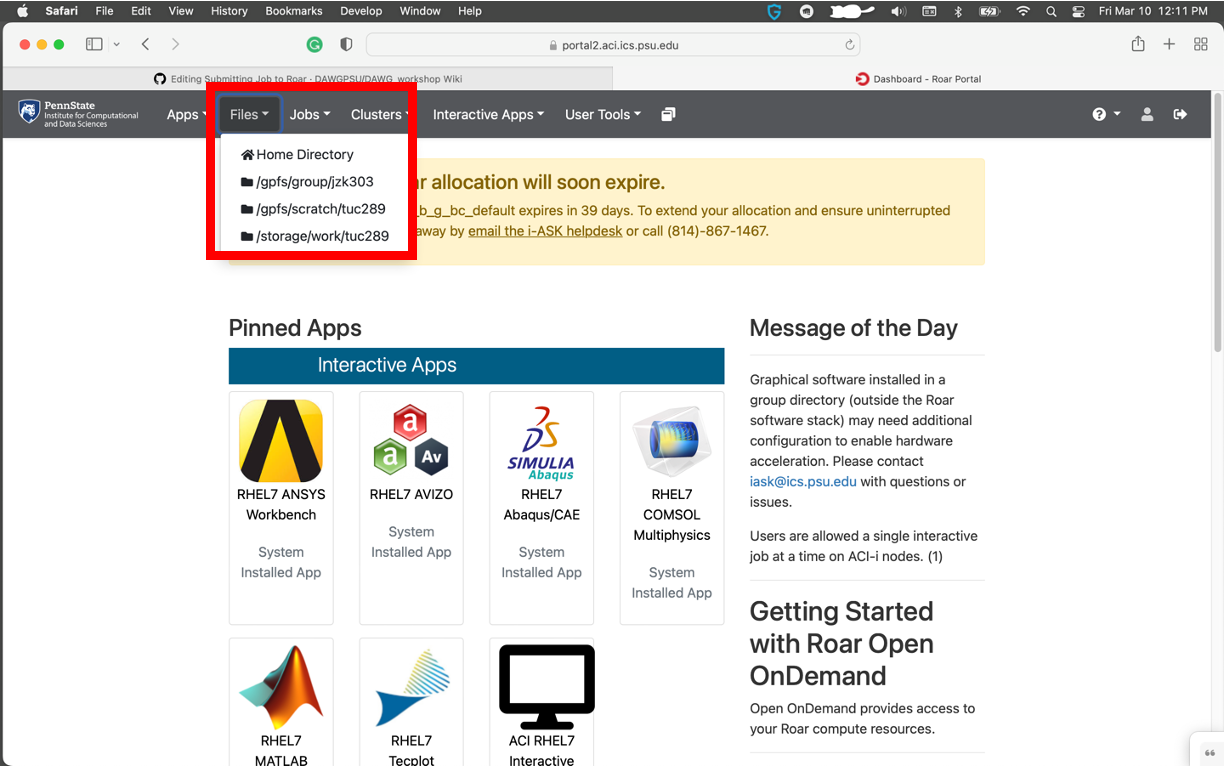
- Go to "portal2.aci.ics.psu.edu"
- Click "Files" and select a location you want to upload/download your file(s)

- You can navigate folders, upload, and download files to/from the Roar.