en plugin plugin intro
LangBot is composed of various internal components such as Large Language Model tools, commands, messaging platform adapters, LLM requesters, and more. To meet extensibility and flexibility requirements, we have implemented a production-grade plugin system.
Each plugin runs in an independent process, managed uniformly by the Plugin Runtime.
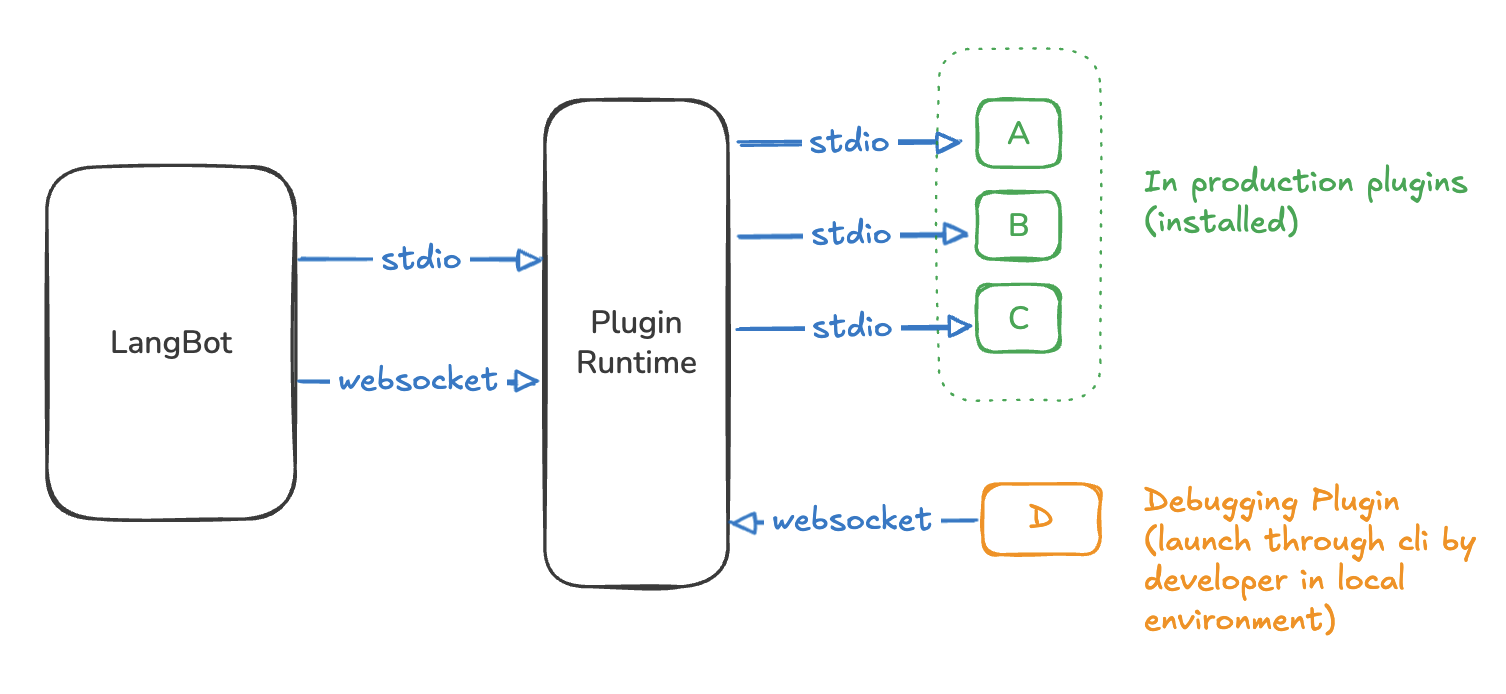
Plugins can provide the following components based on their specific functionality:
- Event Handlers: Listen to events during pipeline execution and modify context or pipelines.
- Commands: Triggered by user command messages starting with
!(or other configured prefixes). - Tools: Called by LLMs during execution of LangBot's built-in Local Agent.
- Knowledge Engines: Manage document indexing and retrieval for knowledge bases.
More component types will be supported for plugin implementation in the future.
Currently supports uploading plugin packages and installing plugins from the plugin marketplace. In LangBot's plugin management page, click the top-right corner to choose the installation method.
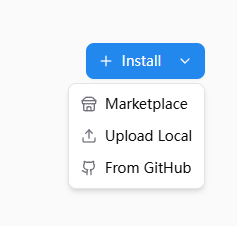
Click Upload Local, select .lbpkg files shared by others or downloaded from the Marketplace to install plugins.
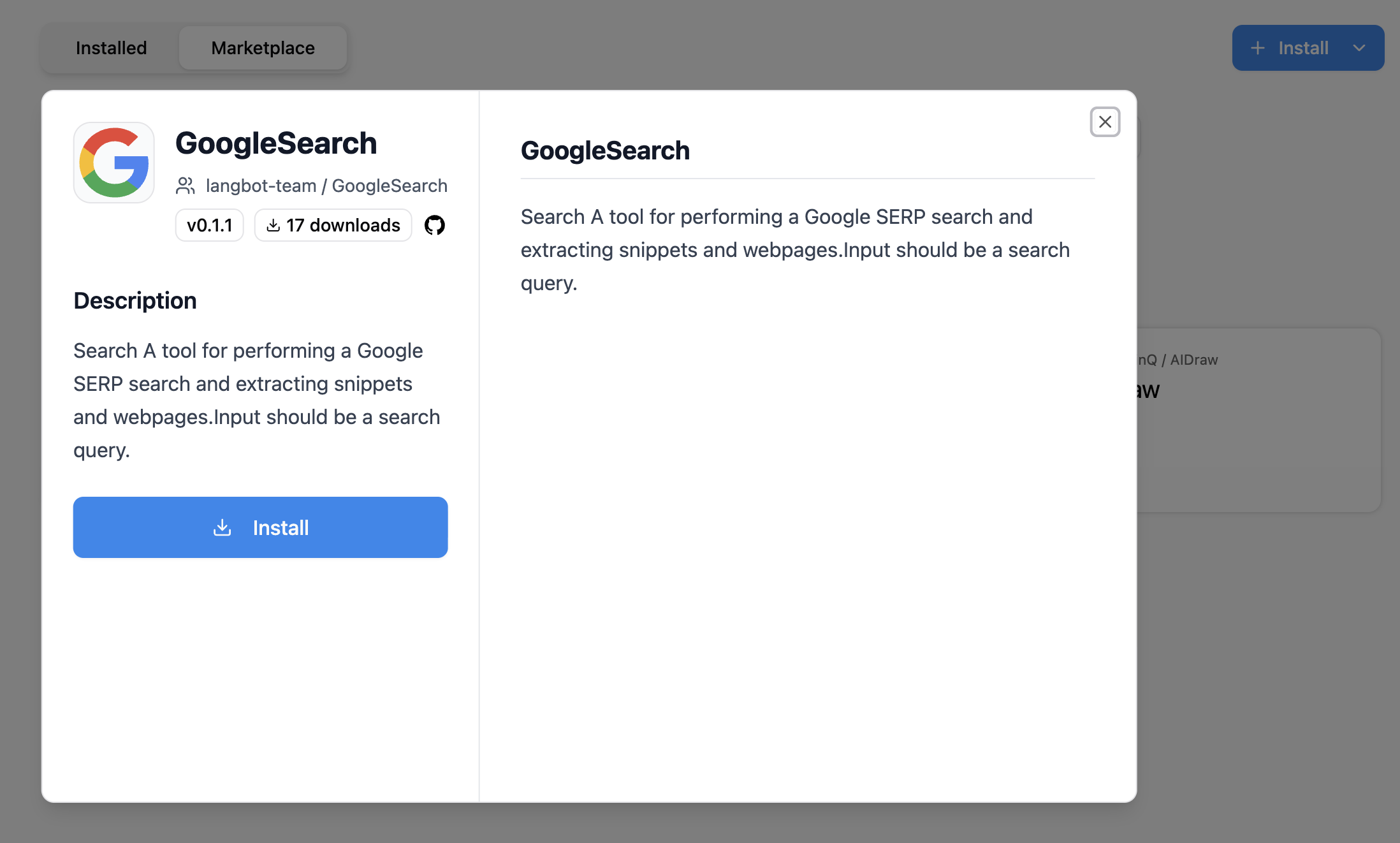
Or click the Plugin Marketplace tab, select a plugin, and click install.
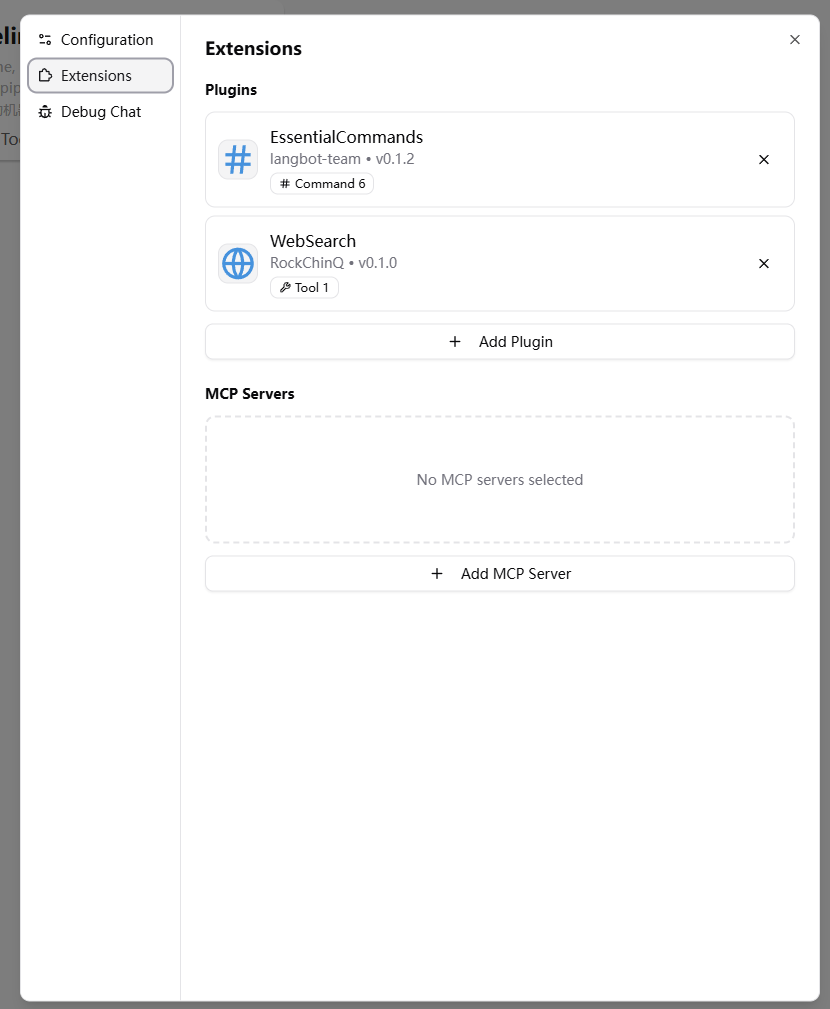
After installing plugins, you need to select the plugin in your pipeline configuration page.
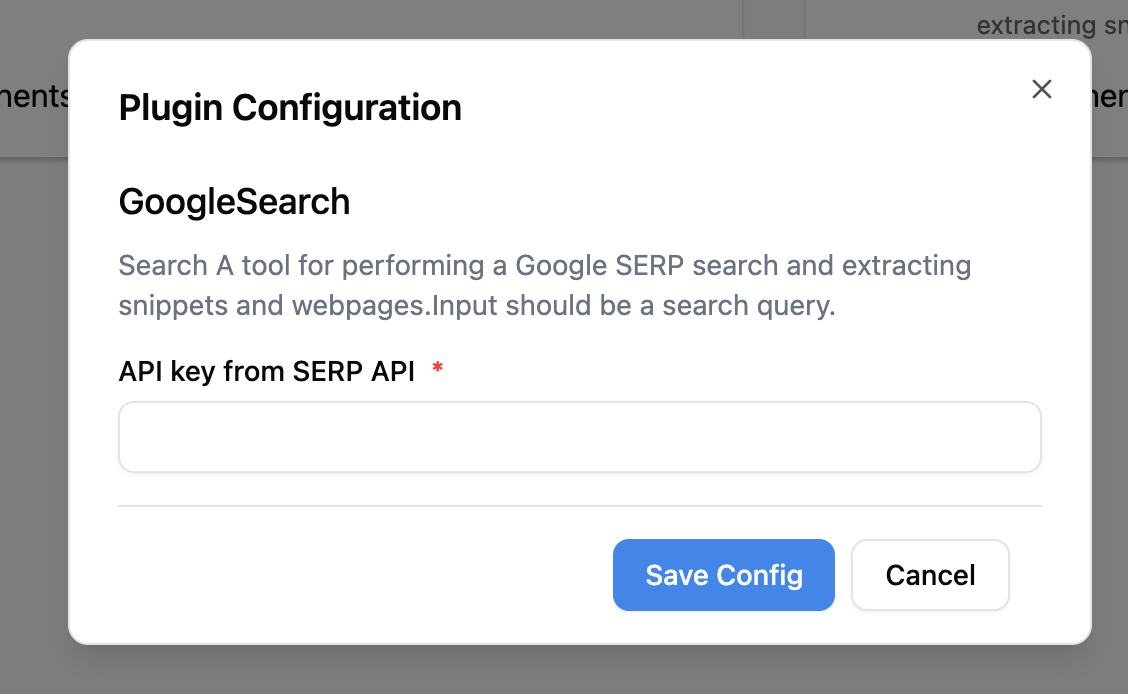
Some plugins may require you to fill in specific configuration items (please refer to the plugin README instructions). Click on the plugin card to enter the plugin details page and obtain and input the required information as prompted.
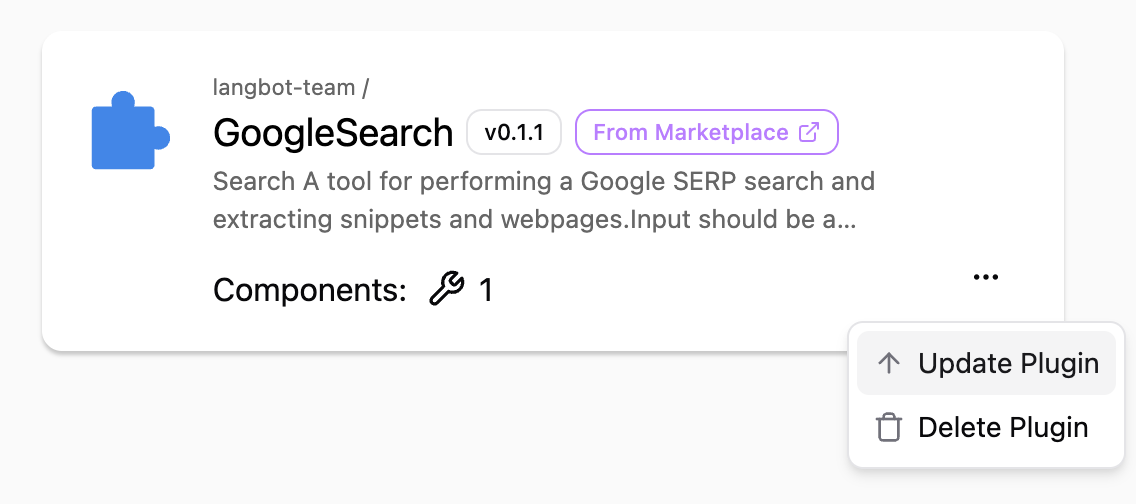
Only plugins installed from the plugin marketplace can be updated.
The plugin marketplace can be accessed from LangBot's internal Plugin Management page, or you can visit the standalone site LangBot Plugin Marketplace.