en tags readme
LangBot provides a set of RESTful APIs for external services to integrate and automate management. These APIs are authenticated with API keys, which are a subset of the HTTP API.
Warning
Service API is currently in Beta and some APIs may change frequently.
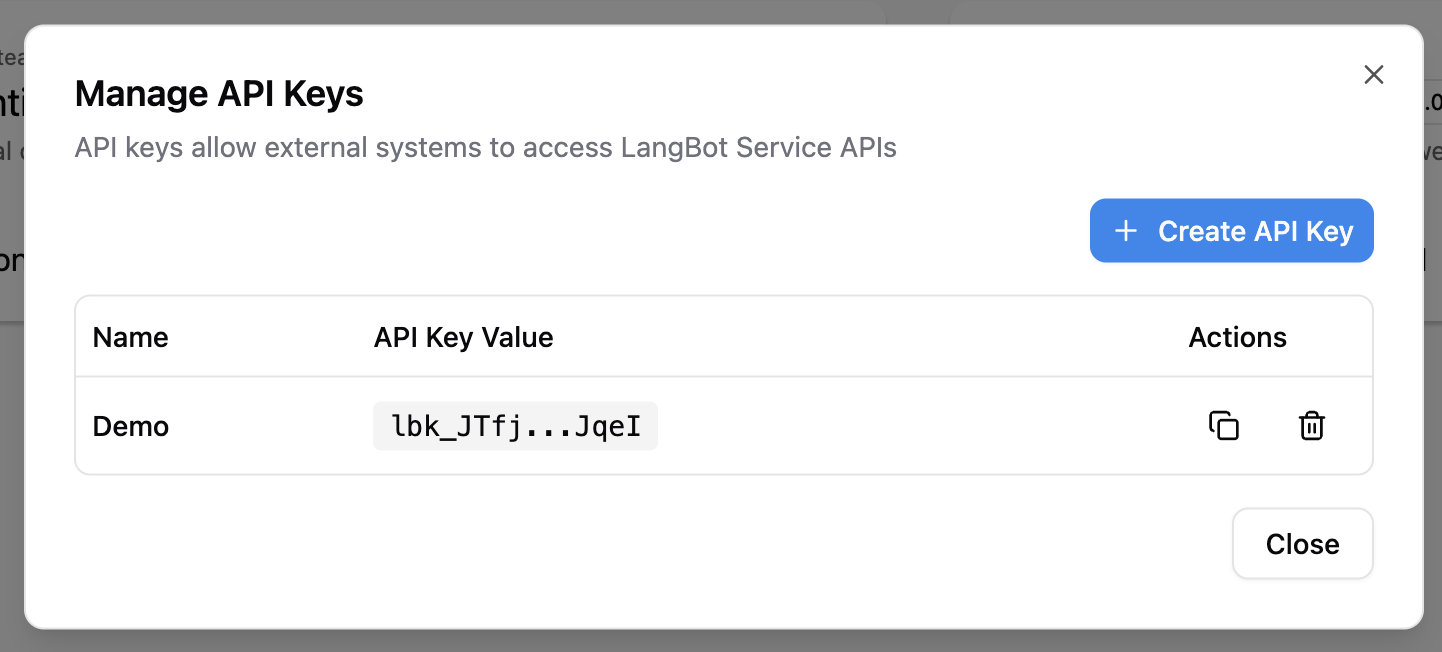
Click the API Keys button in the sidebar of the WebUI to create an API Key.
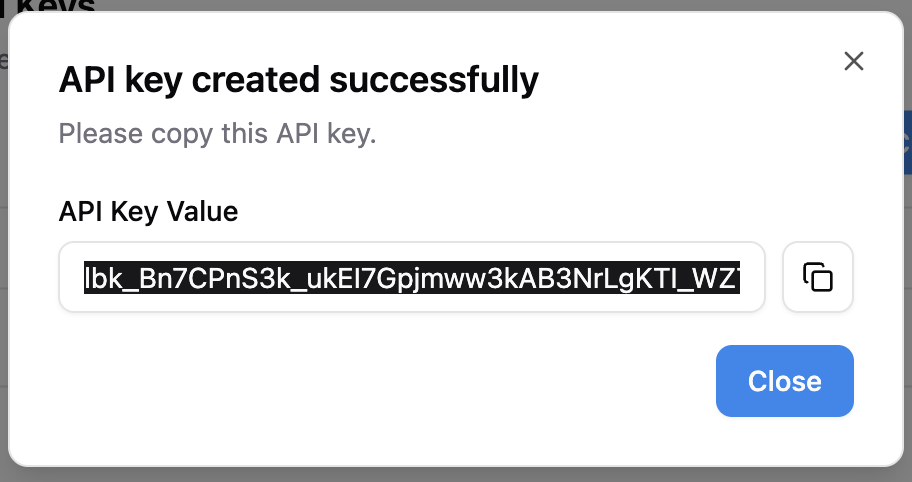
After creation, copy the API Key and save it.
All Service APIs support two authentication methods:
-
API Key: Via
X-API-Key: <your-key>orAuthorization: Bearer <your-key>header -
User Token: Via
Authorization: Bearer <user-token>header (obtained after login)
The left sidebar lists all available APIs. You can fill in your instance address (the port address exposed by the backend, default is http://localhost:5300) and API Key, then click the Try it out button to call the API.
LangBot uses a Provider + Model two-layer architecture for AI model management:
-
Provider: Defines the API endpoint (
base_url), requester type, and API keys. A single provider can be associated with multiple models. -
Model: Associated with a provider (via
provider_uuid), defining the specific model name and parameters. Models inherit the provider's API endpoint and keys.
Provider (OpenAI)
├── base_url: https://api.openai.com/v1
├── api_keys: [sk-xxx]
├── LLM: gpt-4o
├── LLM: gpt-4o-mini
└── Embedding: text-embedding-3-small
This architecture allows you to manage multiple models under a single provider, sharing API configuration and avoiding redundant key entries.
A requester defines the communication protocol with AI services. Use GET /api/v1/provider/requesters to list available requesters. Common requesters include:
-
openai-chat-completions— OpenAI-compatible chat completions API (also works with SiliconFlow, DeepSeek, etc.) -
anthropic-messages— Anthropic Claude API -
openai-embeddings— OpenAI-compatible embeddings API
Some operations (plugin install/delete/upgrade) run asynchronously and return a task_id. You can track progress in the WebUI.